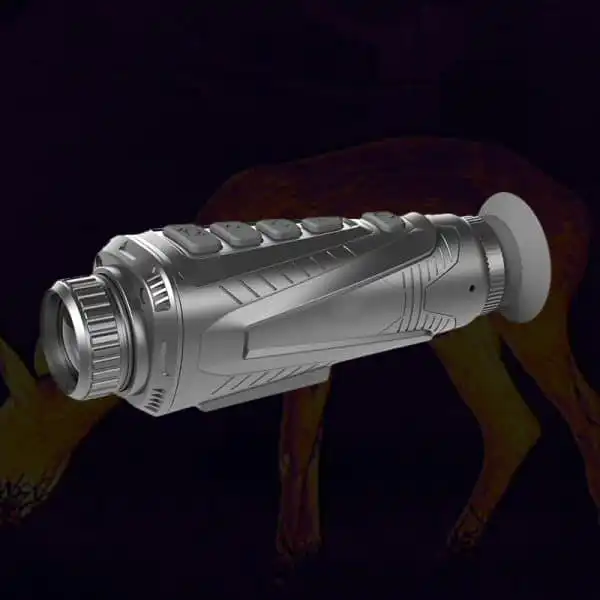
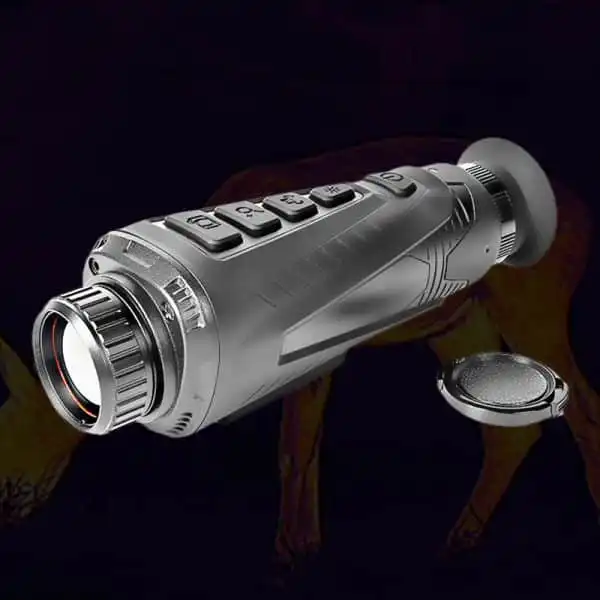
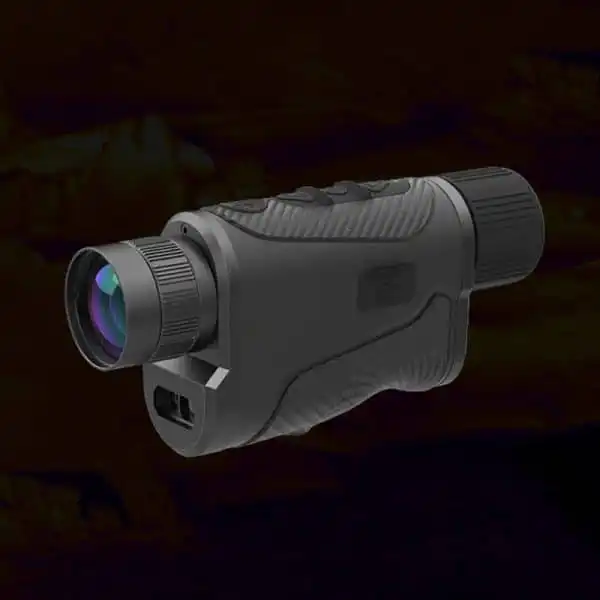
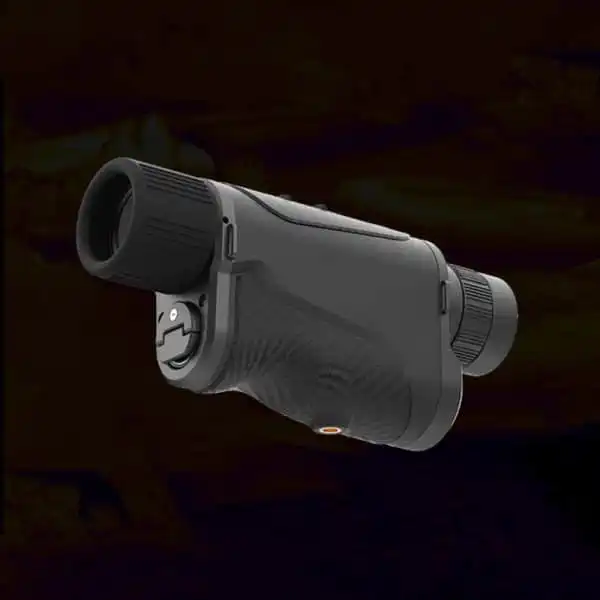
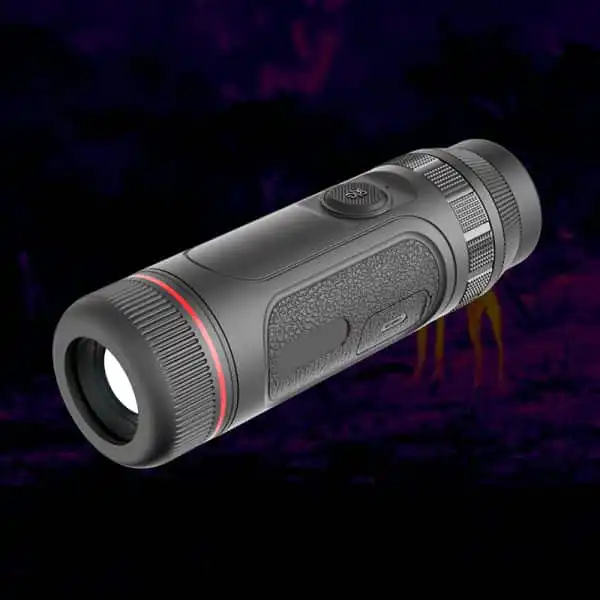
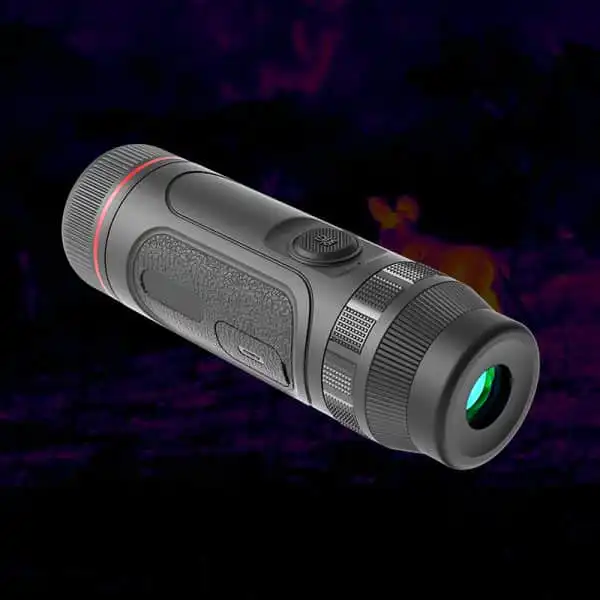
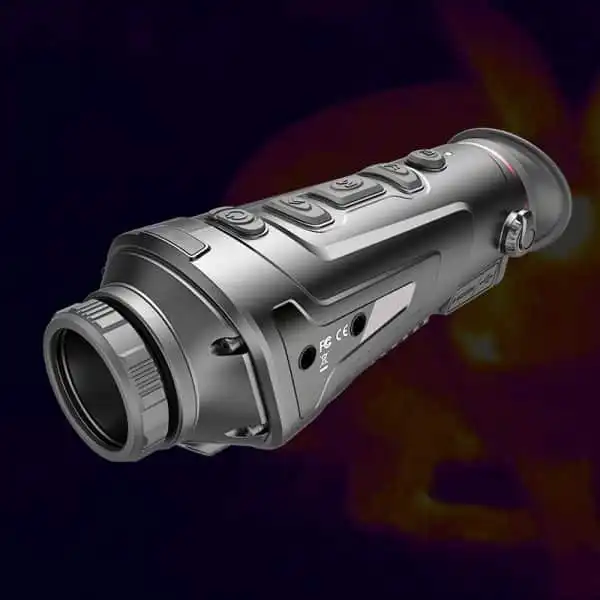
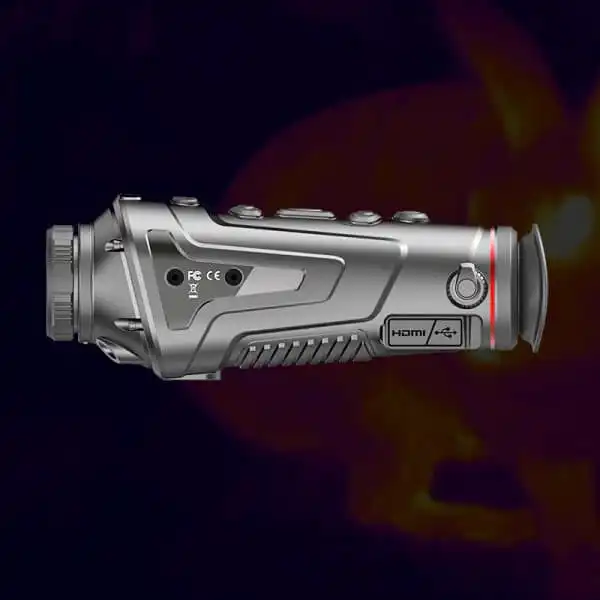
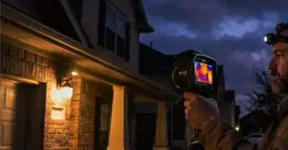
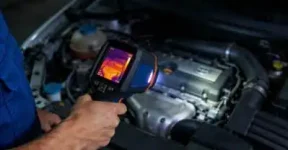
Digital Thermal Goggles: What Are You Trying to Record?
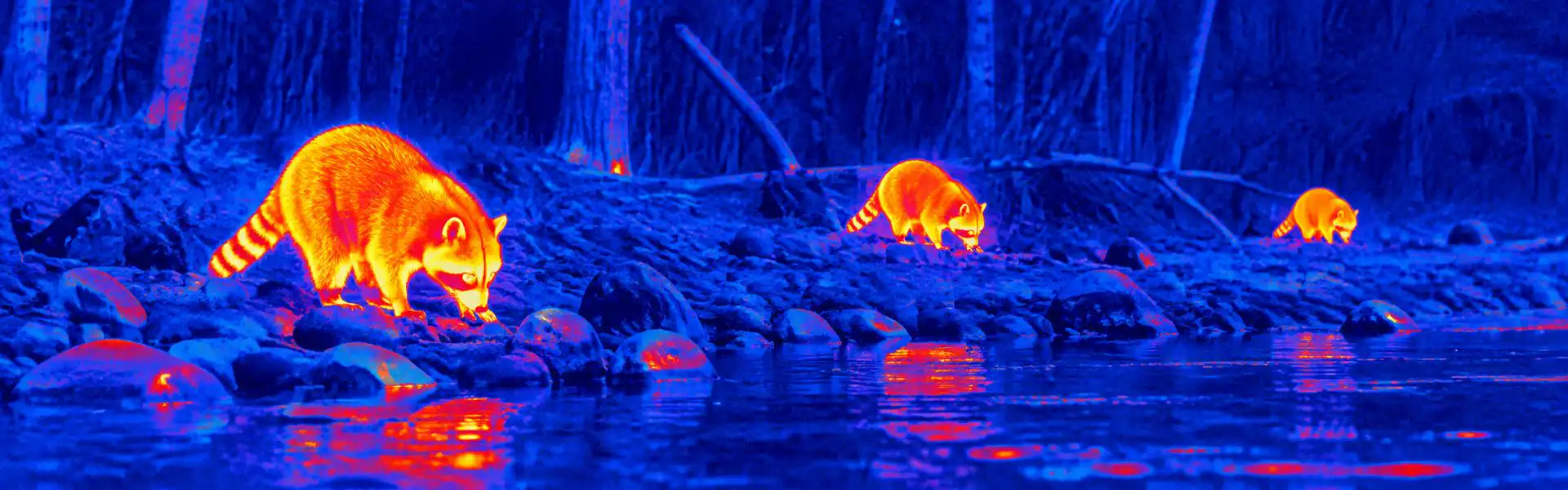
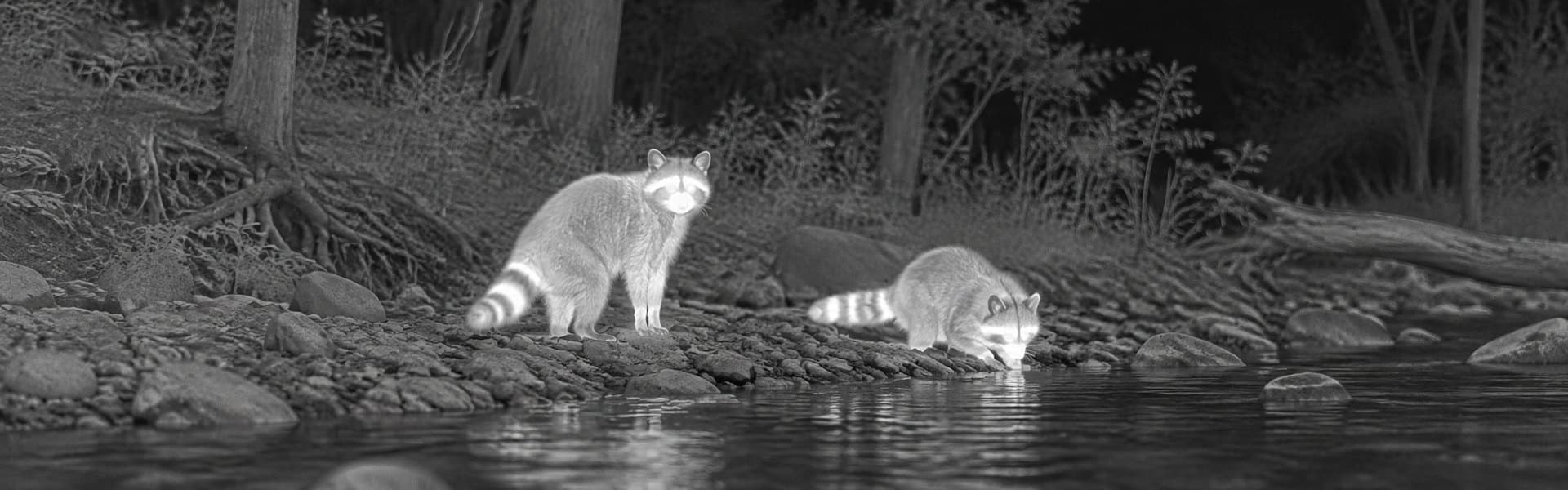
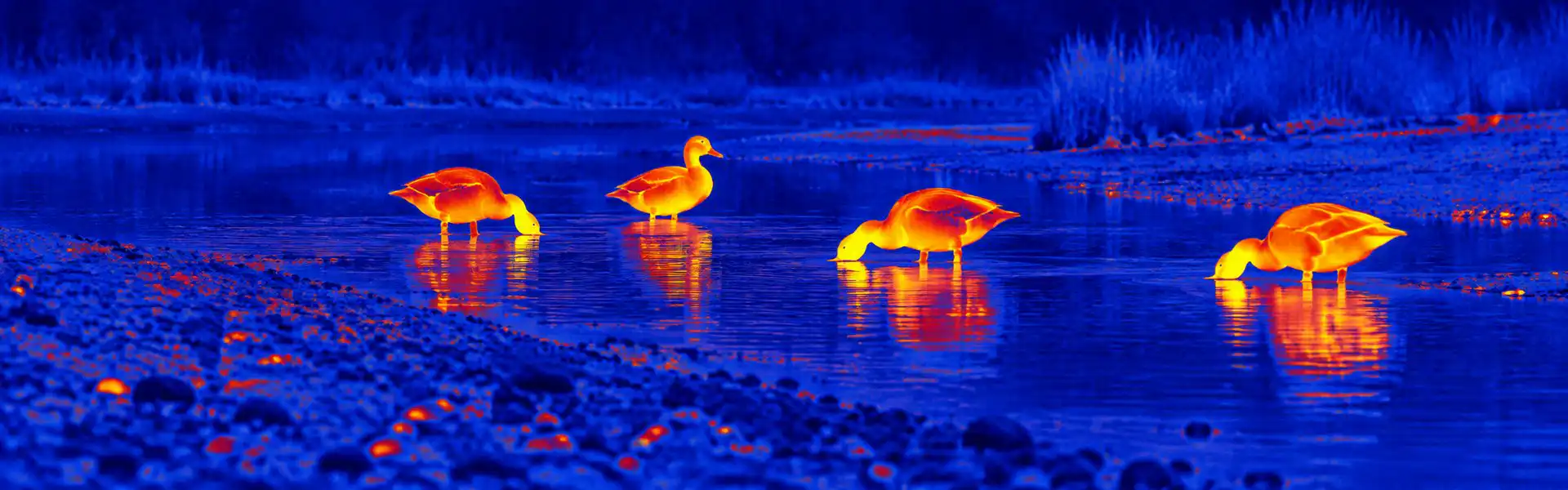
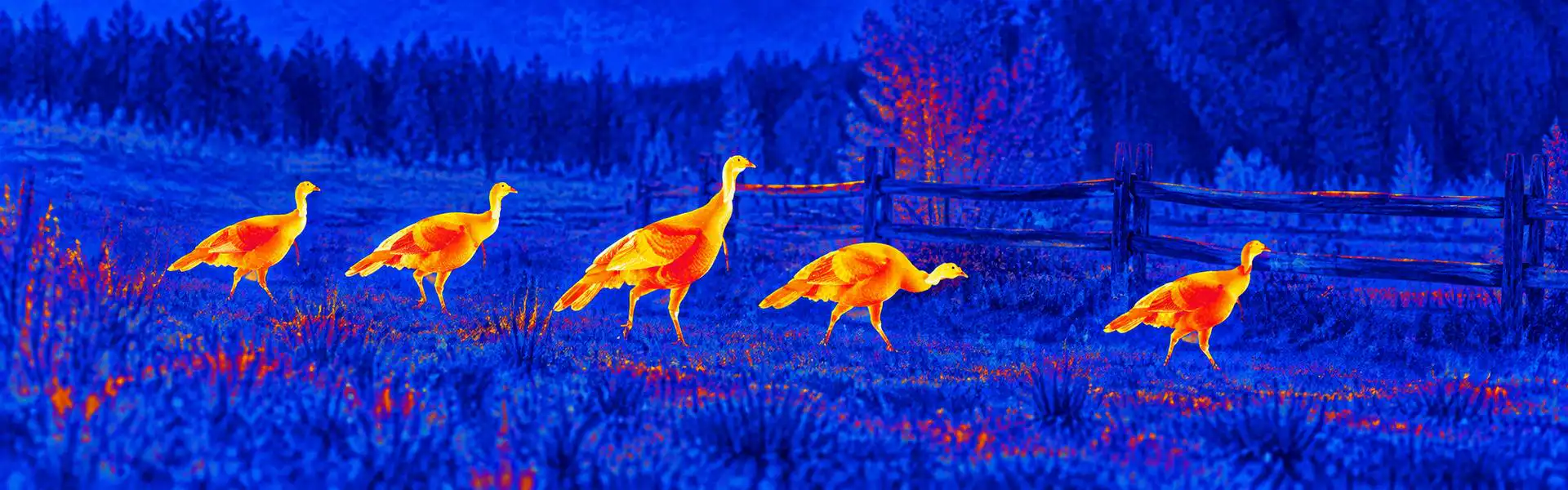
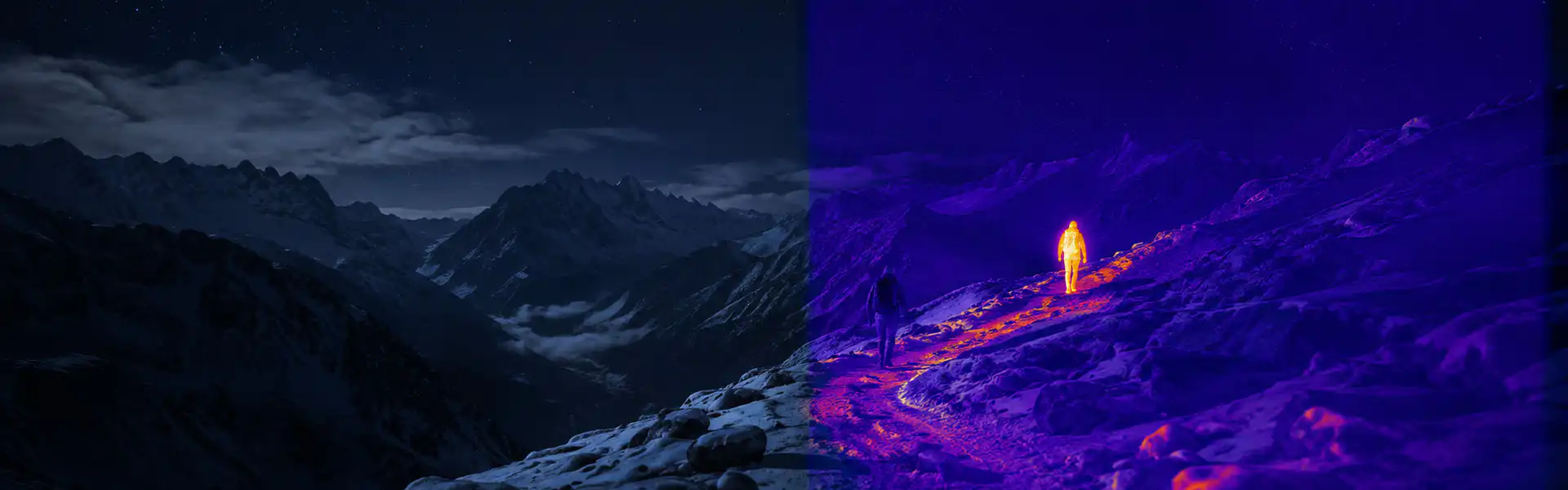
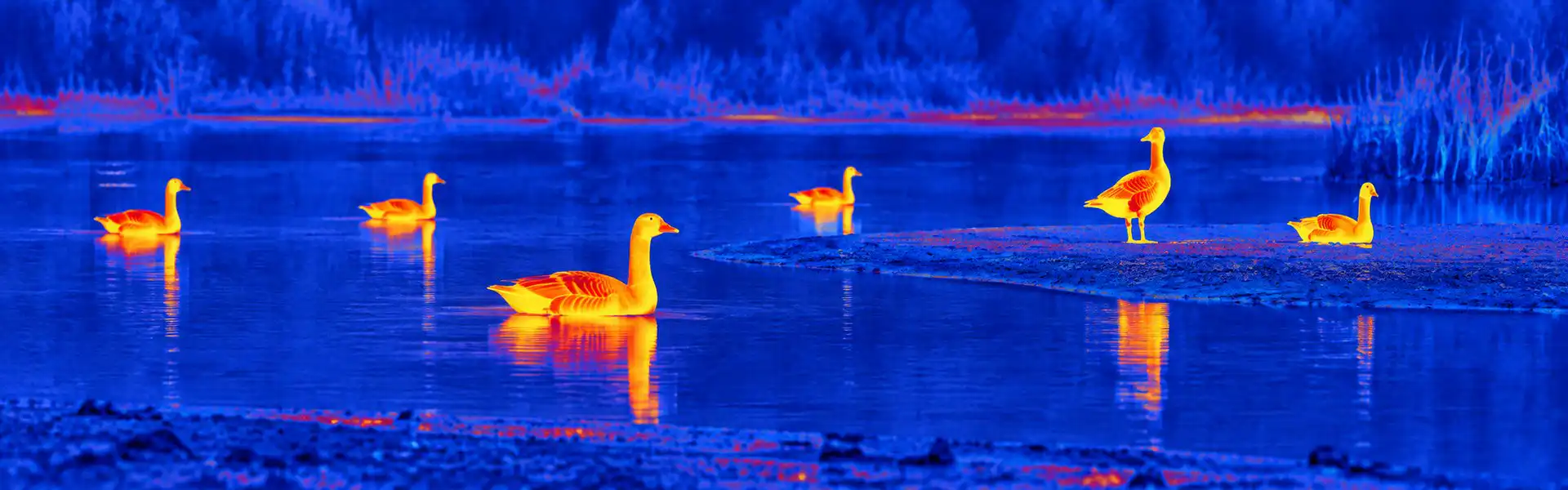
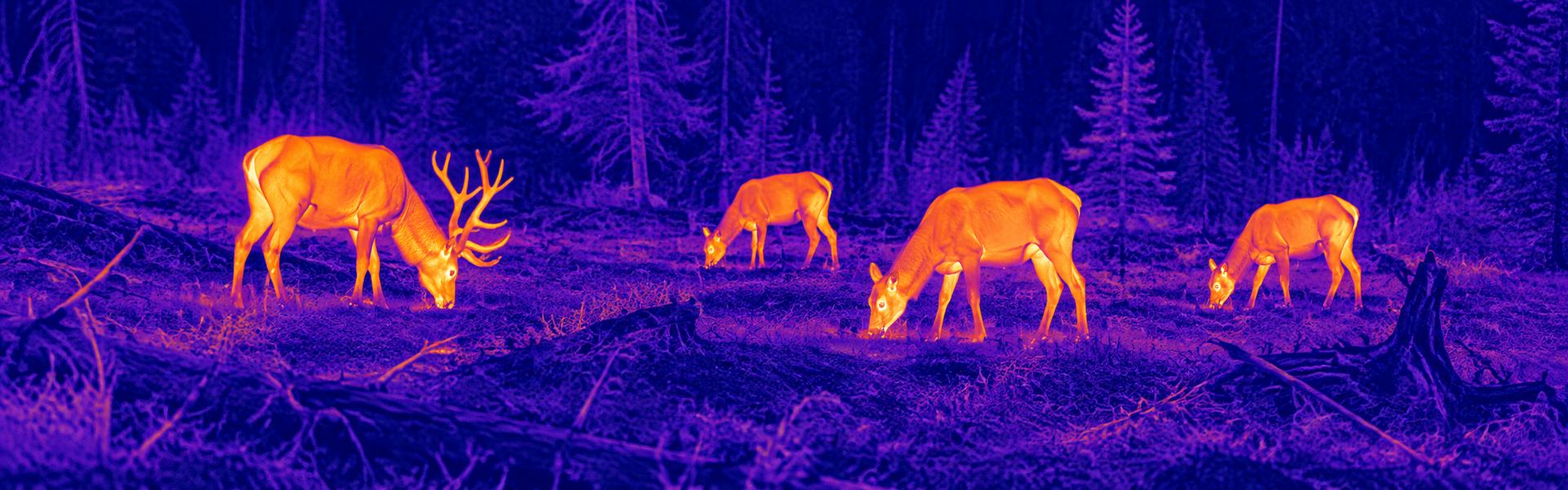
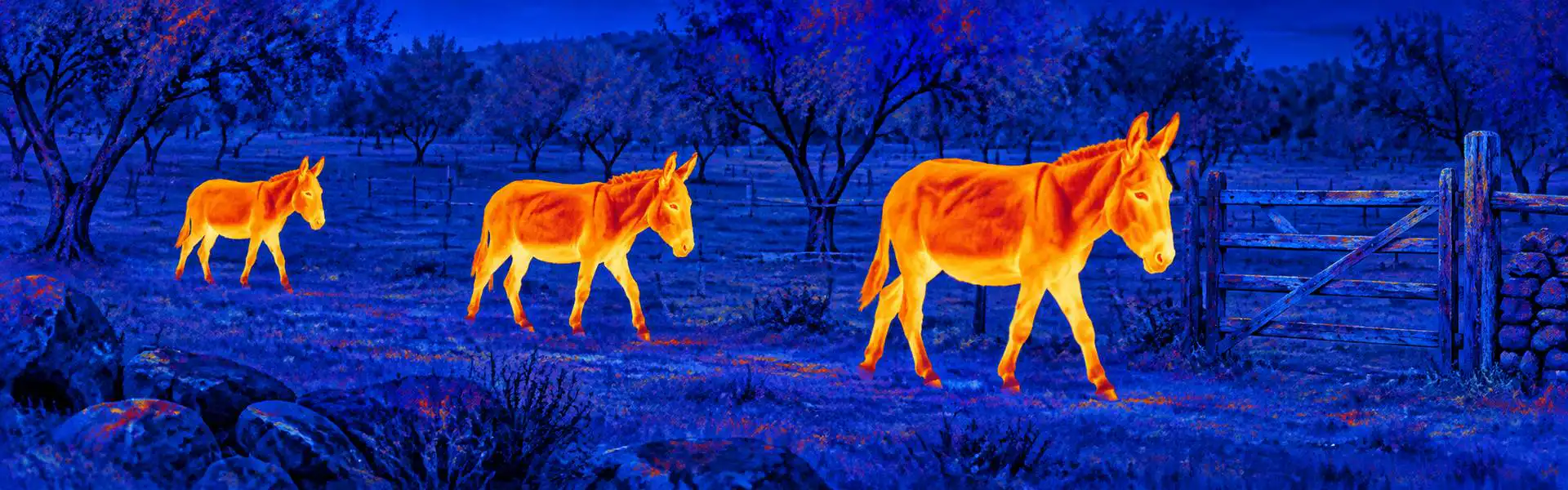
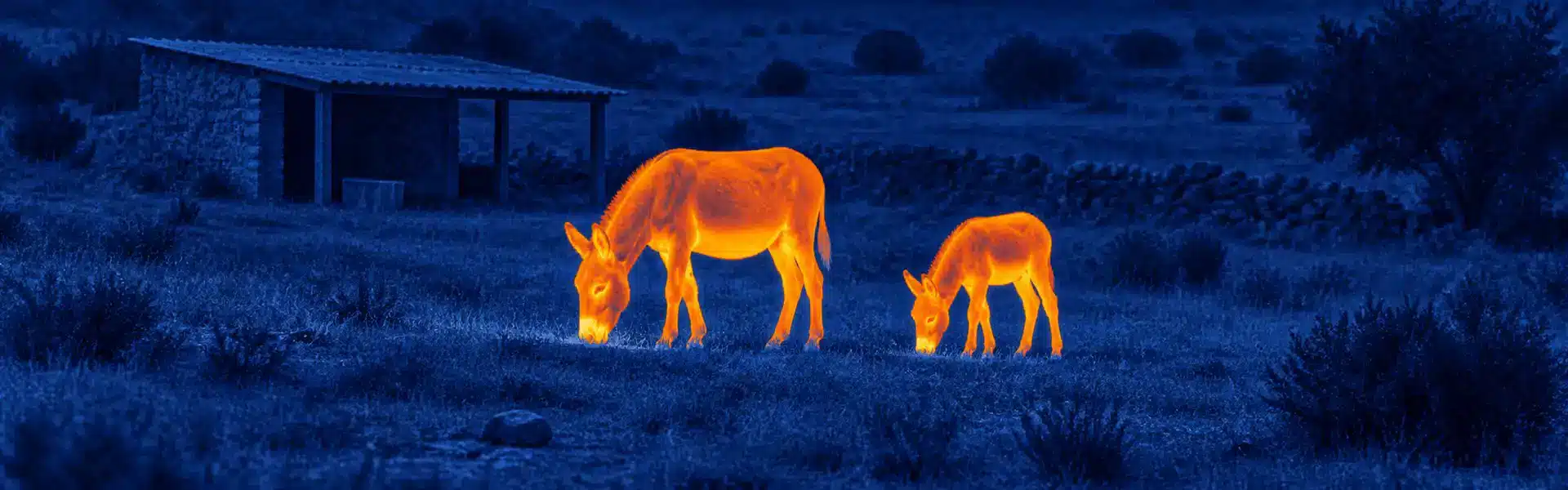
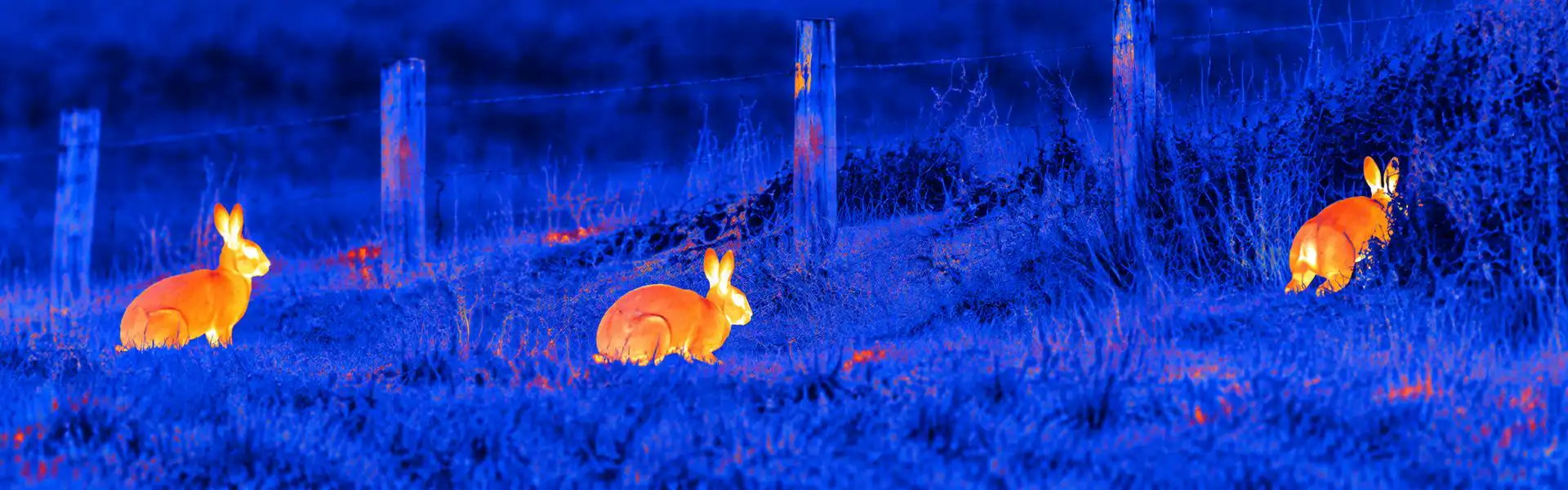
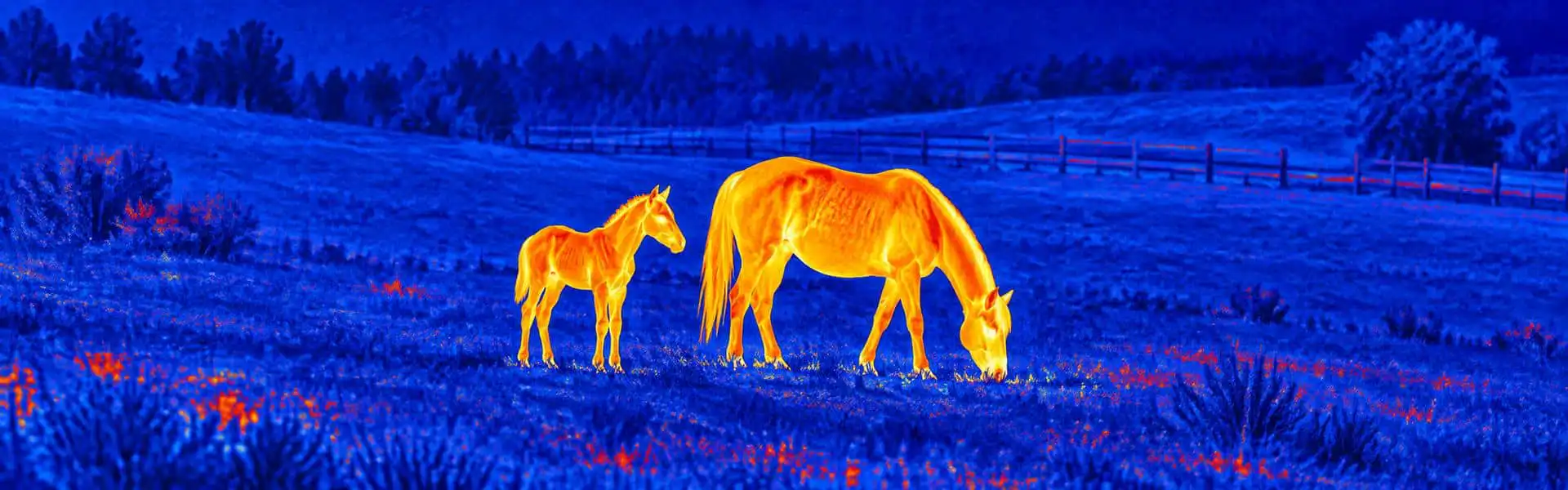
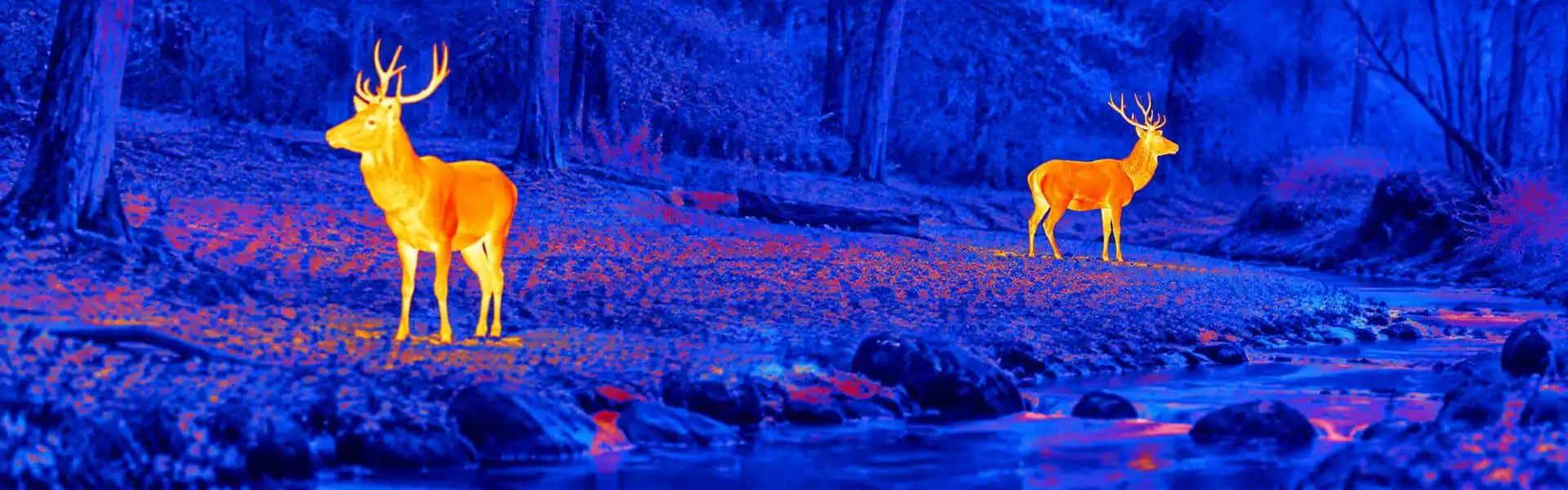
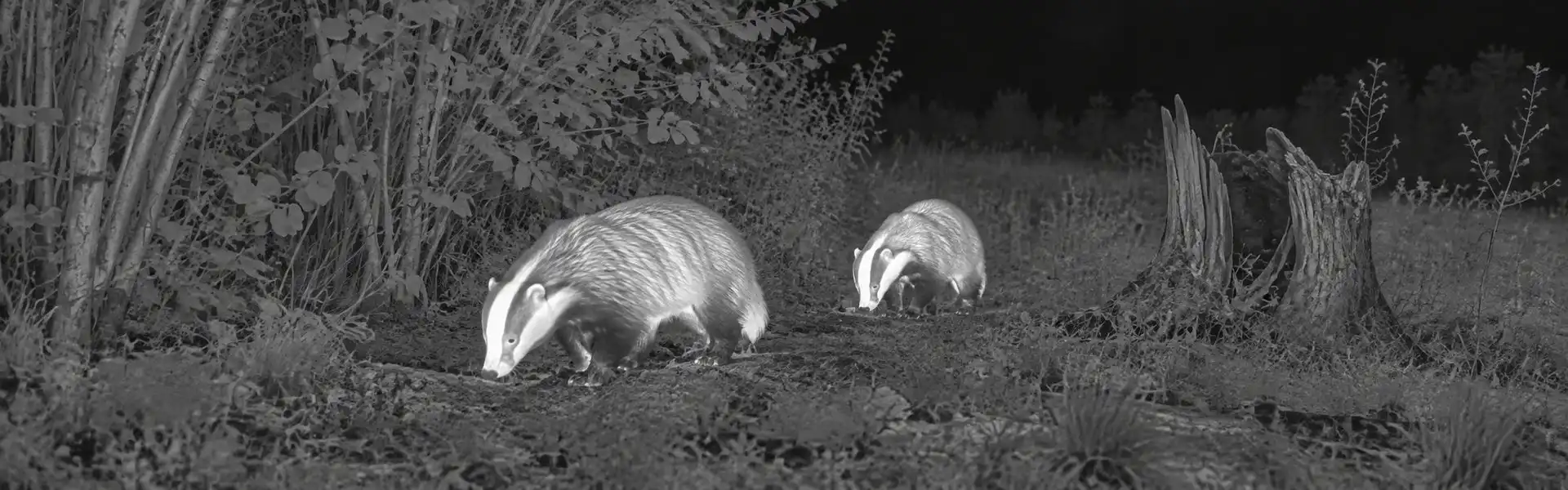
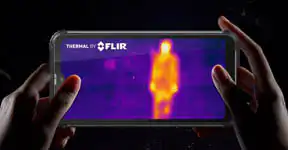
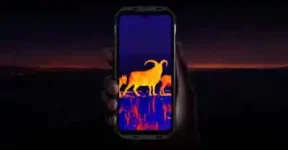
An observer checking wildlife activity near bins or storage buildings needs more than a bright silhouette. Useful documentation includes the exposed subject, some location context and a note of the event time. thermal goggle recording priorities should distinguish discovery from later identification. A short sample captured from the intended position is a better starting point than a promotional montage.
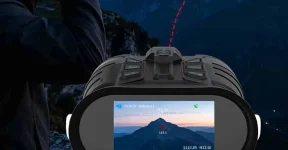
If stationary hands-free viewing makes note-taking easier, test that specific benefit. live thermal goggle response still matters because you frame the clip through the display. A file that looks stable afterwards can conceal lag, awkward eye position or a control you struggled to reach.
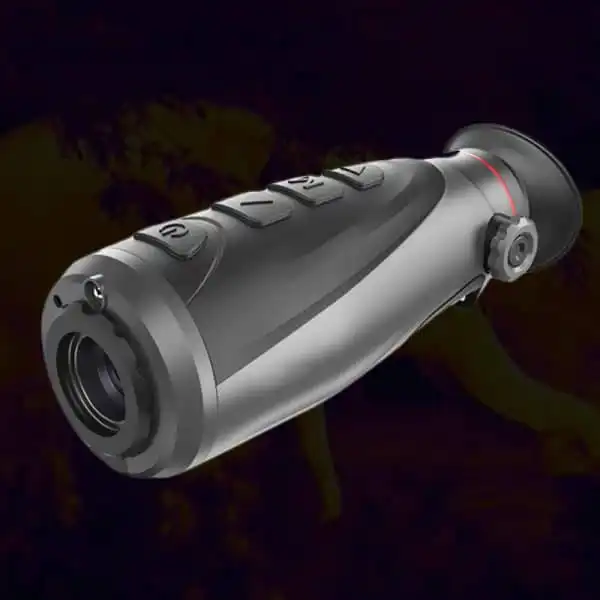
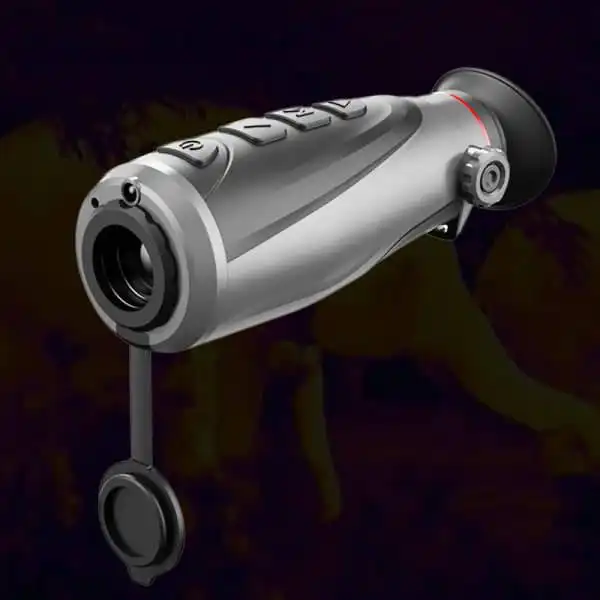
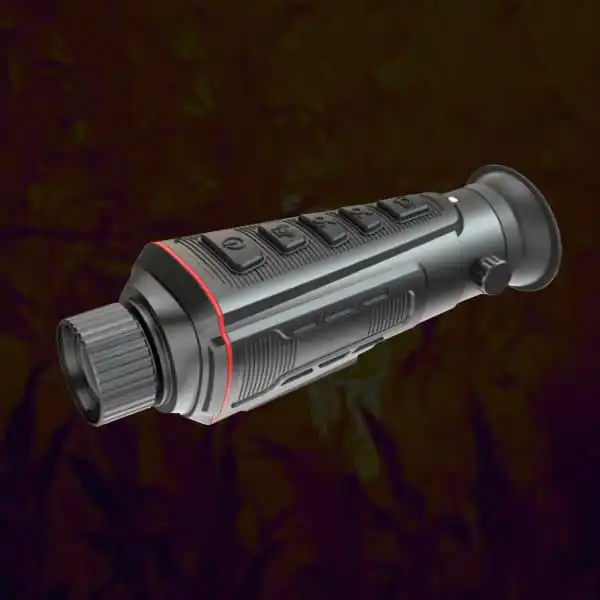
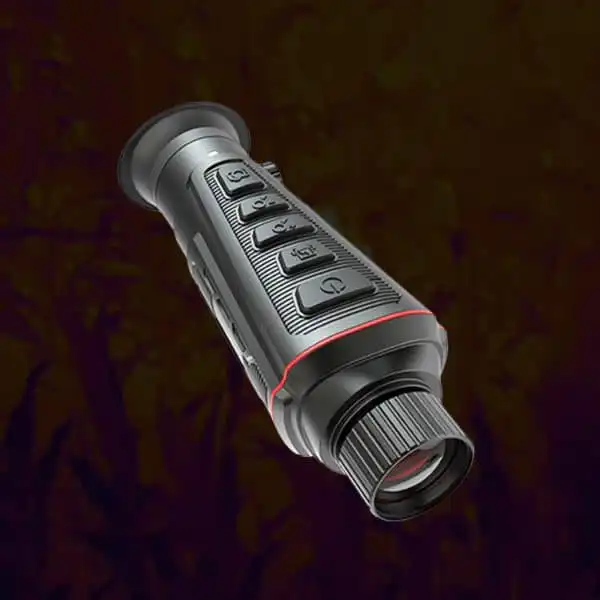
Digital thermal goggles should be evaluated as a viewing and recording system, not simply a screen attached to a sensor. For nocturnal wildlife documentation, confirm what the original file contains, how it leaves the device and whether external viewing adds delay. Assess fit directly while stationary rather than inferring comfort from a smooth clip.
Native Detail and File Dimensions Answer Different Questions
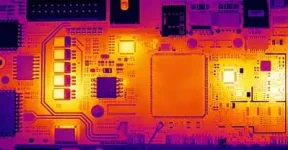
The detector array describes available thermal sampling. Output enhancement, screen pixels and recorded dimensions describe later presentation. Keep all four distinct. infrared radiation and thermal viewing provides the conceptual background, but no physical principle makes a large video file proof of a large native array.
Review compact viewer specification checks before assigning a resolution to the actual unit. Cropping and compression can remove useful context as well. thermal goggle image-quality considerations should request an original file with its mode identified. Do not call a processed silhouette a measured temperature record or a verified species identification.
The External Screen Is Another Part of the Pipeline
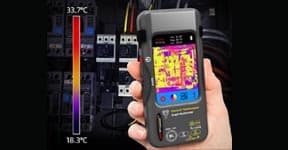
A supported USB or wireless output may be useful for a partner, but connector shape alone proves very little. Check the signal format, selected channel, power role and software support for the exact unit. Ask whether audio is recorded separately or included in the output. Unknown compatibility should remain unknown.
The complete-system questions in combined thermal viewing arrangements apply when an external screen is added. thermal equipment connection planning also includes strain relief and cable routing. Compare the external view with the eyepiece while stationary; output conversion and display behavior can add delay even when the thermal scene itself is clear.
| Question |
What to examine |
Decision |
| Live image |
Direct eyepiece trial |
Assess fit and delay separately from files |
| Recorded image |
Original exported sample |
Confirm context, channel and overlays |
| External view |
Supported signal and software |
Inspect added delay and output content |
| Session continuity |
Normal file stop and battery access |
Protect recordings and keep compartments dry |
Do Not Confuse a Clear Recording With Comfortable Viewing
Fit the support securely, then align height, lateral position, tilt and eye relief. Try your actual glasses and approved eyecup. A newer processing system may produce a clearer file yet fit worse. budget goggle practical-fit checks should therefore include a meaningful stationary session rather than a quick attachment test.
Coverage also affects how easily you frame a moving subject. the relation of focal length to field coverage is a useful reference for optics, not a comfort certificate. Consider simpler thermal viewing choices if fit or latency repeatedly interrupts documentation. Do not persevere through persistent visual strain.
Build a File Routine Before the First Important Event
Record a known stationary scene, stop normally, export the original and replay it on the system you intend to use. Confirm file naming, timestamps and which overlays appear. Then repeat a short clip with sharing active if supported. This exposes workflow differences without risking an important observation.
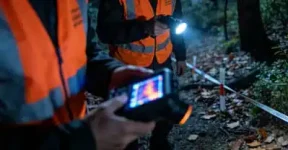
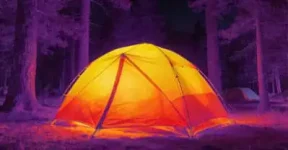
Use practical night-time thermal observation to keep the surrounding context interpretable. handheld recording alternatives remain worth considering for occasional use. A thermal heat pattern can establish that something was exposed in the frame; it cannot fill in coat markings or anatomy that the optics never resolved.
Plan Power, Moisture and Fault Notes Together
Before a battery swap, close the recording normally and verify it saved. Practice access in a dry location, since a mount may obstruct the compartment. Keep wet gloves and fabric away from an open battery door. Standby, display blanking and full power-off may have different battery consequences.
If a fault appears only after warming up, record its onset and whether it affects the eyepiece, file or external screen. separating channel-specific symptoms helps avoid a vague report that the whole system failed. Review thermal optics sourcing options with the demonstrated recording sequence and the unresolved support questions, not an assumption that every digital feature interoperates.
The useful recording system is the one whose files, fit and supported connections you have actually checked. Keep the original clips and observations separate from identification claims. Select a simpler configuration when it documents the same task with fewer failures.