



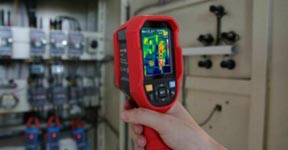
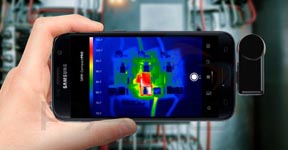
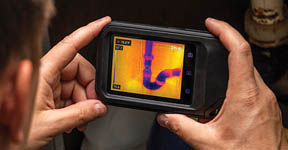
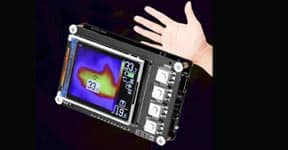


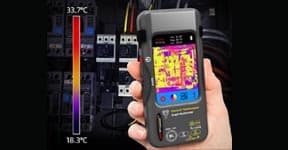


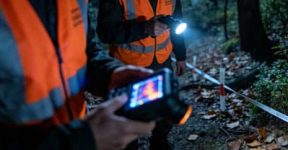


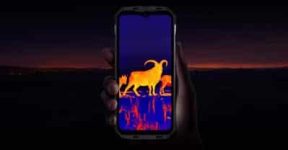
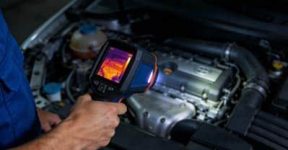
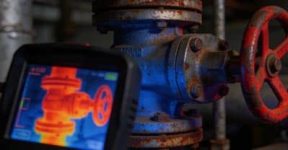
You might think that thermal imaging is something only engineers or technicians use — but in reality, it’s quickly becoming one of the most useful tools for everyday problem-solving. With a smartphone thermal camera, you can see things your eyes never could: hidden heat, energy loss, electrical faults, or even temperature differences on walls, pipes, and machines — all from the screen of your phone.
Sounds futuristic? It’s not. It’s surprisingly simple.
Let’s explore how these small thermal imaging attachments transform your ordinary smartphone into a heat-detecting powerhouse, and how you can actually make the most out of it.
1. What Exactly Is a Smartphone Thermal Camera?
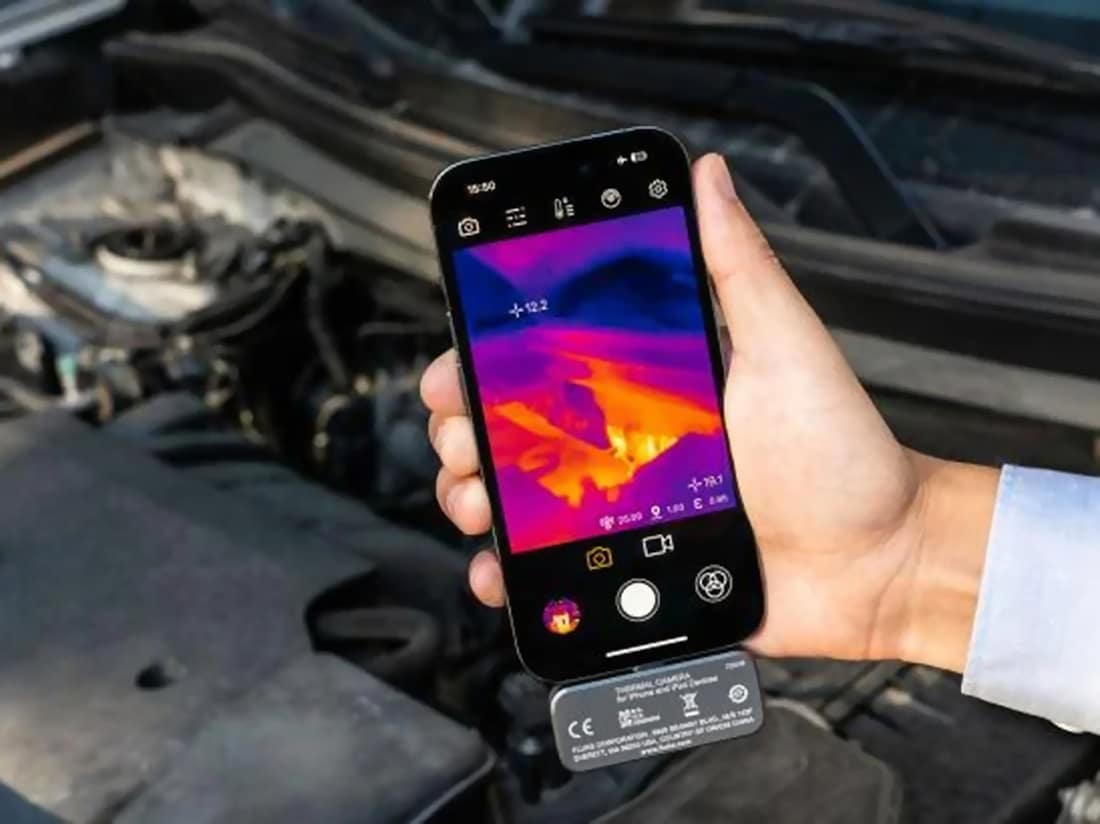
A smartphone thermal camera is a compact infrared imaging module that connects to your phone — usually through a USB-C or Lightning port — and lets you view the heat signature of anything around you.
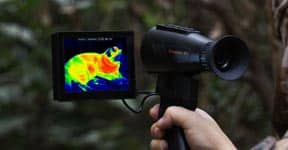
Instead of capturing light like a regular camera, it detects infrared radiation, converting invisible heat into colorful thermal images that represent temperature differences.
The result? You can literally “see” heat — warm pipes glowing orange, cold windows appearing blue, or overheating circuits flashing red.
And because everything runs through your phone, you can instantly record, save, or share what you see, just like any normal photo or video.

2. How to Set It Up (It’s Easier Than You Think)
Setting up a smartphone thermal camera doesn’t require any technical background.
Just connect the camera to your phone’s port, open the supporting app, and you’re ready to scan.
Most models automatically calibrate temperature range and color palette, so you’ll see clear thermal visuals within seconds.
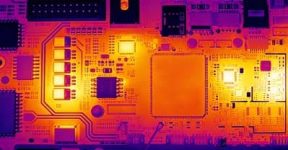
If you’re inspecting something small — say, a printed circuit board — you can zoom in or adjust the temperature scale to highlight critical areas.
For larger environments, like walls or ceilings, simply switch to a wide color palette mode to spot hot or cold zones quickly.
In short, setup takes about as long as it takes to open your regular camera app.
3. Real-Life Uses That Might Surprise You
What makes smartphone thermal cameras truly impressive isn’t just the tech — it’s how versatile they are.
Here are a few examples of where they shine:
-
Home inspection: Find where heat escapes around doors, windows, or insulation gaps.
-
HVAC maintenance: Spot clogged vents or uneven temperature flow without touching a single tool.
-
Electrical testing: Detect overheating outlets, wires, or power adapters before they fail.
-
Plumbing leaks: Identify hidden moisture or temperature changes behind walls and floors.
-
DIY projects: Check 3D printer temperatures, monitor battery heating, or test small electronic circuits.
-
Outdoor exploration: Track warm-blooded animals or detect heat signatures in dark or foggy environments.
Once you start using it, you’ll realize how often heat plays a role in your daily surroundings — and how easily you can visualize it.
4. Understanding the Color Palette
Every thermal image looks like a piece of modern art — glowing reds, blues, purples, and yellows. But these colors aren’t just for show.
Each color represents a different temperature range. Warmer areas might appear orange or white, while cooler areas show up in deep blue or purple tones.
Most apps allow you to switch between color palettes like “Ironbow,” “Rainbow,” or “Grayscale,” depending on what you’re analyzing.
For example, when working on electronics, a high-contrast palette helps you spot small temperature shifts.
For general inspection, a smooth gradient palette gives a clearer overview of heat distribution.
Mastering these color settings is one of the easiest ways to make your thermal readings more accurate and meaningful.
5. How Accurate Are Smartphone Thermal Cameras?
One common misconception is that smartphone-based devices can’t be precise — but modern smartphone thermal cameras are surprisingly accurate.
Most offer a thermal resolution between 160×120 and 320×240 pixels, and temperature measurement accuracy of around ±2°C.
That’s more than enough for professional inspections, DIY troubleshooting, or even light industrial use.
They may not replace a full laboratory-grade analyzer, but they hit a perfect balance between portability, functionality, and cost.
And with continuous app updates, performance often gets even better over time.
6. How to Choose the Right One for You
Before getting one, think about how you’ll use it most.
If you’re mainly doing home maintenance or general inspection, a compact model with basic resolution is usually enough.
If you’re handling electronic testing or technical work, consider higher sensitivity (lower NETD values like ≤50mK) for detecting subtle temperature differences.
Also, make sure it’s compatible with your phone type and supports both photo and video recording.
Some even include temperature tracking points or region measurement modes for more precise analysis.
7. Tips for Getting the Best Thermal Images
A few small tricks can make your results much better:
-
Let the camera warm up for 30 seconds before use for better accuracy.
-
Avoid direct sunlight on the target — it can distort readings.
-
Keep a steady hand or use a tripod when taking close-up shots.
-
Always clean the lens with a microfiber cloth; even dust can affect infrared accuracy.
-
Calibrate periodically using known temperature sources if available.
These steps might sound minor, but they make a noticeable difference in thermal clarity and consistency.
8. Beyond Inspection — Creative Uses You Might Not Expect
Sure, thermal cameras are great for fixing things — but they can also be surprisingly fun.
Some users use them to visualize heat from coffee mugs, track pet movements in the dark, or even capture artistic thermal portraits.
Educators use them to demonstrate heat transfer in classrooms, while outdoor enthusiasts bring them along for camping or wildlife observation.
In short, your smartphone thermal camera is both a professional instrument and a fascinating way to explore the unseen world around you.
Final Thoughts
The idea of carrying a thermal imaging tool in your pocket might have sounded futuristic a few years ago — but today, it’s a reality.
With a smartphone thermal camera, you get the power of infrared vision without the bulk or complexity of traditional systems.
It’s small, smart, and incredibly useful — turning your phone into an all-purpose thermal analyzer that helps you fix problems faster, understand environments better, and even have a little fun along the way.
Whether you’re a technician, a homeowner, or just a curious explorer, this tiny tool opens a whole new way of seeing the world — one temperature at a time.