



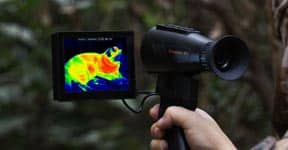
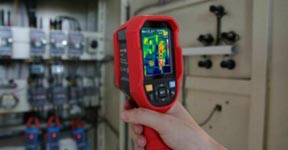
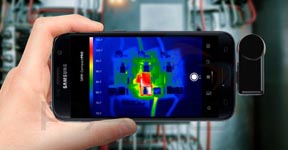
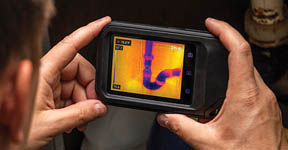
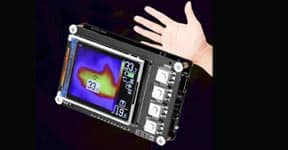


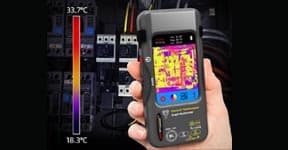


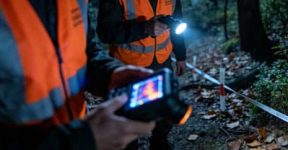

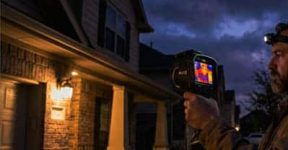
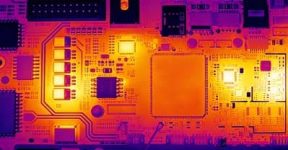
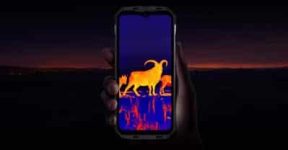
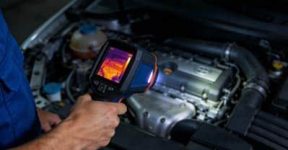
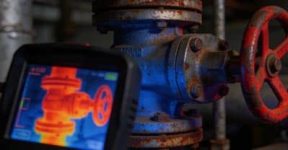
Thermal imaging rugged phones are no longer niche gadgets — they’ve become essential tools for professionals, adventurers, and anyone who works in demanding environments.
Combining the power of thermal imaging with the toughness of a rugged smartphone, they let you detect heat patterns, diagnose problems, and explore in total darkness — all from your pocket.
But with so many options available, how do you know which one is right for you?
Let’s break it down step by step so you can make a smart, practical choice.
1. Know What You’ll Use It For
Before comparing specs or prices, think about why you need a thermal imaging rugged phone.
-
If you’re a technician or engineer, you’ll want a model with high thermal sensitivity to detect subtle heat changes in electrical or mechanical systems.
-
If you’re an outdoor explorer or rescue worker, you’ll need long detection range and wide field of view to spot heat signatures from far away.
-
If you’re in building inspection or maintenance, focus on temperature measurement accuracy and image clarity for detailed surface scans.
Once you’re clear about your main purpose, the right features will naturally stand out.

2. Pay Attention to Thermal Resolution
The thermal sensor resolution determines how much detail your camera can capture.
Higher resolution means clearer thermal images — essential when spotting small heat leaks or faint targets.
-
Low-end sensors (around 120×90 pixels) are fine for basic detection.
-
Mid-range sensors (around 160×120 or 256×192 pixels) provide solid clarity for general work.
-
High-end sensors (384×288 pixels or more) deliver professional-level precision and smoother gradients.
If your job involves inspections or technical diagnostics, it’s worth investing in a higher-resolution sensor — you’ll see more, and more accurately.
3. Consider Refresh Rate and Frame Smoothness
A high refresh rate (like 25Hz or 50Hz) ensures smoother real-time thermal imaging.
This matters when scanning moving targets, inspecting machinery in operation, or navigating dynamic environments.
Lower refresh rates may cause lag or “ghosting” — acceptable for still scenes but frustrating in active work.
For professional or outdoor use, always look for a higher frame rate to get fluid, realistic feedback.
4. Check Its Ruggedness Ratings
A phone is only as useful as its durability.
Make sure the device meets proper rugged standards such as:
-
IP68/IP69K waterproof and dustproof ratings
-
MIL-STD-810H shock resistance
-
Corrosion and temperature tolerance
These certifications ensure your phone can survive drops, rain, mud, or even freezing conditions — perfect for construction sites, forests, or emergency zones.
5. Look at the Display and Brightness
A high-quality screen helps you interpret thermal data accurately.
Go for at least a Full HD display with good brightness (over 500 nits) so you can see clearly under sunlight or in total darkness.
Some models even offer multi-window viewing, allowing you to compare visual and thermal images side by side — great for field analysis or documentation.
6. Battery Life and Power Efficiency
Thermal imaging can consume more power than regular photography.
Choose a phone with a large battery capacity (e.g., 6000mAh or higher) to ensure long field operation without frequent charging.
Bonus tip:
If you work outdoors or travel frequently, pick a model that supports fast charging or power-saving modes — small features that make a big difference in real-world use.
7. Software and Measurement Tools
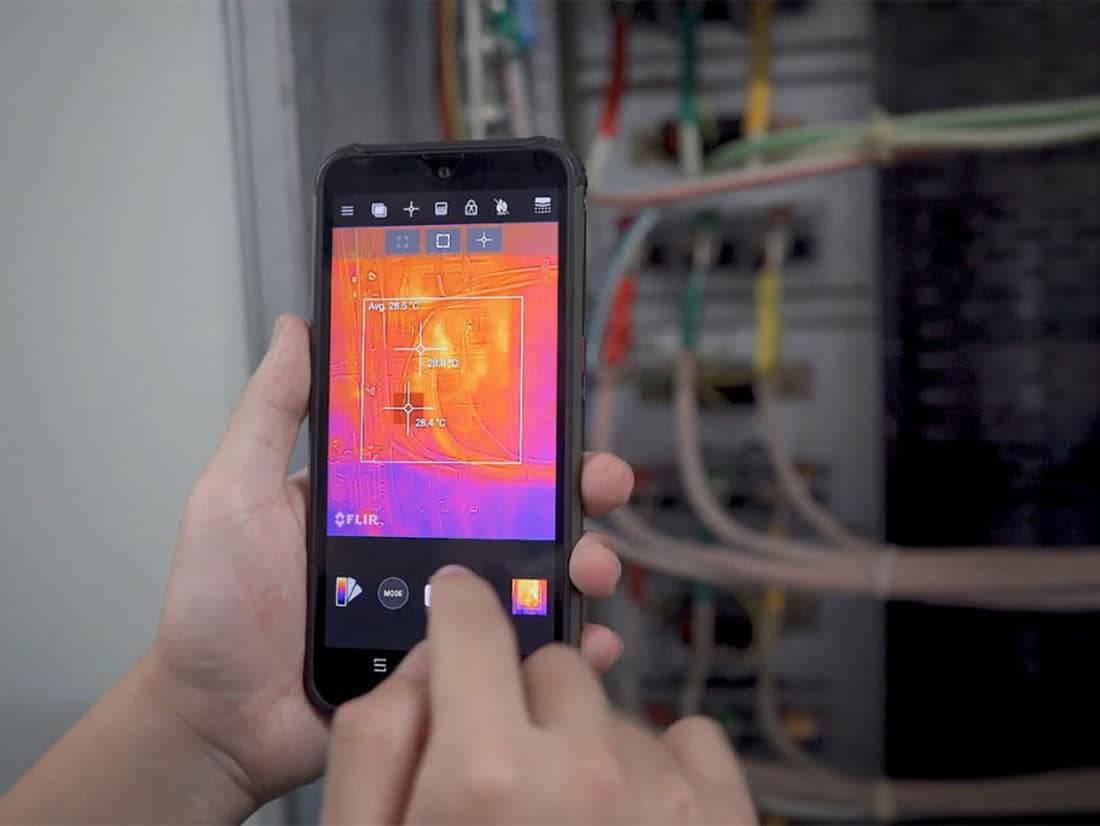
A good thermal imaging rugged phone doesn’t just show temperature — it helps you analyze and record it easily.
Look for:
-
Adjustable color palettes (iron, rainbow, white-hot, etc.)
-
Spot and area temperature measurement
-
Automatic alarms for abnormal heat zones
-
Data saving and image export functions
These tools turn your phone into a compact inspection device that’s ready for both professional and creative uses.
8. Connectivity and Compatibility
Since this is still a smartphone, don’t overlook everyday convenience.
Make sure it supports 4G/5G networks, Wi-Fi 5GHz, Bluetooth, and GPS, and that the thermal app works smoothly with your preferred operating system.
For professionals, data sharing and cloud storage compatibility can make reporting and collaboration much easier.
9. Don’t Forget Comfort and Design
A rugged phone doesn’t have to be bulky.
Check how it feels in your hand — some designs balance protection with portability surprisingly well.
Also, consider button placement and thermal lens protection — little ergonomic details that matter after hours of fieldwork.
10. Balance Price and Performance
Finally, compare the price range with your intended use.
If you’re using it occasionally, an entry-level thermal imaging rugged phone might be enough.
But for regular or professional use, paying more for higher resolution, longer range, and better sensitivity will pay off in the long run.
Final Thoughts
Choosing the right thermal imaging rugged phone isn’t just about specs — it’s about finding the perfect fit for your lifestyle or work demands.
Whether you’re maintaining power lines, exploring the outdoors, or inspecting insulation in a building, the right device can make your job faster, safer, and more efficient.
Think of it as your smart multitool — a combination of durability, connectivity, and invisible vision — ready for whatever challenges come your way.