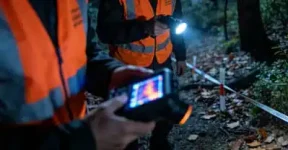
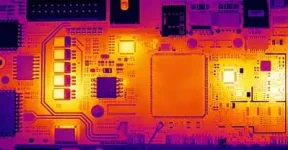
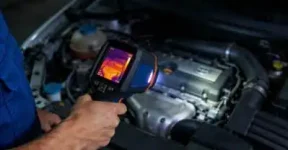
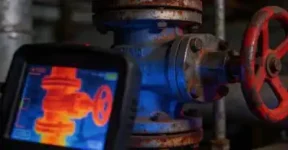
If you’ve ever worked outdoors or in cold conditions, you know this problem well.
You’re wearing gloves for a reason, and taking them off just to use your phone gets old fast.
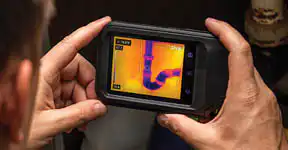
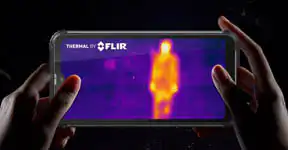
So when a rugged phone comes with thermal imaging built in, the question is fair: is it actually usable with gloves on?
The short answer is yes—but the details matter.
Why This Question Matters in Real Work
Thermal imaging isn’t something you use for fun. It’s usually part of a task—checking temperature differences, inspecting equipment, or scanning an area quickly.
In those moments, stopping to remove gloves breaks your rhythm. Worse, in cold or rough environments, it can slow you down or make the job less comfortable.
A rugged phone is supposed to solve that, not create new friction.
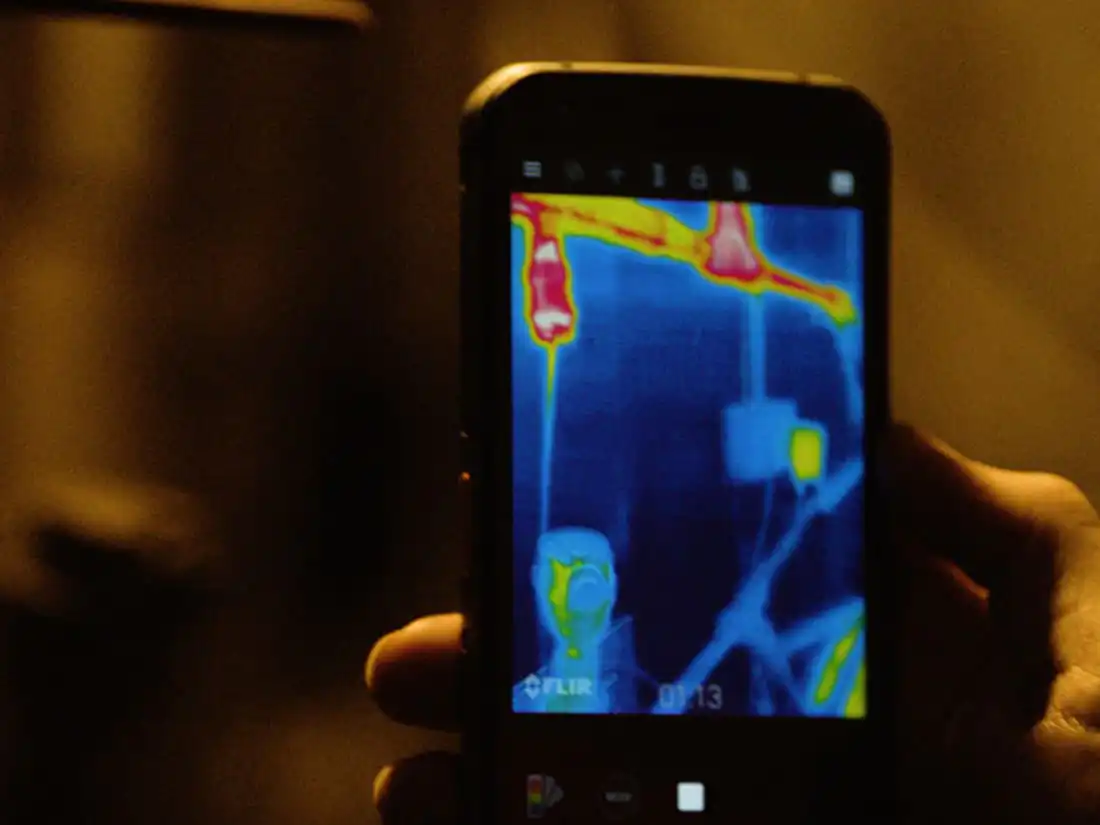
Touchscreens vs. Gloves: The Usual Problem
Standard smartphones aren’t designed with gloves in mind. Thick work gloves often block touch input completely, or force you to tap harder and slower.
Thermal imaging rugged phones take a different approach. Many of them are built with higher touch sensitivity or special glove modes that recognize input even through protective layers.
That difference is immediately noticeable.
Physical Buttons Make a Big Difference
One of the most underrated features on rugged phones is the return of physical buttons.
With gloves on, physical buttons are simply easier. You can:
-
Wake the screen without precise tapping
-
Launch the thermal camera instantly
-
Adjust settings by feel instead of sight
-
Operate the phone without exposing your hands
For thermal imaging tasks, this kind of control feels natural and efficient.
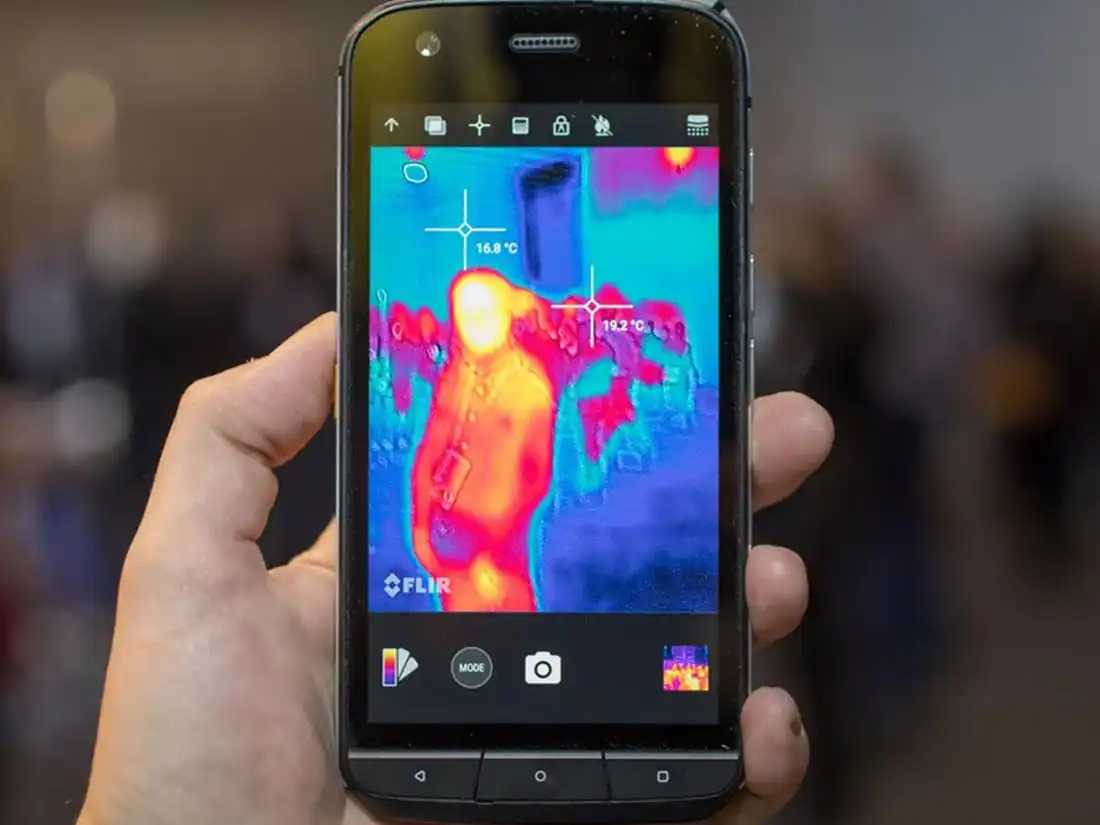
Using the Thermal Camera with Gloves On
Once the thermal camera is open, usability matters even more.
Well-designed thermal imaging apps keep things simple:
With gloves on, you’re not scrolling through layers of options. You’re checking, observing, and moving on.
That’s exactly how it should be.
Screen Size and Visibility Matter
Gloves aren’t the only challenge. Cold, dirt, and changing light conditions all play a role.
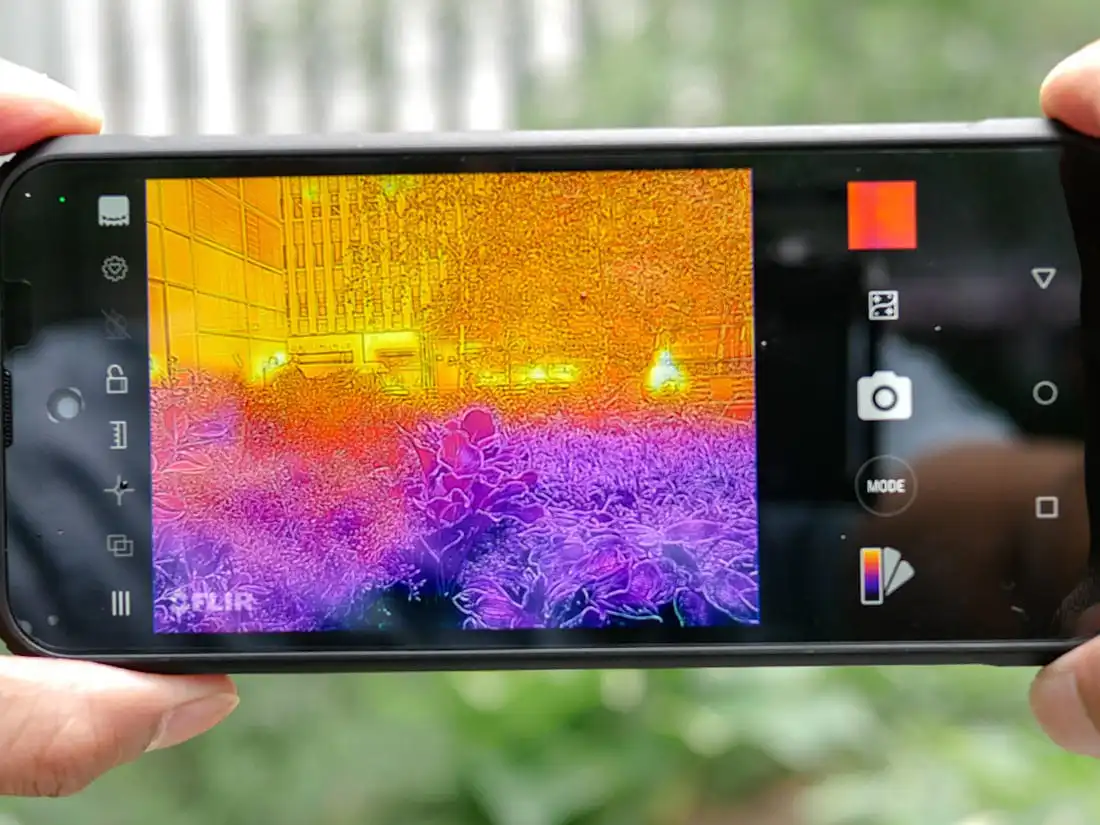
Rugged phones with larger, brighter displays make thermal images easier to read at a glance. When you don’t have to squint or zoom constantly, you spend less time interacting with the screen and more time focusing on the task.
Visibility reduces unnecessary interaction—and that helps when gloves stay on.
When Gloves Do Become a Limitation
It’s worth being honest: not every glove works the same way.
Extremely thick or heavily insulated gloves can still reduce precision, especially for detailed touchscreen input. In those cases, physical buttons and shortcut keys become even more important.
That’s why the best rugged phones don’t rely on touch alone. They give you options.
Designed for Real Conditions, Not Desk Use
A thermal imaging rugged phone isn’t meant to feel like a sleek office device. It’s meant to work when conditions aren’t ideal.
Between glove-friendly touch response, physical controls, and simple thermal software, these phones are built to stay usable when your hands are protected—and when removing gloves isn’t practical.
Final Thoughts
So, is a Thermal Imaging Rugged Phone easy to use with gloves on?
In most real-world situations, yes—especially compared to standard smartphones.
When the design prioritizes physical buttons, clear interfaces, and reliable touch response, the phone works with you, not against you.
And when your gloves stay on, your workflow stays smooth.