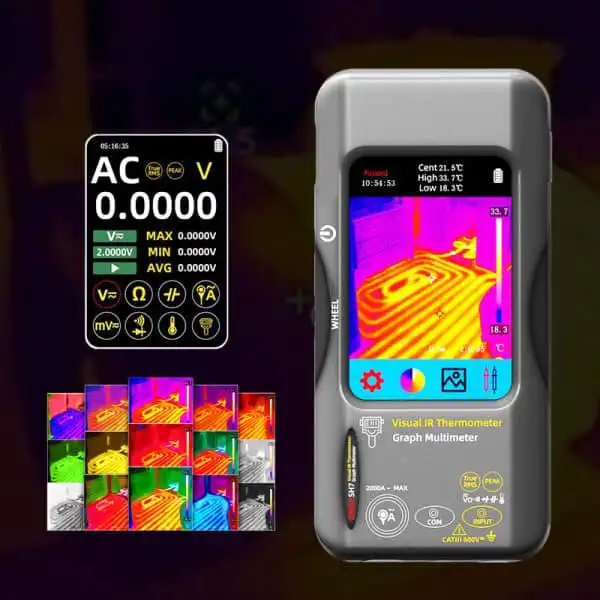
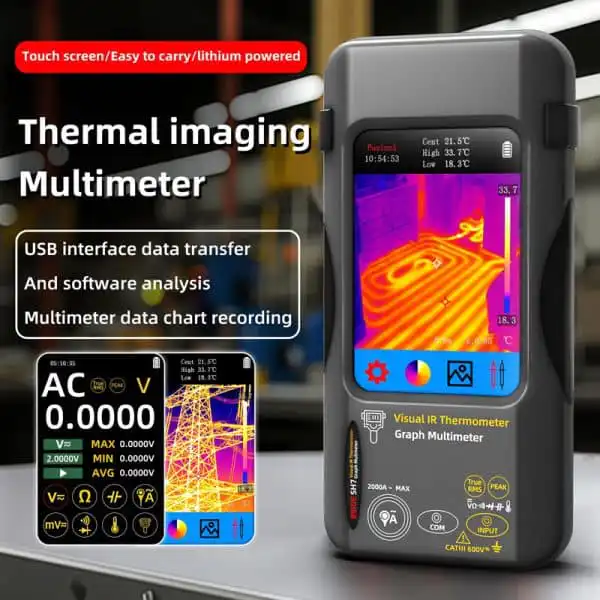
THERMAL IMAGING & ELECTRICAL MEASUREMENT

Thermal Imager Multimeters

See the Heat. Check the Reading.

Bring a thermal view and electrical measurements into one handheld inspection workflow. Compare the functions of each model for your electronics bench and maintenance routine.

Thermal Images and Electrical Readings in One Tool

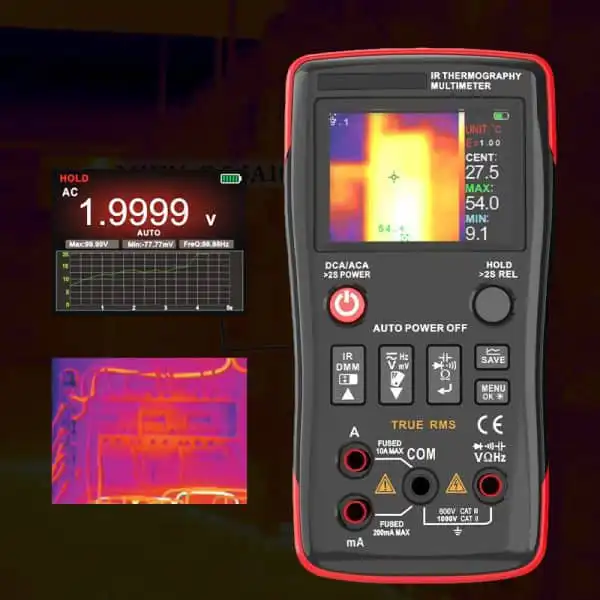
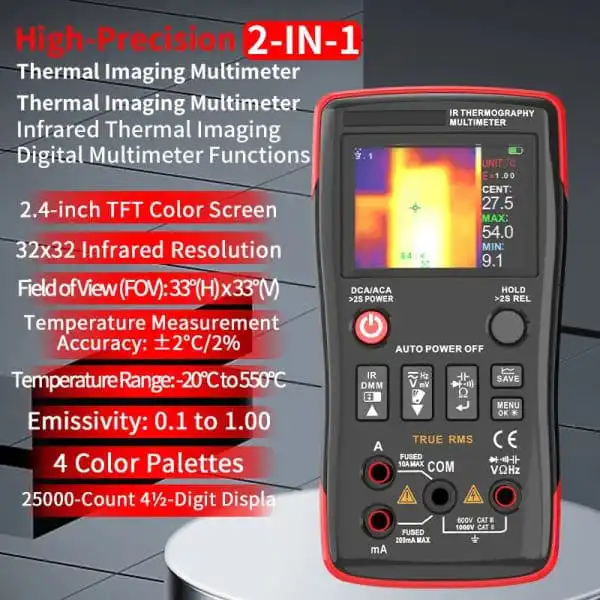
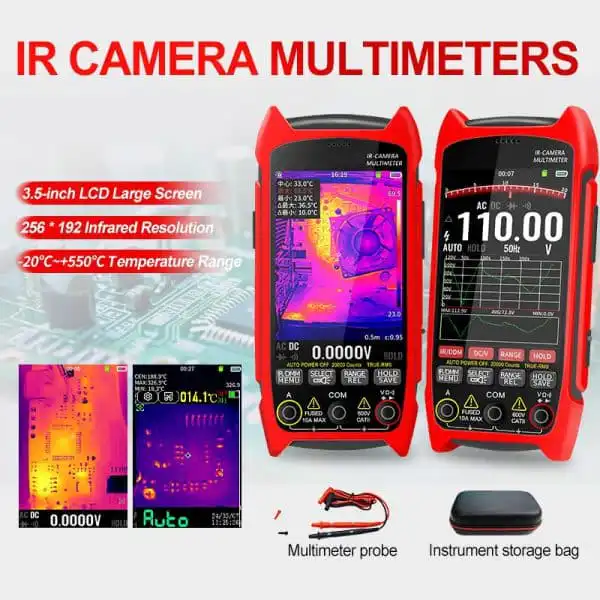
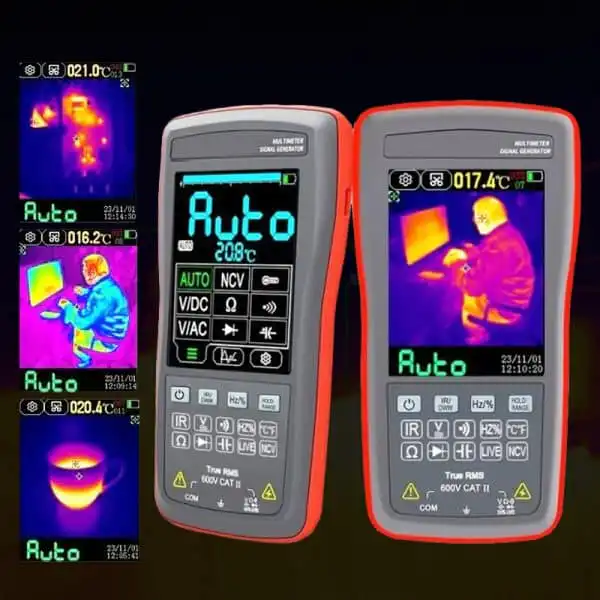
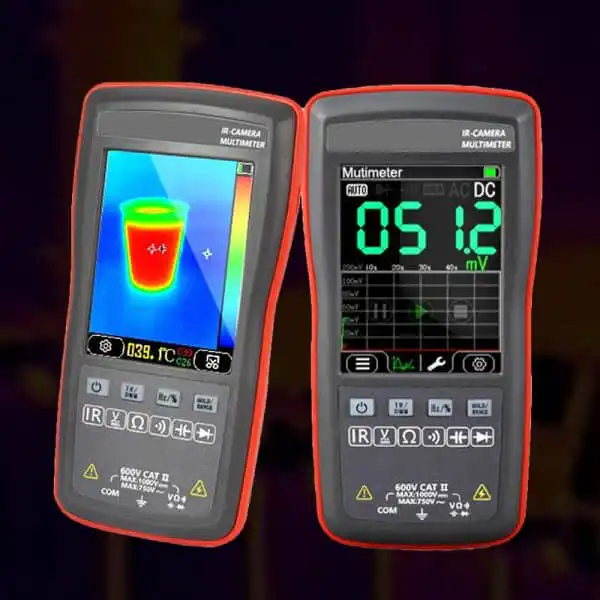
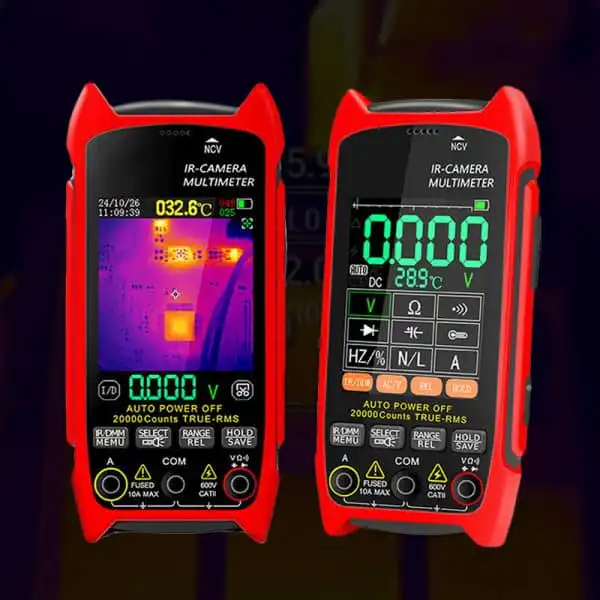
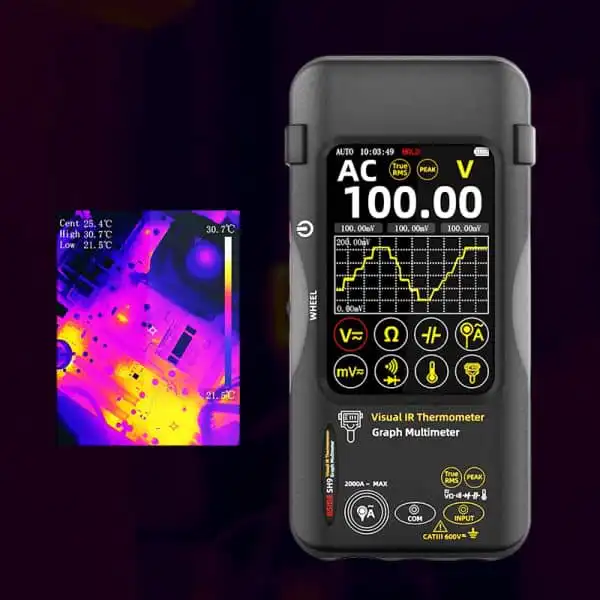
A thermal imager multimeter combines an infrared camera with digital multimeter functions. Use the thermal view to locate a surface temperature difference, then choose the appropriate electrical function to investigate the circuit. The range includes a compact 32 × 32 sensor model, 192 × 192 and 256 × 192 thermal models, touchscreen options and a macro-focused model. The 90 × 120 model lists −20°C to 400°C; the other six list −20°C to 550°C. Check native detector resolution separately from display pixels or processed thermal image dimensions. Features and measurement limits vary by model. Match the documented measurement category, voltage rating and test leads to the intended electrical environment; a maximum measuring range alone does not establish suitability.

Customer Reviews

Illustrative Use Feedback for This Product Category

The following are editorial examples of use feedback, not submitted customer reviews.

SURFACE INSPECTION

Start with What the Surface Can Tell You

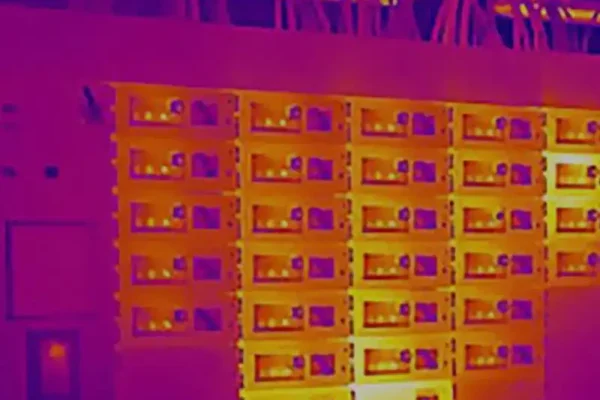
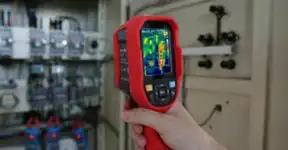
Compare accessible cabinet and equipment surfaces from a suitable inspection position. Keep the enclosure, load and surrounding conditions in your notes. A surface pattern helps frame the next question; it does not show hidden components through a cabinet door.
Non-contact thermal surface inspection of closed electrical cabinets by a qualified technician
LOW-VOLTAGE ELECTRONICS

Bring Electrical Context to a Bench Observation

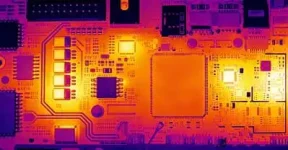
A controlled, isolated low-voltage workbench lets you compare the thermal pattern with the circuit layout. Choose the appropriate meter function and test procedure to investigate, then retain the observation and measurement context where the model supports records.
Technician using a thermal imager multimeter above an isolated circuit board on a repair bench

Thermal Multimeter Technology & Features

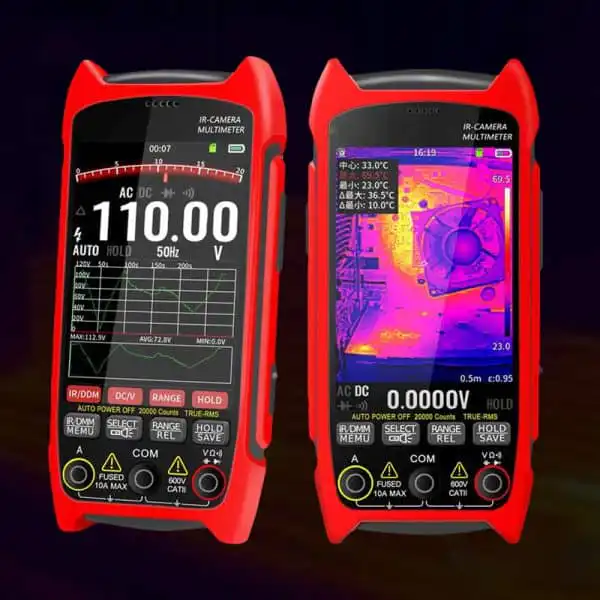
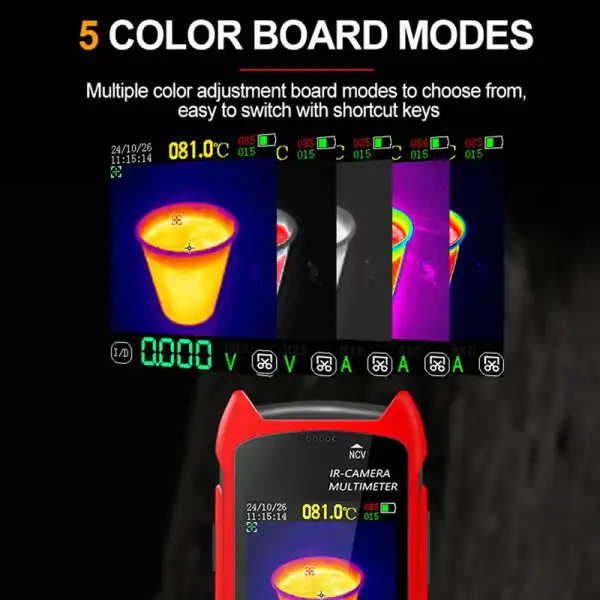
Thermal imager multimeters combine surface heat imaging with electrical test functions in one handheld instrument. Use the thermal view to locate temperature differences, then select an appropriate meter function for a closer check. Compare both sets of specifications for the exact model.

  • Thermal imaging: Compare sensor resolution, refresh rate and temperature range.
  • Electrical testing: Check supported functions, input limits and measurement categories.
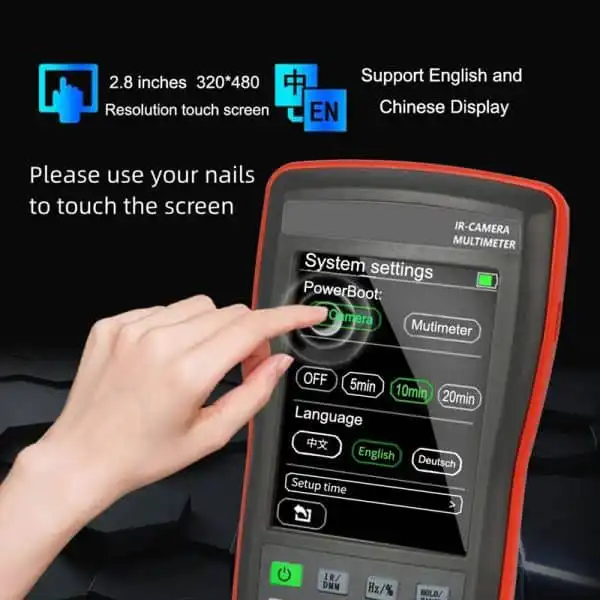
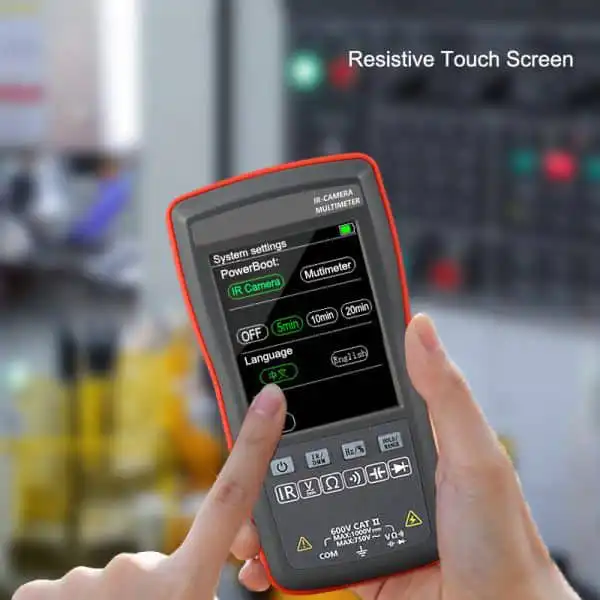
  • Display and controls: Compare screen size and touch operation where listed.
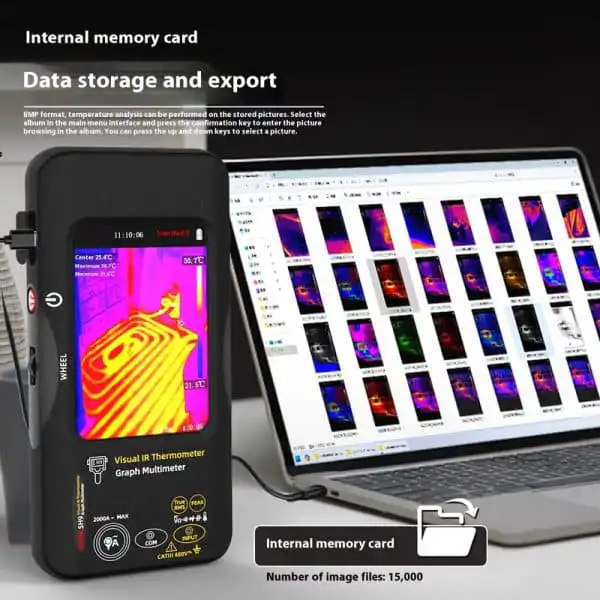
  • Records and power: Confirm image storage, transfer options and battery details.

Current models include 32 × 32 and 90 × 120 sensors alongside higher-resolution options. Temperature ranges end at 400°C or 550°C, depending on the model. Reflections, emissivity and distance affect thermal readings. Thermal images show only the visible surface being inspected.

Why Choose a Thermal Imager Multimeter?

Choose a thermal imager multimeter around your inspection tasks, measurement needs and budget. Compare the exact model’s thermal detail, controls and recording features before ordering online.

Confirm measurement limits, compatible test leads and included accessories before checkout. Review shipping information, the warranty policy and return terms for applicable coverage and exclusions.

Need help choosing? Tell us about your equipment and the functions you need before deciding.
Closed electrical cabinet and thermal imager multimeter in an industrial surface-inspection setting.

Benefits of a Thermal Imager Multimeter

Bring a broader view to a focused electrical test, with a combination of functions that depends on the model you choose.
  • Locate Areas to Investigate: Use surface temperature differences to decide where a closer investigation may be useful.
  • Add Electrical Context: Follow a thermal observation with an appropriate voltage, resistance or other supported measurement.
  • Simplify the Tool Kit: Combine the camera and supported meter functions in one portable instrument.
  • Build a More Useful Record: Choose a model with suitable image capture or transfer when inspection documentation matters.
  • Compare Like Conditions: Keep the load, surroundings and test method consistent when comparing repeated observations.

A warm component is a clue to investigate. Diagnose the cause using circuit information, appropriate tests and the equipment's operating conditions.

How to Choose a Thermal Imager Multimeter

Compare eight practical details before selecting your model.

Practical Uses for Thermal Imager Multimeters

Use these inspection ideas to define the functions you need. Select a model and work procedure appropriate to the equipment and measurement environment.

Bring Thermal Context to Your Inspection Routine

Use these inspection ideas to define the functions you need. Select a model and work procedure appropriate to the equipment and measurement environment.

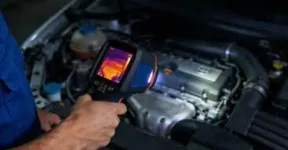
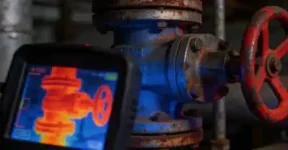
Illustrative application scenes; screen imagery is not captured product output.

Need Help Choosing Your Thermal Multimeter?

Tell us the equipment you inspect, the electrical functions you need and whether you want saved images. We can help you compare the listed models and clarify specifications before you order.

Thermal Imager Multimeter Buying Questions

FREQUENTLY ASKED QUESTIONS
What is a thermal imager multimeter?

It combines an infrared camera and digital multimeter functions in a handheld instrument. The thermal view shows surface temperature patterns; electrical modes provide a separate measurement. Check the individual model for its supported functions.

Can I use the thermal view and the meter together?

Both functions are available in this product category, but the display layout and operating sequence vary by model. Check the manual and actual screen images to confirm whether measurements appear together or require switching modes.

Which thermal resolution should I compare?

Compare the listed thermal imaging resolutions and check which describe a native detector array. The 32 × 32, 90 × 120 and 256 × 192 listings explicitly describe sensors; the 192 × 192 model lists thermal imaging pixels. The ISR model’s 240 × 240 figure is an output specification, while the 3.98-inch models list thermal image dimensions. Confirm native detector details before comparing those figures directly.

What temperature range does a thermal multimeter measure?

The 90 × 120 Thermal Data Multimeter lists −20°C to 400°C. The other six current products list −20°C to 550°C. Check each model’s accuracy statement and conditions; an external contact probe can have a separate range.

Which electrical measurements are available?

Functions may include AC/DC voltage and current, resistance, continuity, capacitance, frequency or diode testing. Confirm the exact modes, ranges and input requirements on the product you choose rather than assuming every model includes every function.

Does a 1000V range mean the instrument has a CAT rating?

No. A measuring range is separate from a documented measurement category and safety voltage rating. Check the instrument, manual and test leads for ratings appropriate to the intended electrical environment. Ask us to clarify any missing documentation.

Does a thermal image prove that an electrical circuit is safe to touch?

No. A thermal image does not verify absence of voltage or establish that equipment is safe to touch. Follow the relevant electrical work procedure and use suitable test equipment for the task.

Why can shiny metal give an unexpected temperature reading?

Reflective surfaces can show infrared energy reflected from their surroundings. Emissivity, viewing conditions and distance affect temperature interpretation. Use the model's available measurement settings and suitable thermography practice.

Can it save thermal images for a report?

The 90 × 120 model lists BMP image files and PC charting of saved thermal and meter data. The 3.98-inch models list internal image storage. Confirm the selected model’s file content, software and transfer method before relying on it for reports.

Can it identify the cause of every hot component?

A thermal difference helps identify an area for investigation; it does not establish the cause by itself. Consider the circuit design, load, material and operating conditions, then use appropriate electrical tests and service information.

What should I check for portable inspection work?

Review the battery, charging method, stated operating time, display, supplied leads and storage options. Confirm any enclosure or environmental ratings relevant to the places where you intend to work.

What support and purchase terms apply?

Check the current product details and published shipping, warranty and return policies before ordering. Contact us with the exact model and your intended use when a specification or applicable term needs clarification.

Why Buy From Us?

Compare the product information, clarify your requirements and review the published purchase terms before making your choice.

Thermal Imaging & Electrical Inspection Guides

Explore thermal multimeter selection, electrical inspection workflows and the differences between inspection tools.