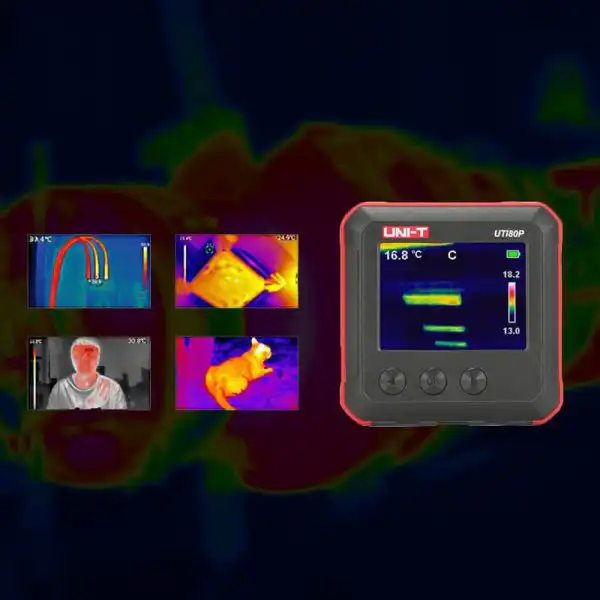
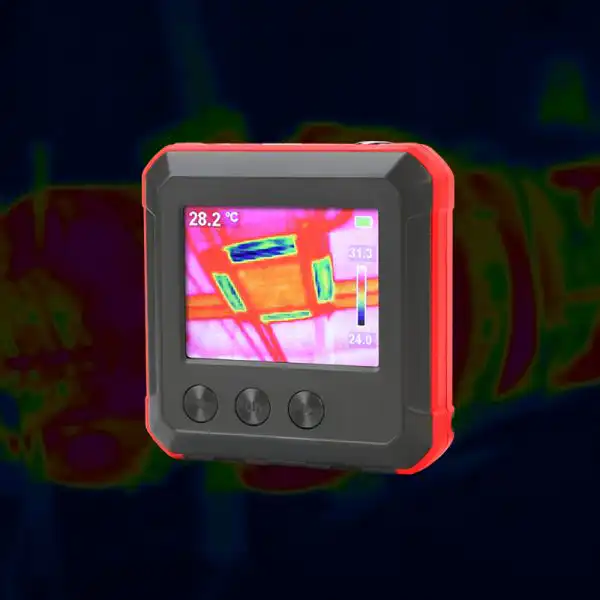
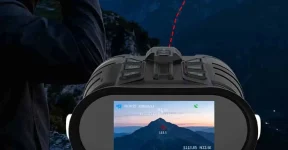
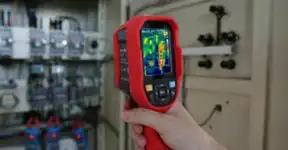
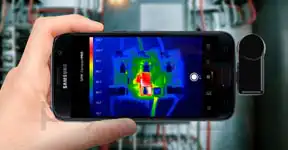
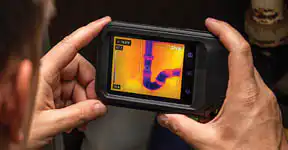
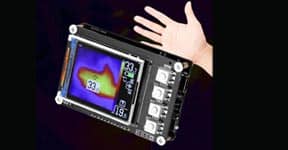
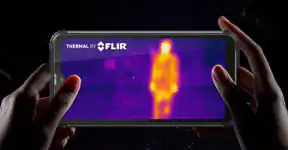
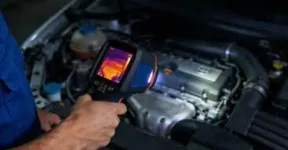
An inspector uses a pocket thermal camera to check exposed building surfaces in a bright interior.
Compact Tools for Everyday Inspections

Pocket Thermal Cameras

See Surface Heat Patterns. Plan Your Next Check.

Carry a thermal view into building visits, maintenance rounds and workshop checks. Compare accessible surface temperatures and keep useful images with a compact camera.

A Clearer Starting Point for Temperature Checks

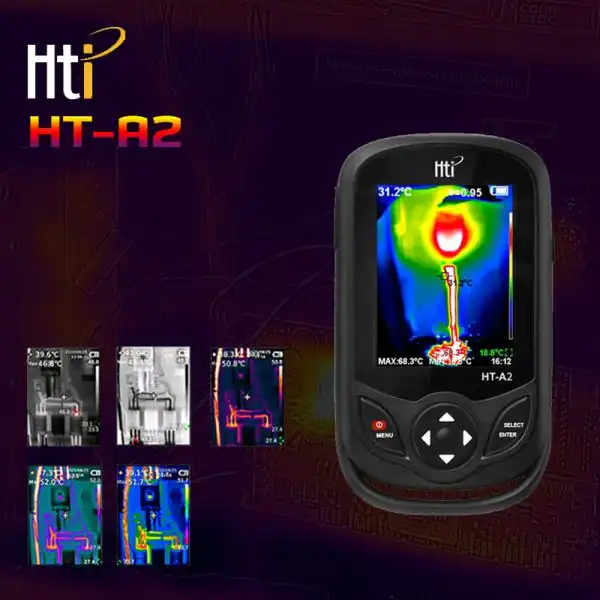
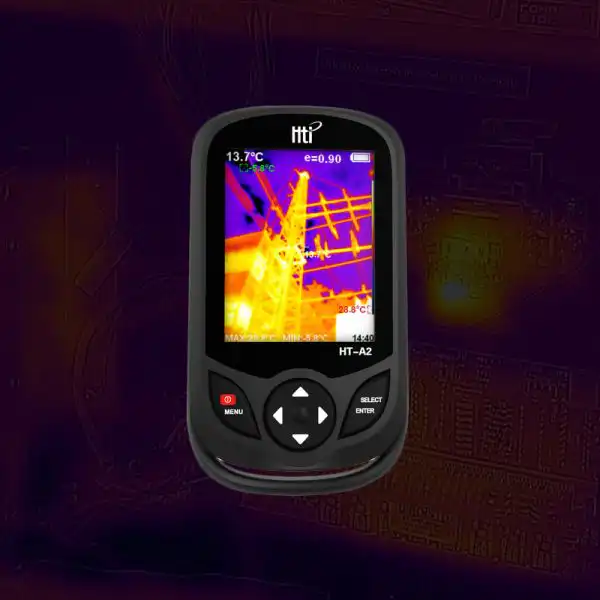
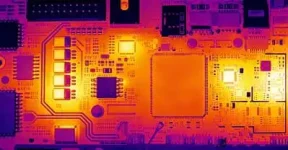
A pocket thermal camera turns infrared radiation from visible surfaces into an image of apparent temperature differences. Use that view to compare a window surround, an equipment housing or a heating surface and decide where closer inspection would be useful. This collection includes compact standalone cameras from HTI and UNI-T. The 120 × 90 Pocket Thermal Camera pairs its listed detector with a 3.5-inch display; the HTI HT-A2 lists a 256 × 192 detector and a 3.2-inch screen. UNI-T models add further screen and control choices. Their optics, measurement settings and recording options also matter. Choose for the surfaces and target sizes you inspect, then check the exact model specifications before ordering. Confirming the cause of a thermal pattern may require electrical tests, moisture measurements or other inspection methods. Compare object measurement range separately from ambient operating limits. Native thermal resolution, NETD and measurement accuracy also describe different parts of camera performance.


Customer Reviews

Read Product-Specific Feedback

No verified customer reviews are featured in this section yet.

Visit the review section on an individual product page for any published feedback. Ask us about your intended inspection task if you need help comparing specifications.

Routine Electrical Inspections

Compare Surface Patterns Across the Equipment

Use a thermal overview to compare accessible terminals, connections and equipment surfaces during an approved inspection. Record the operating conditions and investigate an unusual pattern with the appropriate electrical checks.
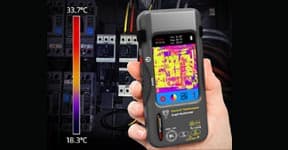
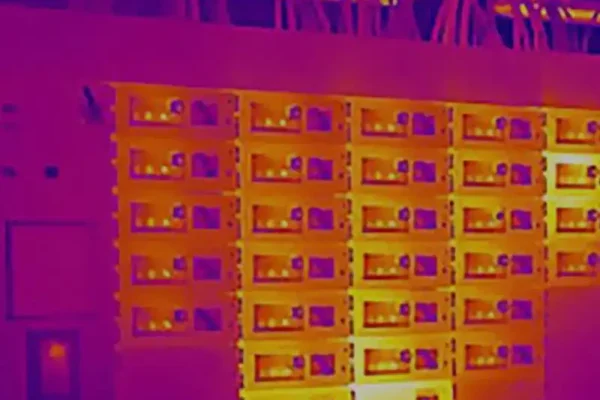
A technician observes closed electrical cabinet surfaces with a pocket thermal camera.
Mechanical & HVAC Maintenance

Keep the Temperature Pattern in Context

Compare accessible motor housings, heating surfaces and HVAC components under similar operating conditions. A saved image can help your team review where a difference appeared and what needs checking next.
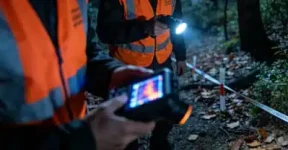
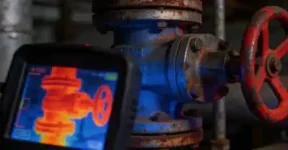
A technician uses a compact thermal camera to observe exposed pump and motor housing surfaces.

Pocket Thermal Camera Technology & Features

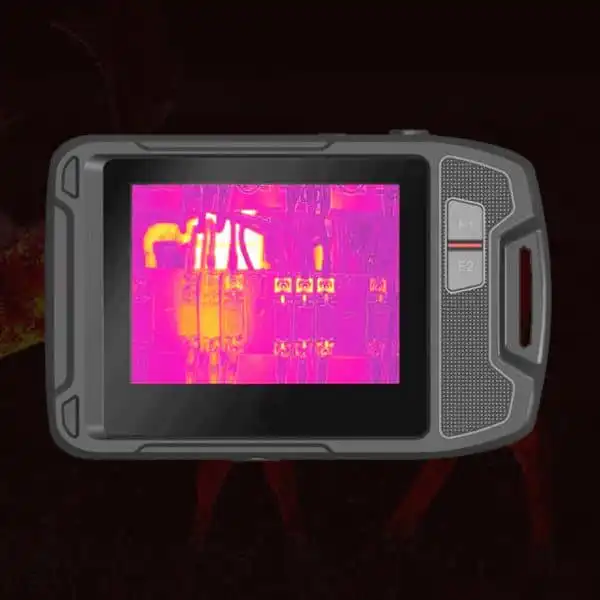
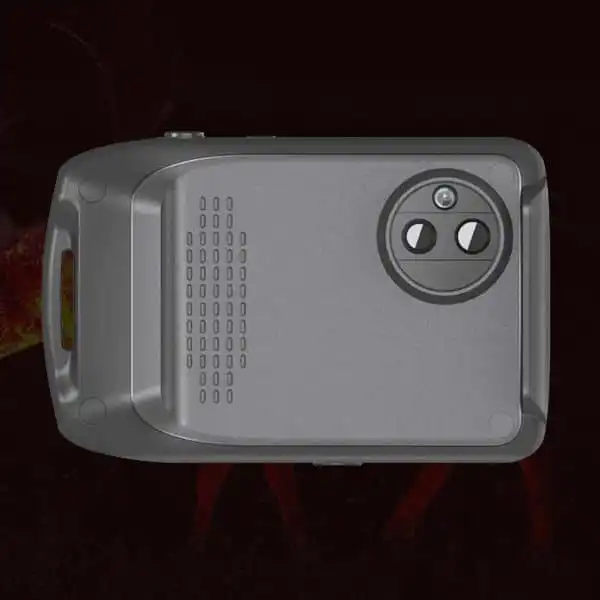
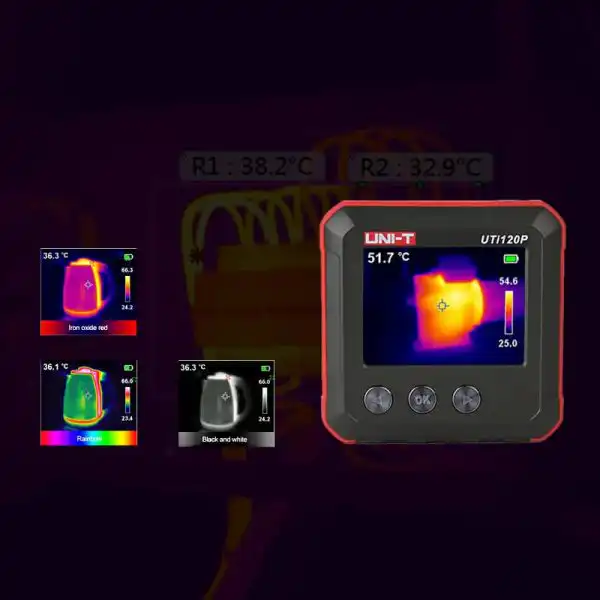
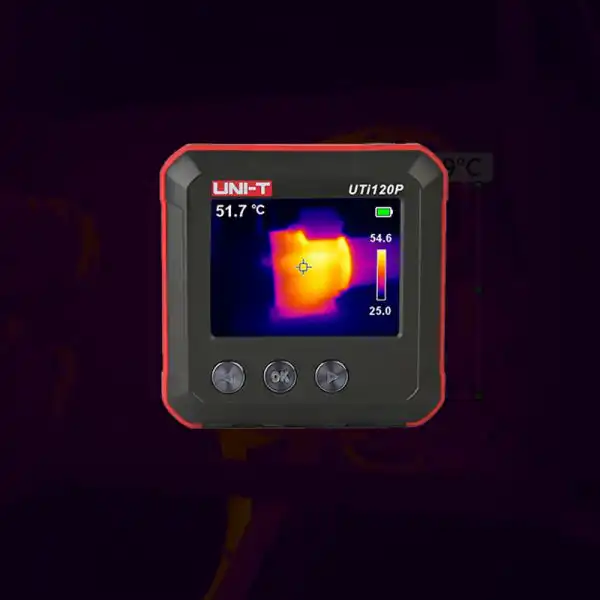
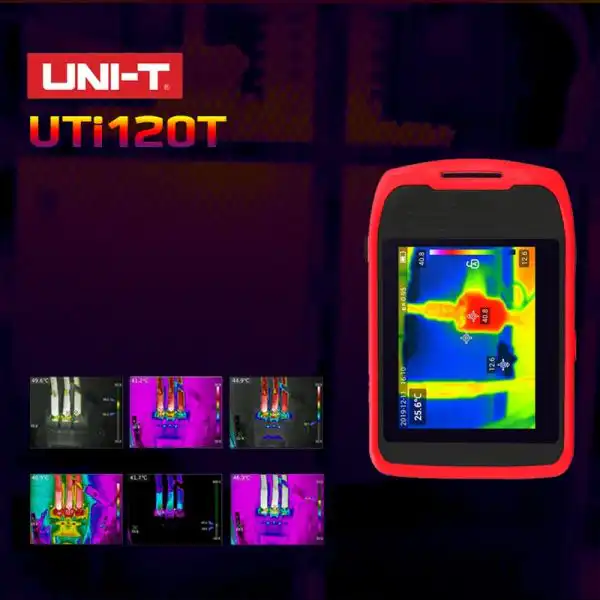
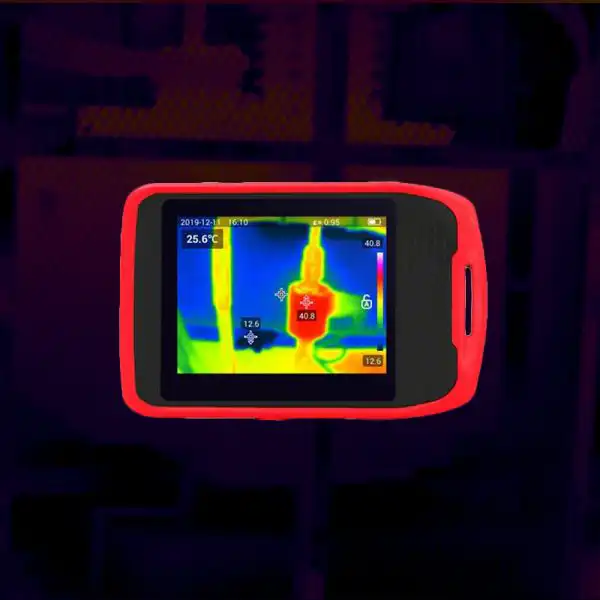
The 120 × 90 Pocket Thermal Camera provides a useful example of the features to compare in this collection.

  • 120 × 90 Native Thermal Resolution: The listed VOx detector forms the thermal image. Check that small inspection targets occupy enough of that native image at your working distance.
  • 60mK Thermal Sensitivity: The listed NETD describes sensitivity to small temperature differences. It is separate from the camera's temperature-measurement accuracy.
  • 3.5-Inch LCD & Wide View: A 3.5-inch display presents the image, while the listed 50° × 38° field of view defines scene coverage. Screen size does not add detector detail.
  • Selectable Measurement Bands: The model lists automatic switching between −20°C to 150°C and 100°C to 400°C object-temperature bands.
  • Spot & Area Tools: One spot and one area tool support temperature comparisons. Emissivity, reflected temperature and target distance are adjustable.
  • Several Image Presentations: IR, visible, MIF and picture-in-picture modes help place the thermal pattern in context. Six palettes change the presentation of the image.
  • Image Storage & Transfer: The model lists photos stored as JPG files with temperature information, 4GB built-in storage, USB-C and Wi-Fi image transfer.

These features describe the 120 × 90 Pocket Thermal Camera. Review each other model separately for its sensor, measurement, recording and connection specifications.

Prepare, Compare and Document

  1. Prepare the Camera: Charge the device, review the supplied manual and allow it to settle as instructed for the inspection environment.
  2. Set the Measurement: Select the appropriate range and adjust the available emissivity, reflected-temperature and distance settings for the surface.
  3. Frame the Surface: Keep the target within the supported working distance and large enough in the native image. Compare similar surfaces under similar conditions.
  4. Save the Context: Record the image, location and operating conditions. Use suitable follow-up tests to assess the reason for an unusual pattern.

Why Choose a Pocket Thermal Camera?

A compact camera with its own screen is easy to include in a regular inspection kit. It gives you a broad temperature-pattern overview before you move to a detailed test or measurement.

Compare the 120 × 90 model's 3.5-inch display and image tools with the HTI HT-A2's listed 256 × 192 detector and 3.2-inch screen. Choose the sensor, optics and workflow for the surface you inspect.

  • Keep a standalone thermal display in your inspection kit.
  • Compare accessible surfaces and retain useful scene context.
  • Save supported images for review and follow-up.

See the 120 × 90 Camera
Illustration of an accessible electrical surface inspection with a pocket thermal camera

A Portable Thermal Workflow

A useful inspection record starts with a clear question, a suitable view and the conditions behind the image. A compact camera helps you bring those steps into everyday work.
  • Carry It Between Checks: Choose a body size and control layout that fits your tool bag and normal inspection routine.
  • Start With an Overview: Compare several accessible surfaces in one thermal view before selecting an area for closer investigation.
  • Document the Pattern: Save images where supported and keep the inspection location and operating conditions with the record.
  • Support Team Discussion: Use a contextual image to show colleagues which surface or component needs a follow-up check.
  • Return to the Same View: Repeat a documented viewpoint under comparable conditions to help review changes after maintenance.

The useful result depends on target size, distance, surface properties, settings and the conditions during the inspection.

How to Choose a Pocket Thermal Camera

Match the camera to the surface, target size and inspection record you need.

Practical Uses for Pocket Thermal Cameras

Use these scenarios to define what you want to compare, document and verify.

Eight Ways to Plan a Surface-Temperature Check

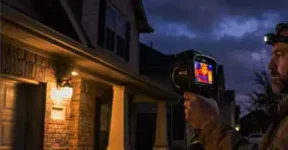
Illustrative inspection scenes; not captured product output or measurement evidence.

Need Help Choosing?

Tell us the surface you inspect, its approximate temperature, the smallest target and your working distance. We can help you compare the listed camera options and identify which specifications need clarification.
Pocket Thermal Camera Buying Questions

Understand the Measurement Before You Choose
What does a pocket thermal camera show?

It displays infrared radiation from the surfaces in view as apparent temperature patterns. These patterns can guide a building, equipment or maintenance inspection. They do not establish the hidden structure or cause of a problem by themselves.

How much native thermal resolution do I need?

Choose for the size of the target and your working distance. The 120 × 90 Pocket Thermal Camera uses a 120 × 90 detector; a larger display or enlarged file does not add native samples. Small components may need different optics or more detector detail.

Is measurement range the same as operating temperature?

No. The 120 × 90 Pocket Thermal Camera lists object-temperature bands covering −20°C to 400°C, while its permitted working environment is −10°C to 50°C. One describes the surface being measured; the other describes where the camera itself may operate.

Does 60mK sensitivity mean ±0.06°C accuracy?

No. NETD describes sensitivity to small temperature differences. The 120 × 90 Pocket Thermal Camera separately lists accuracy of ±2°C or ±2%, whichever is greater. Check the stated measurement conditions and settings; sensitivity is not an absolute-accuracy guarantee.

Why can shiny metal show a misleading hot or cold area?

A reflective surface can return infrared radiation from its surroundings rather than mainly its own emission. Use suitable emissivity and reflected-temperature settings, consider the viewing angle and follow the appropriate surface-measurement procedure.

Can it see through walls, glass or an equipment cover?

Ordinary walls, glass and solid covers obstruct a direct thermal view of what is behind them. A concealed source may affect the visible surface temperature, but that is different from imaging the hidden object itself.

Can a thermal image confirm a water leak or damp area?

A moisture-related temperature pattern can help guide further investigation, but other causes may produce a similar pattern. Use a suitable moisture meter and the relevant inspection method to confirm suspected water or dampness.

Can it diagnose an electrical, mechanical or HVAC fault?

It can highlight surface-temperature differences worth investigating. Interpreting a cause requires the operating context and appropriate electrical, mechanical or HVAC measurements. Follow the equipment's approved inspection procedure rather than deciding from color alone.

Can every model record video or connect by Wi-Fi?

Recording and connections vary. The 120 × 90 Pocket Thermal Camera lists photo capture, JPG files with temperature information, USB-C and Wi-Fi image transfer; its recording entry does not establish video. Check each exact model for the functions and file formats you need.

How long can I use the camera between charges?

Runtime is model-specific. The 120 × 90 Pocket Thermal Camera lists two hours of operation and a non-removable rechargeable battery. Plan your inspection and charging around the stated conditions, then confirm the requirements for longer sessions.

Does an IP54 rating make it fully waterproof?

No. An IP54 enclosure rating does not mean the camera is suitable for immersion or every wet environment. Check the exact model rating, port and cover requirements, permitted conditions and care instructions before use.

Does automatic image correction replace calibration checks?

No. Automatic shutter correction helps the camera maintain a usable image; it does not prove that the instrument remains within its temperature-accuracy specification. Follow the manufacturer's guidance and your inspection procedure for performance checks, verification and recalibration.

Why Buy From Us?

Compare the product information and review the applicable order and support terms before choosing your camera.

Guides for Practical Thermal Inspections

Explore camera selection, surface measurements and everyday inspection methods.