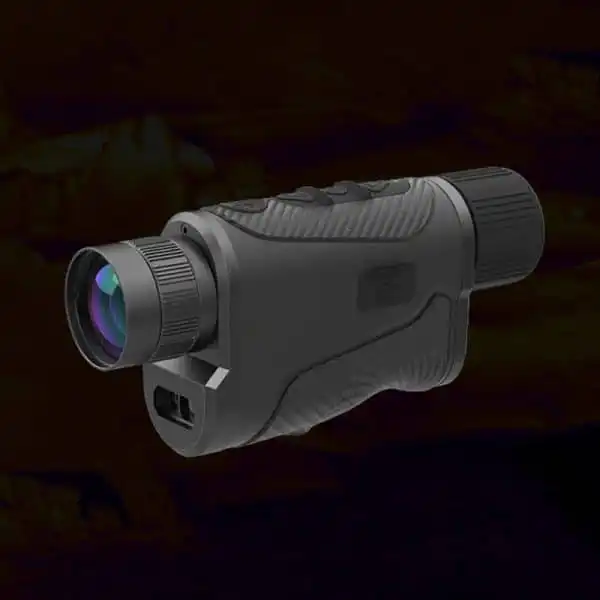
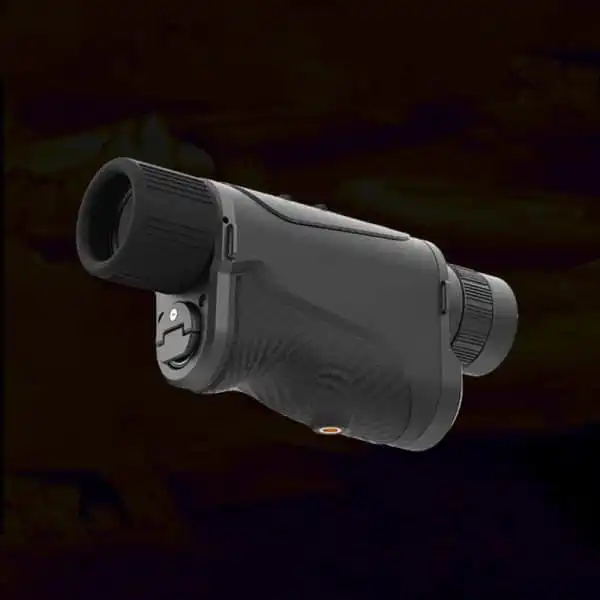
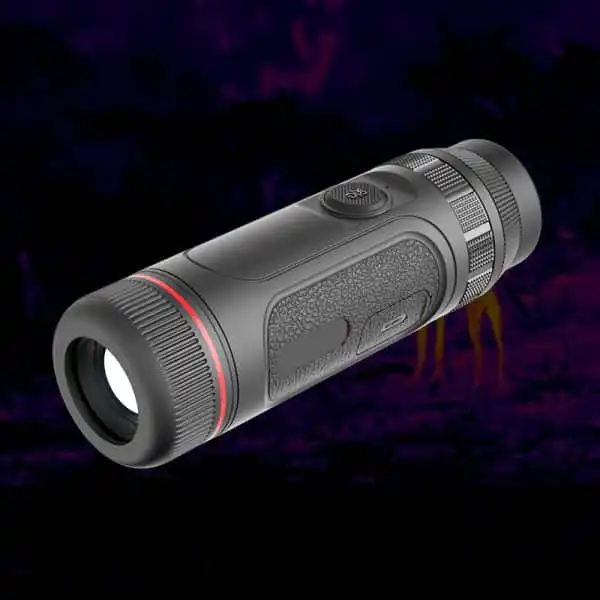
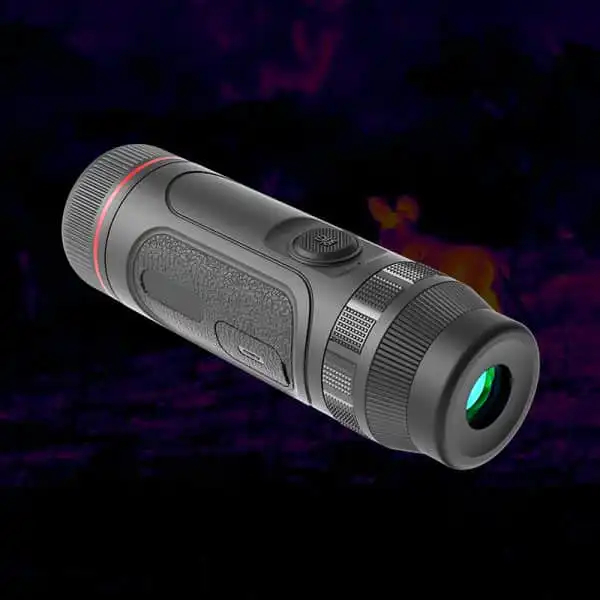
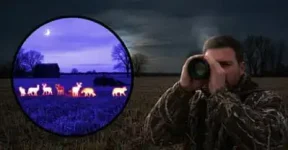
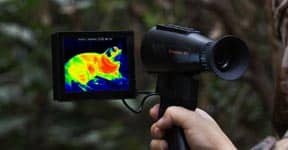
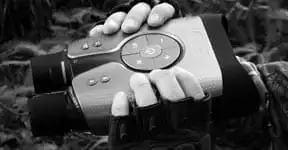
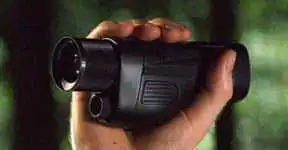
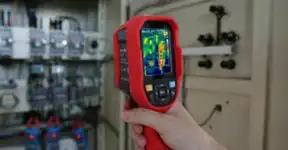
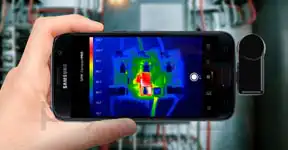
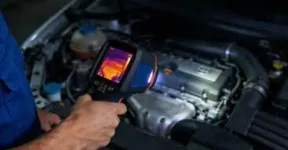
Thermal night vision glasses in a shared kit need a clear handover process: what was charged, when it was checked, which functions were enabled and whether the next observation session has a reasonable reserve. This concerns ordinary stationary animal observation only. Thermal imagery must not be treated as clearance that farm work, equipment or a route is safe.
Thermal Night Vision Glasses Need a Ready Status, Not a Guess
A viewer placed back on a shelf can look ready even when it was only partly charged after the previous session. Another person may assume that a connected cable means the battery reached the documented completion state. The practical problem is a missing handover record rather than an unknown detector specification.
Use pre-session farm observation checks and farm-owner equipment planning to define the kit’s purpose. Keep it limited to viewing exposed animal activity from a permitted stationary point. A clear thermal picture does not establish that machinery, livestock handling or a work area is safe. Assign readiness to the equipment itself, not to the farm conditions seen through it.
Give Charging and Observation Separate Status Lines
A useful label distinguishes awaiting charge, charging, completion checked and ready for the intended session. Record the time and initials of the person who checked it. Do not prescribe a universal recharge schedule; the approved battery and charger instructions determine the correct process. battery charge and capacity terminology helps keep the label precise.
Compare evening power arrangements and longer observation sessions using the actual enabled channels and recording pattern. A bench charge indicator is not the same as a field runtime guarantee. If the battery is internal, do not open the housing to add your own label. Attach the handover card to the case or storage position without obscuring ventilation, warnings or identification.
| Check | What to record | Decision |
|---|---|---|
| Awaiting charge | Last session end, observed warning and approved charger needed | Do not place an unchecked viewer in the ready location. |
| Charge checked | Completion indication, time and person who checked it without opening the battery | Make the status understandable to the next authorized user. |
| Kit complete | Correct cable, charger, caps and any explicitly supported accessories | Treat missing accessories as a readiness issue separate from charge. |
| Session planned | Expected observation pattern, recording needs and a normal finishing reserve | Never interpret a ready viewer as evidence that farm work is safe. |
Include the Whole Kit in the Handover
Check the approved charger, cable, caps, case and any supported external supply. Missing accessories can prevent a viewer from being ready even when the battery itself is charged. supported viewing equipment and ordinary care and storage turn the kit review into something the next observer can actually use.
Ask whether charging and operation can occur together before planning that arrangement. system interfaces and recording paths does not certify power compatibility. distinct device specification fields should include supply requirements where disclosed. A familiar connector alone is insufficient evidence. Keep damaged cables or abnormal batteries out of service and follow the manufacturer’s support guidance rather than improvising a field repair.
Test the Handover With the Next Observer
Have another authorized user read the card, identify the ready equipment and perform a normal startup without relying on an oral explanation. Note whether the chosen settings and remaining storage are understandable. A handover that depends on one experienced person’s memory will break down when that person is absent.
Use clear seller documentation questions, goggle operation checks, farm-viewing setup guidance and complete kit value to compare options. Keep charging status, recording readiness and observation limitations as separate items. The final purchase should make ordinary shared use predictable. It should not be advertised as an automatic livestock assessment, a work-permit check or a substitute for normal farm procedures.
Give the kit one clearly marked location for checked equipment and another for items awaiting attention. The label should state the last check, not an unconditional promise that the next session will finish. If a person borrows only the charger or cable, change the kit status so the remaining viewer is not mistaken for a complete ready arrangement.
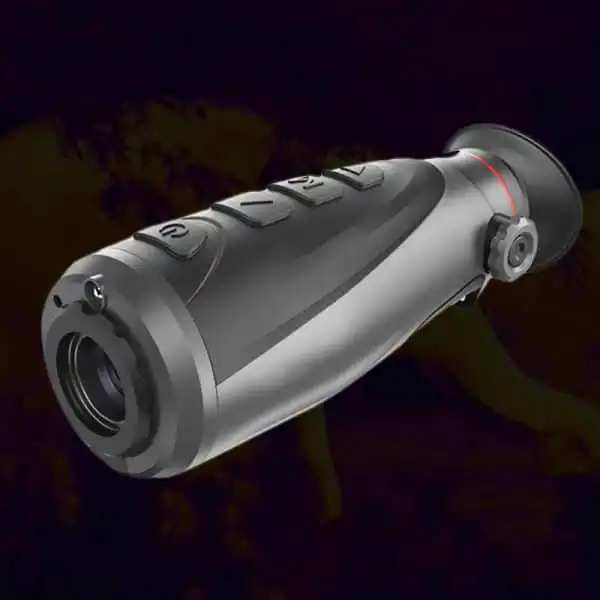
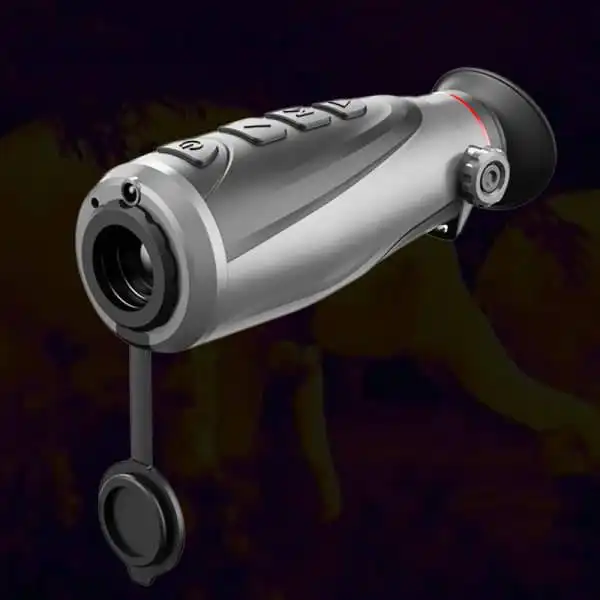
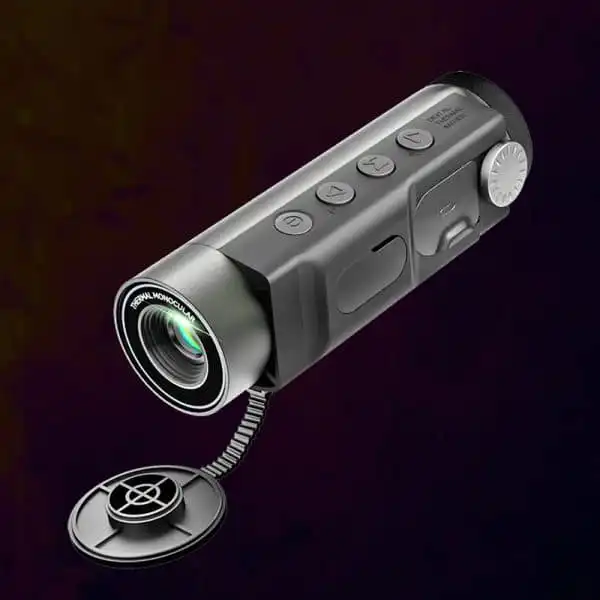
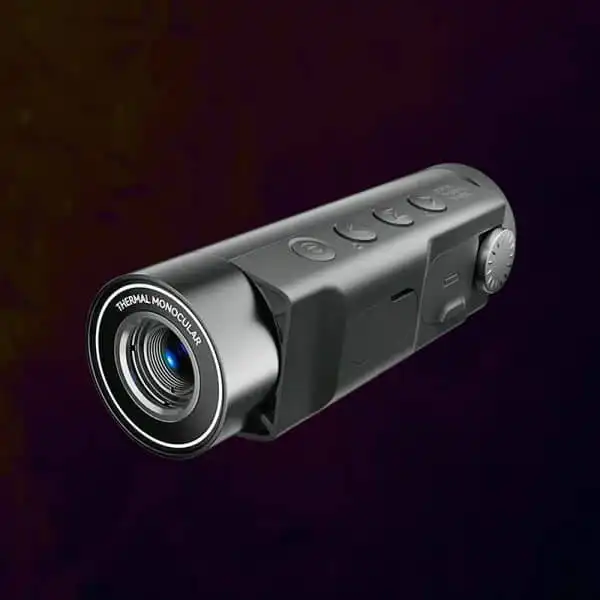
Compact Thermal Monocular with 256×192 VOx Sensor 13mm Lens 670m Detection 25Hz AMOLED Display 9.5H Battery WiFi 8GB Storage IP67 Lightweight Design
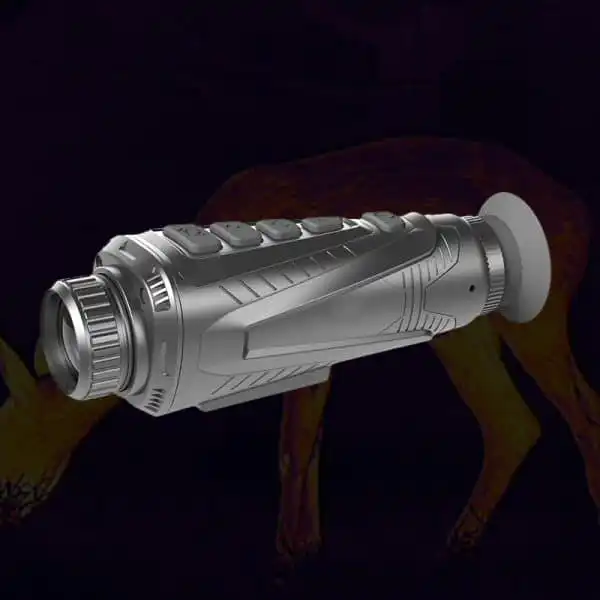
Original price was: $3,399.99.$2,599.99Current price is: $2,599.99.Ultra-Sensitive Thermal Monocular with 1750m Detection and 1000m Rangefinder 640×512 Resolution 50Hz Refresh Rate 0.39″ OLED Display 8× Zoom 32GB WiFi IP67 Rugged Design
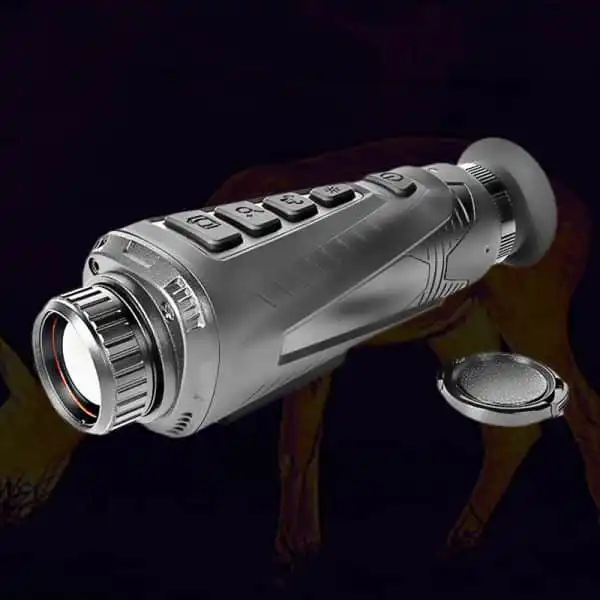
Original price was: $3,399.99.$2,799.99Current price is: $2,799.99.Ultra-Compact Thermal Imaging Monocular with 400×300 Resolution ≤25mK NETD 25mm F1.0 Lens 1300m Detection Range 50Hz 1–4× Zoom 16GB WiFi IP67 Fast Charging AMOLED Display
Original price was: $1,899.99.$1,499.99Current price is: $1,499.99.Advanced Handheld Thermal Monocular with 400×300 IR Resolution ≤30mK NETD 25mm Lens 50Hz Refresh Rate 4X Digital Zoom WiFi IP66 700m Detection Range 0.4″ 1280×960 Display
Original price was: $1,999.99.$1,599.99Current price is: $1,599.99.
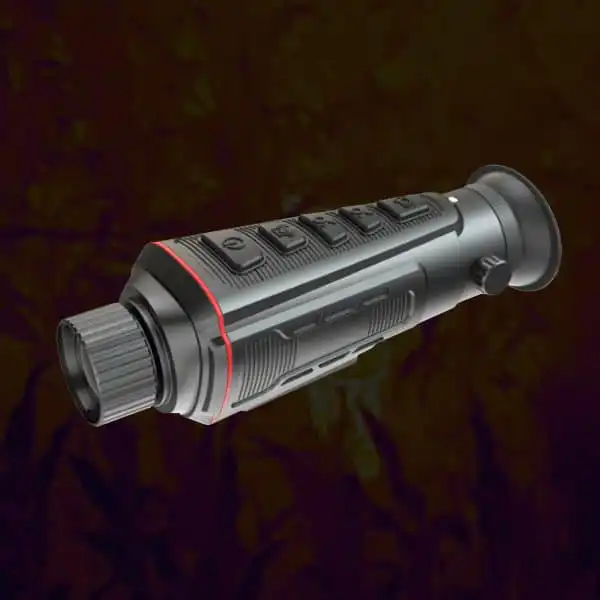
Compact Thermal Imaging Monocular with 320×240 Resolution 50Hz Refresh Rate 13mm Lens 800×600 OLED Display 4× Digital Zoom 4500mAh Battery IP65 Rugged Design
Original price was: $599.99.$499.99Current price is: $499.99.
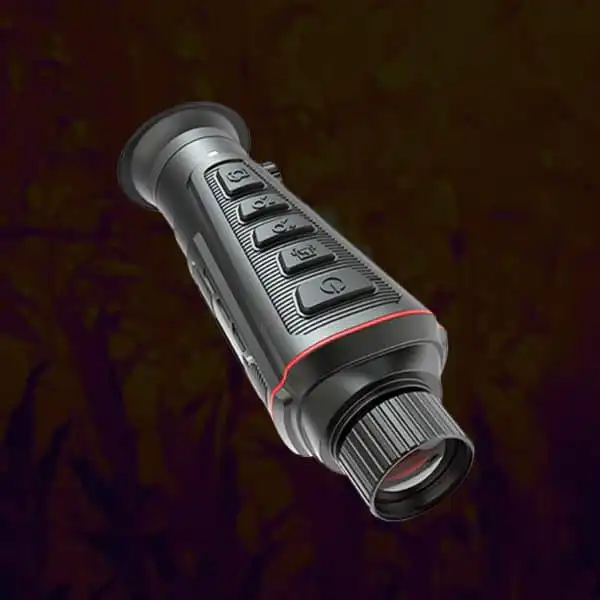
High-Resolution Thermal Monocular with 384×288 Resolution 50Hz Refresh Rate 2×–4× Magnification WiFi 5 Color Palettes 720×540 Display
Price range: $699.99 through $1,099.99Frequently Asked Questions
What battery level or external power arrangement is required for a firmware update?
Follow the exact update instructions and postpone shared-kit use until the process is complete and checked. Do not improvise a power arrangement or begin an update merely because the indicator looks reasonably full.
Can a discounted discontinued thermal optic become expensive if a proprietary battery fails?
Unavailable proprietary batteries can complicate ownership even when the initial offer looks attractive. Ask about the approved replacement route and include that information on the kit record without inventing future availability or a lifetime support promise.
Can a low-power USB cable cause shutdowns even when the power bank is charged?
An unsuitable or damaged cable can be part of a power problem, but compatibility must be documented. Use the approved arrangement and record the symptom; do not repeatedly force shutdowns to test a shared viewer.
How can I tell whether a USB cable supports file transfer rather than charging only?
Check the device manual and cable specification, then retrieve a disposable original through the supported route. Physical fit or successful charging does not establish data support; label the verified cable in the shared kit.
How can I check whether poor runtime is caused by settings, temperature, or an aging battery?
Repeat a representative schedule with settings, conditions and battery identification recorded. Compare against the kit baseline rather than diagnosing aging from one handover or an evening with different active functions.
Does the quoted battery life include recording and Wi-Fi use?
Only the disclosed test conditions answer that. Record whether the supplied runtime includes transmission and recording, and mark unknown conditions on the handover card instead of promising the next observer an entire session.
What happens to the last recording if the battery goes flat before I stop it?
A sudden loss of power can leave the last file incomplete depending on the design. End normally before reserve is exhausted and include unfinished-recording concerns in the handover instead of assuming automatic recovery.
Which external power voltage does my thermal optic actually require?
Obtain the specified input for the exact version and approved accessory combination. Do not infer voltage negotiation from a connector, and keep an unverified external source out of the kit marked ready.
What can I do if my thermal optic runs out of power in the field?
Stop the session, preserve normally closed files and use only documented replacement or external-power options. Update the ready-status card; do not hand an exhausted viewer to the next person without an explicit note.
What does a flashing charging indicator mean on my exact thermal model?
Indicator meanings vary with model and charging state. Read the exact manual or ask support, then put the confirmed meaning on the kit card; do not assume flashing always means charging successfully.
Should I compare battery watt-hours rather than mAh across different thermal devices?
Watt-hours are more informative for stored-energy comparisons when nominal voltage differs, but neither unit guarantees runtime. The shared-kit reserve still needs the intended settings and schedule rather than a capacity-only calculation.
Can a warm battery recover some usable charge after cold-weather performance drops?
Temperature can affect available performance, but do not improvise warming or charging. Follow the battery limits and transition instructions, then reassess the ready status under documented conditions instead of promising recovered runtime.
Turn the Notes Into a Purchase Decision
Choose equipment with clear charging and operation instructions, then make the ready status visible to the next observer. Keep that status separate from every judgment about farm work.