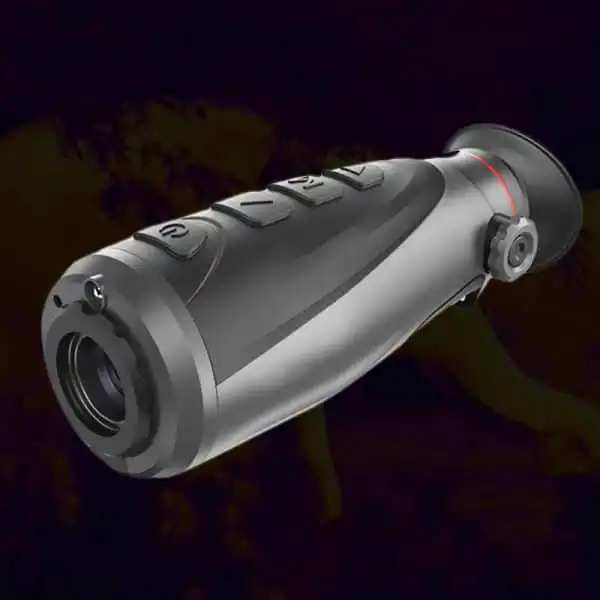
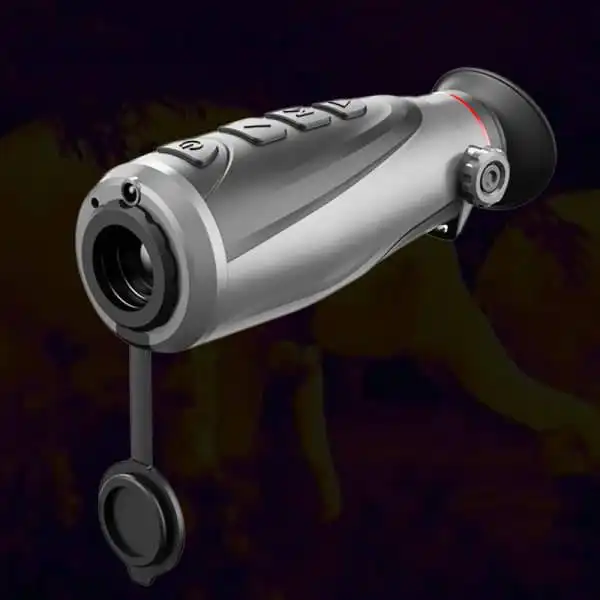
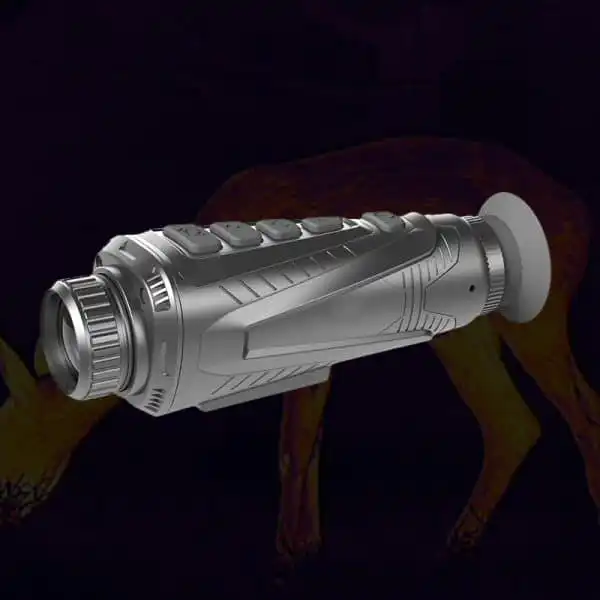
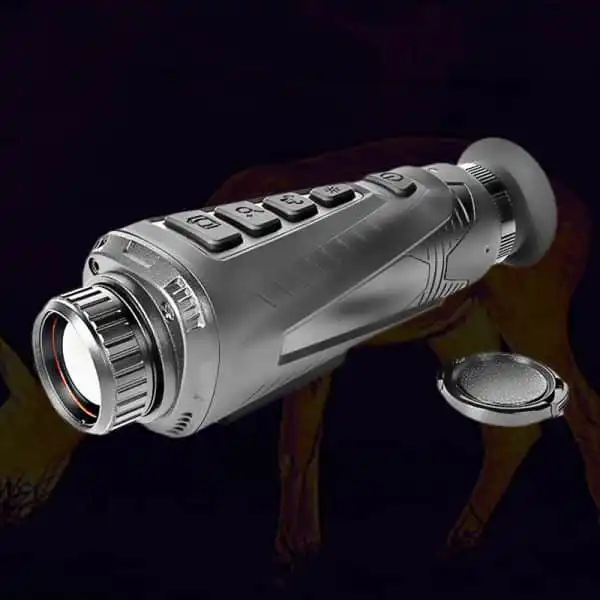
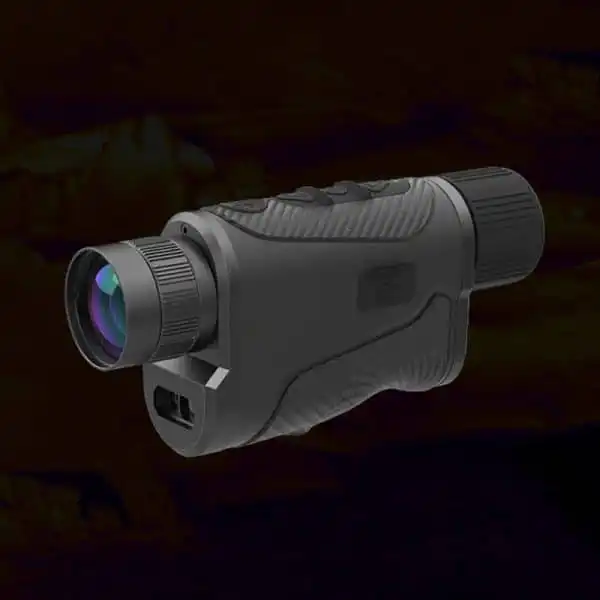
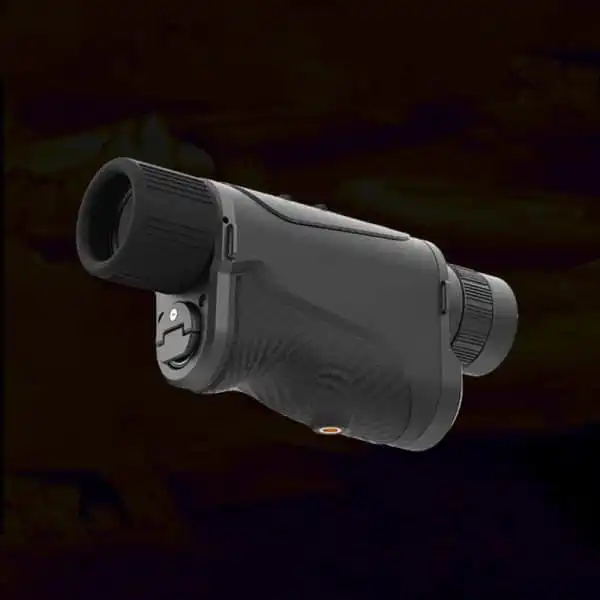
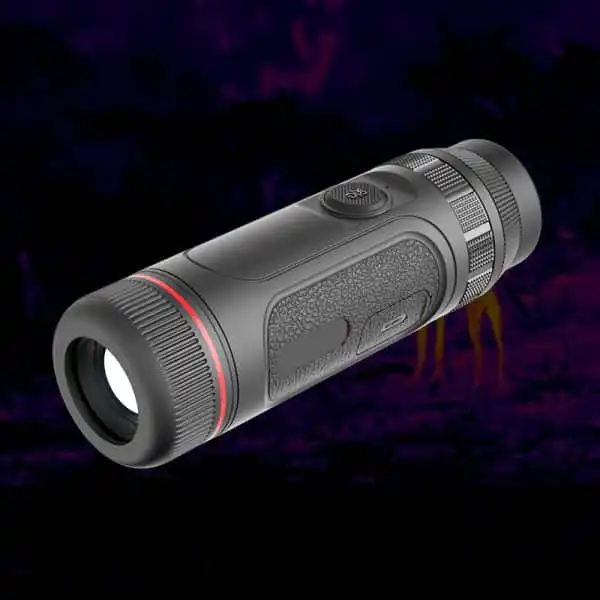
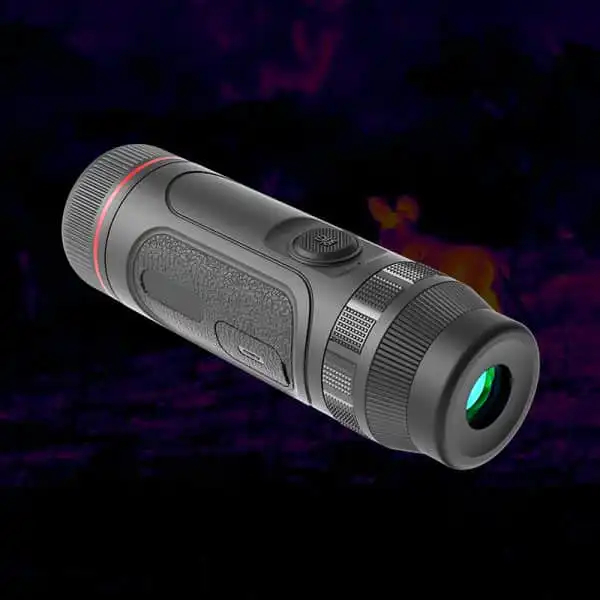
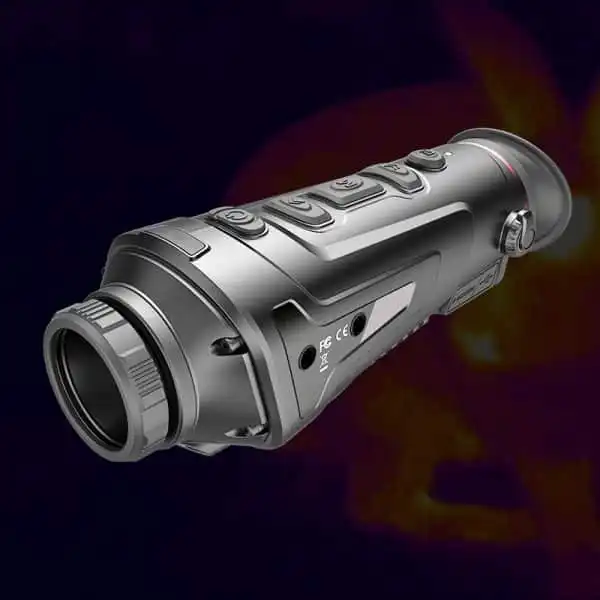
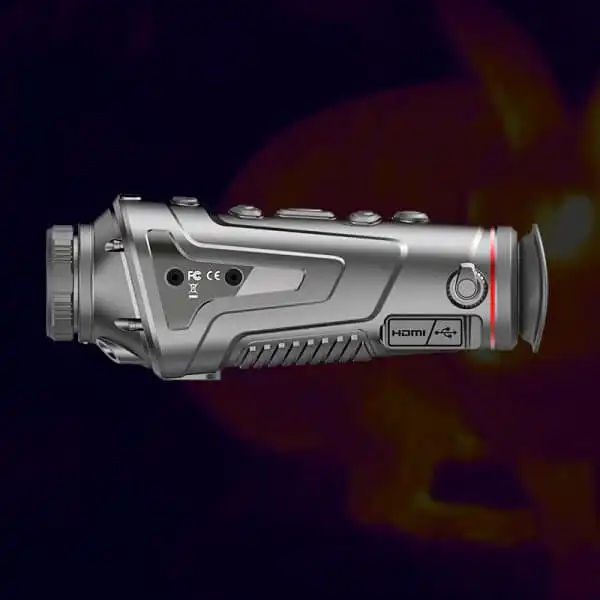
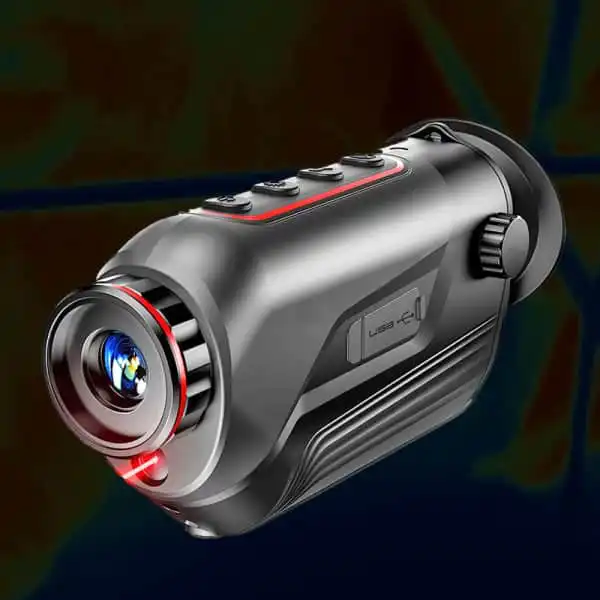
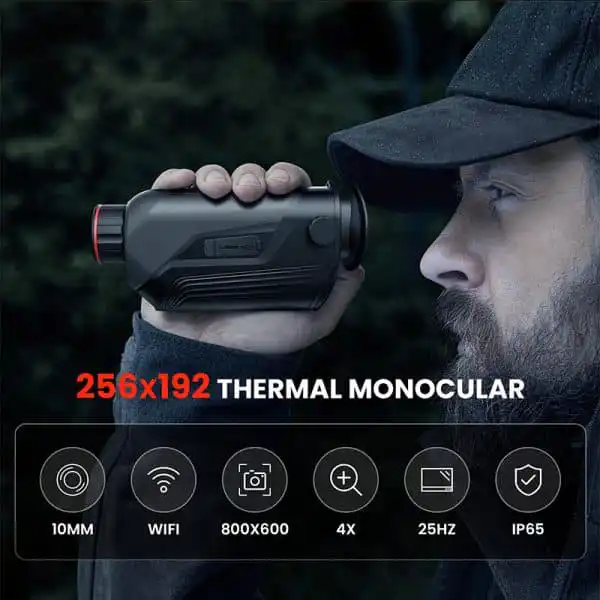
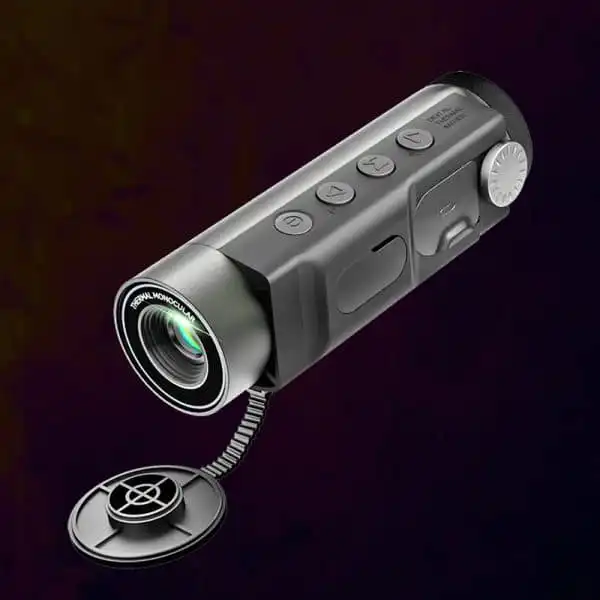
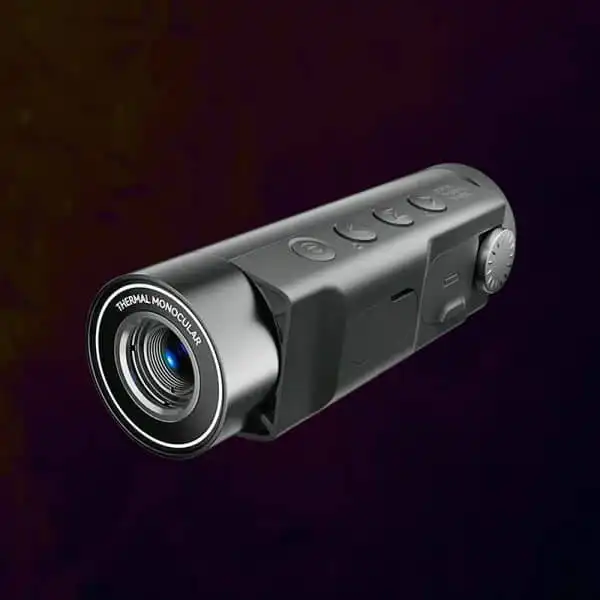
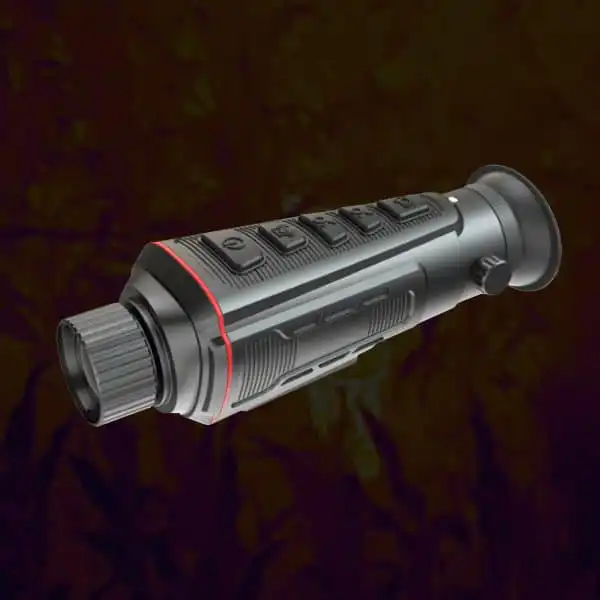
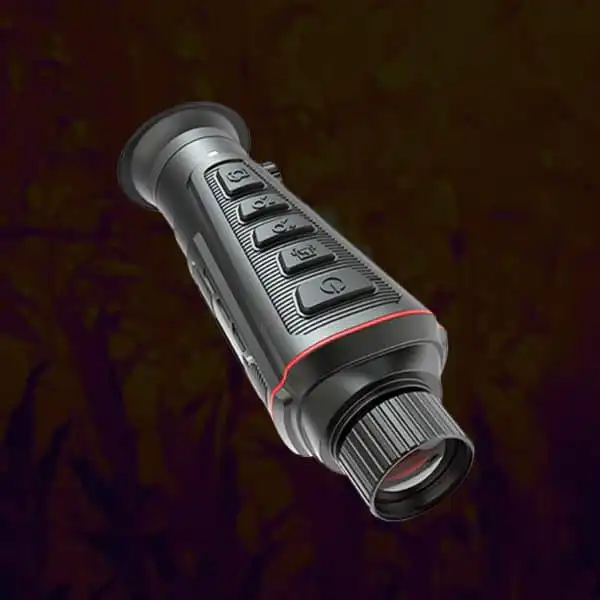
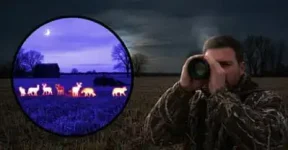
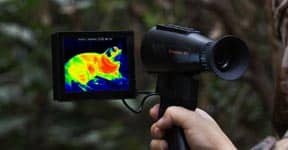
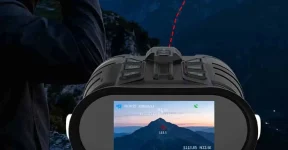
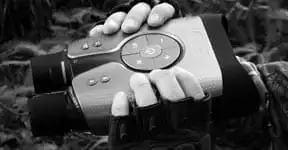
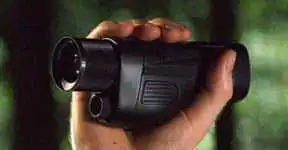
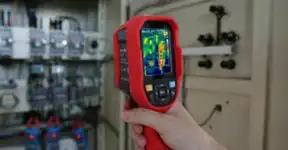
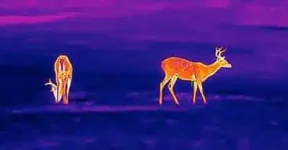
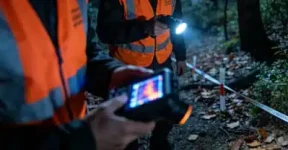
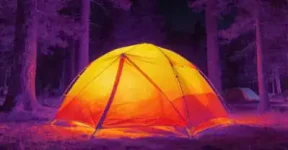
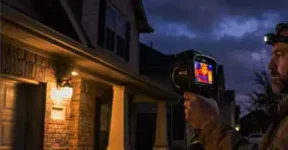
Night vision goggles with thermal can show different views of the same farm gate because the channels may use different lenses, positions and fields of view. A visible shift after switching modes is not automatically animal movement. Check each channel independently and use only the manufacturer's alignment controls. A combined display does not guarantee perfect registration at every distance.
A Gatepost Is a Useful Reference for a Channel Change
An authorized farm observer may switch from a thermal outline to a digital view to inspect exposed activity near a gate. The animal can appear shifted relative to a post or fence even though it has barely moved. Without a fixed reference, the observer may interpret the change as a new action.
thermal and digital viewing distinctions help establish what each channel supplies. multichannel equipment features should identify whether the device switches views, presents picture-in-picture or offers a documented overlay. Those designs are not interchangeable. Use a secure stationary viewpoint and an ordinary permitted scene before drawing conclusions from an animal sequence.
Night Vision Goggles with Thermal Need Independent Viewpoint Checks
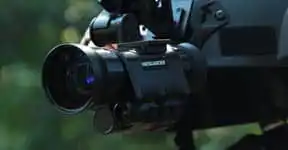
Separate lenses can be located at different positions on a housing. Their views can also differ in coverage, magnification and focus. At close distances, those differences may be especially noticeable. Do not assume the outside shape proves the channels share an optical center.
lens and field-of-view relationships explain part of the geometry, while the actual model documentation must establish its arrangement. keeping channel specifications separate prevents several fields being collapsed into one. native thermal resolution remains independent of any digital output. An apparent alignment advantage in one demonstration is not proof that every distance or mode will behave identically.
| Observed change | Possible explanation to examine | Record keeping |
|---|
| Channel switch | Fixed post shifts within the frame | Check viewpoint and coverage before inferring movement |
| Different distance | Relative alignment may change | Ask about the documented design |
| Composite image | Thermal outline and digital texture coexist | Do not assume perfect registration |
| Saved sequence | Recorded path and edits are identified | Separate mode changes from real activity |
Compare Several Ordinary Distances Without Altering the Scene
Use permitted fixed features at near and farther positions and observe what changes when channels switch. Keep the active mode, focus and enlargement identified. A stationary post makes a better reference for this exercise than an animal that is also moving.
specific binocular and thermal questions can ask whether alignment is distance-dependent and which user adjustments are documented. farm observation equipment planning provides the practical context. Do not add an improvised optical adjustment, open the device or describe this exercise as calibration. It is a viewing check that can reveal what needs to be discussed with the supplier.
Keep Overlay Appearance Separate From New Information
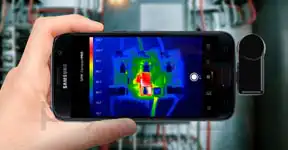
A combined picture can be easier to interpret without providing extra native thermal samples. A thermal shape may be drawn over a digital background, while the digital view supplies visible texture. If registration is imperfect, the composite can create misleading apparent edges.
The difference between thermal and reflected-light information is relevant to that distinction. resolvable detail and contrast also explains why a strong-looking border is not automatically an additional animal feature. thermal discovery and independent confirmation should remain separate judgments. Do not use the composite to claim an exact identity, a hidden body outline or a measured temperature that the system does not disclose.
Label the Recording Path Before Reviewing Activity
A saved clip may contain the selected channel, a composite or another output depending on the design. The observer needs to know which path was recorded before comparing apparent movement across files. Keep original channel clips where the system supports them and label edited viewing copies separately.
camera output concepts provide useful questions without establishing a particular recorder’s mode. practical thermal recording expectations should include reopening a representative original. An image-position change, a mode switch and a real animal movement can occur in the same sequence. The field note should not merge them into one unexplained event.
Choose Clear Channel Control Over a Perfect-Looking Advertisement
Try the actual system and approved support while stationary. Can the observer identify the active channel, restore a known view and explain which part of the picture supplies each detail? Keep comfort and ordinary control access in the comparison.
thermal viewer fit and pre-purchase system checks remain important even when a composite looks impressive. Ask for unresolved alignment behavior in writing. A useful device makes the two information sources understandable; it should not depend on the buyer assuming that every overlay is precisely aligned or that a view shift proves an animal has changed position.
Use fixed references, identify the active channel and follow only documented adjustments. Choose a system whose separate and combined views are understandable without assuming perfect alignment at every distance.