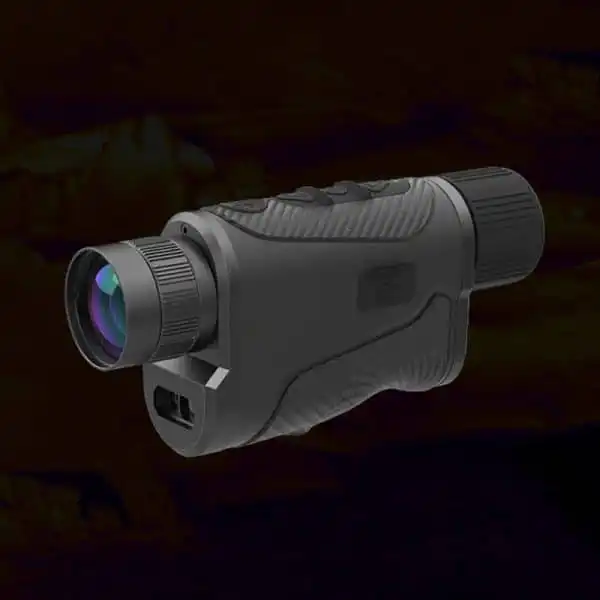
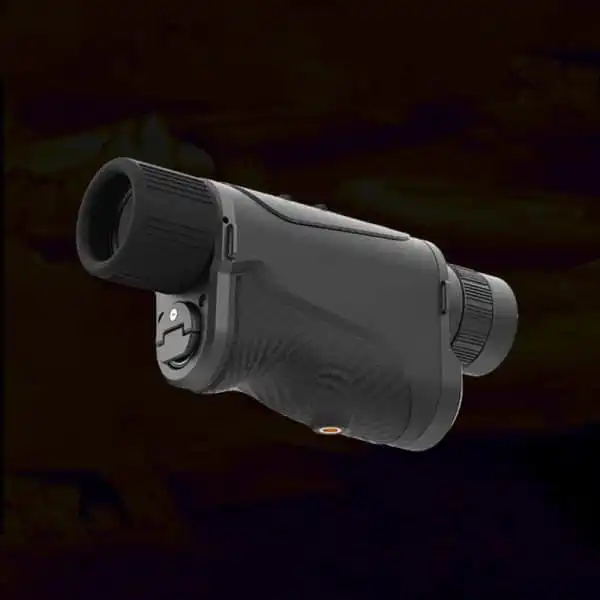
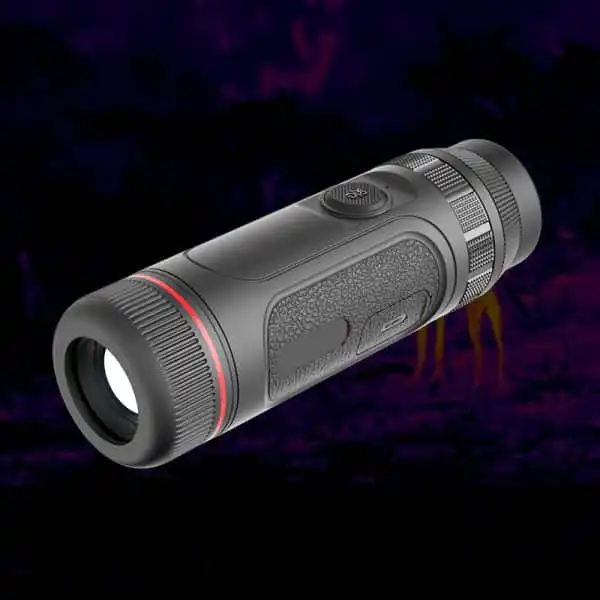
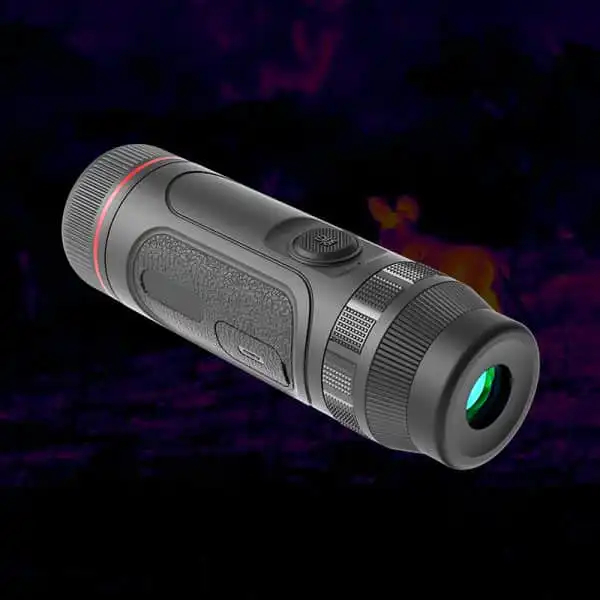
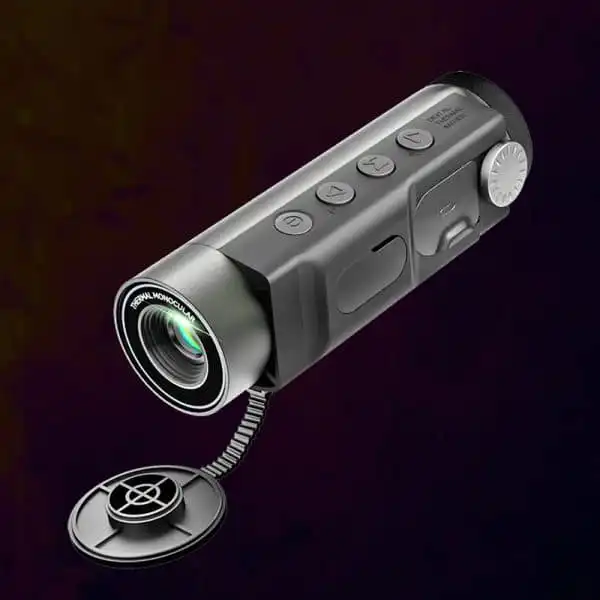
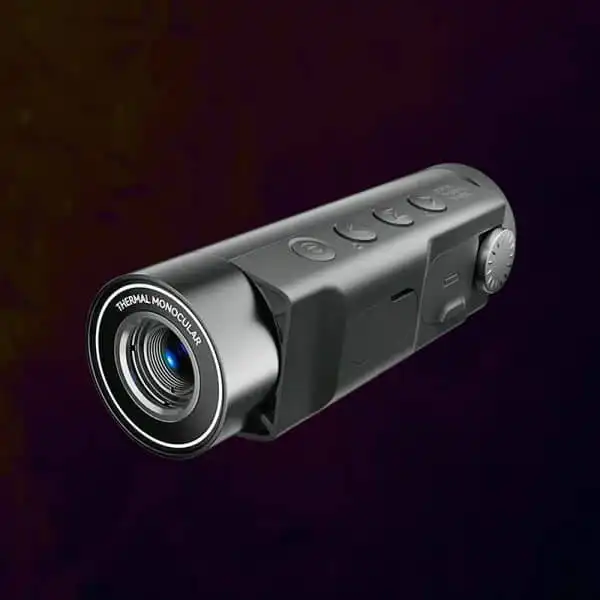
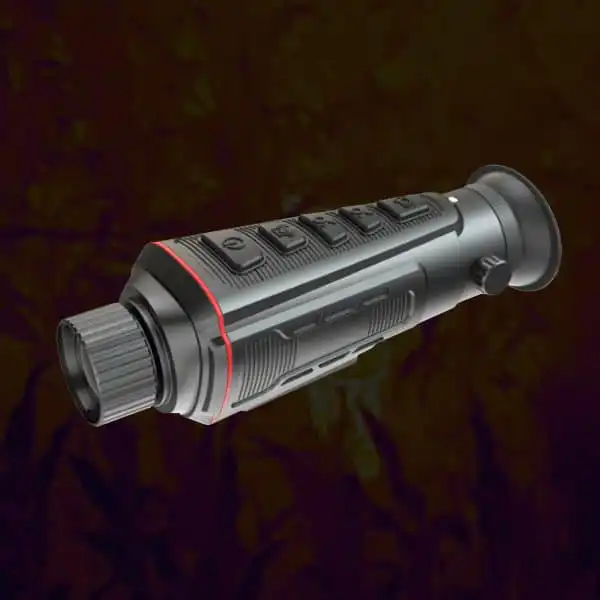
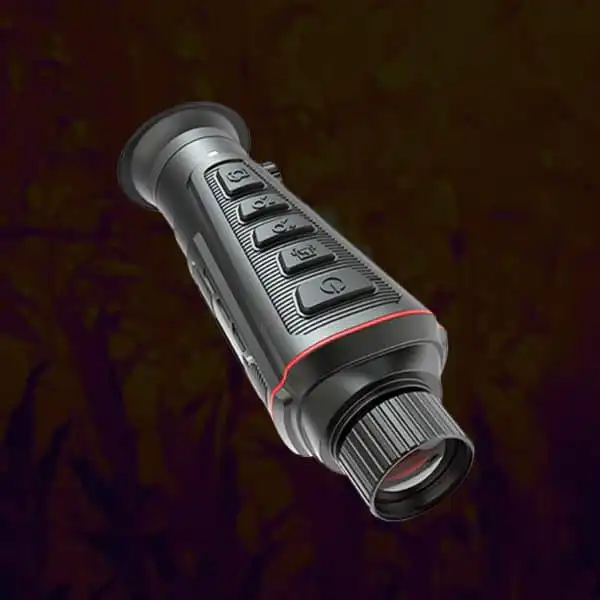
Night Vision Goggles with Thermal Imaging Need a Local Recording Check
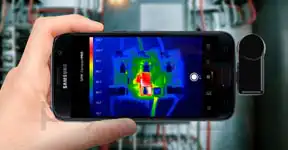
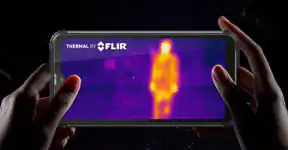
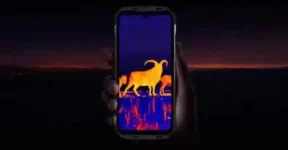
A phone preview can look persuasive in a demonstration while leaving the buyer uncertain about what the viewer actually saves. The stream may be lower resolution, delayed or interrupted independently of the local recording. Ask whether the exact device supports local capture, wireless preview or both, and whether using them together changes any disclosed settings.
The priorities in responsible roost observation and roost-viewing equipment priorities start with a quiet permitted viewing position. Add original footage export when the aim includes keeping a few reviewable clips. A thermal patch can suggest exposed activity, but foliage still limits what is visible. A convenient phone preview cannot establish that every bird in the roost was recorded.
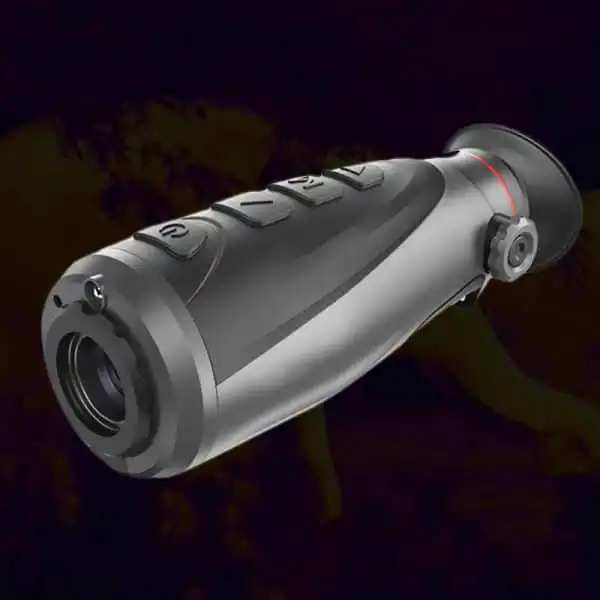
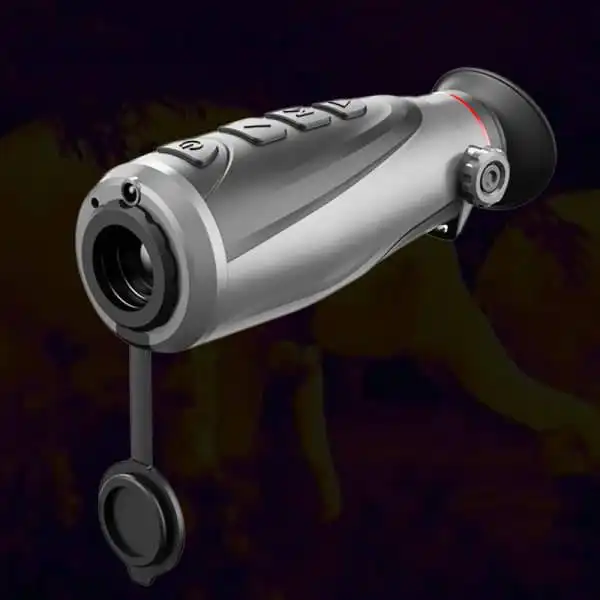
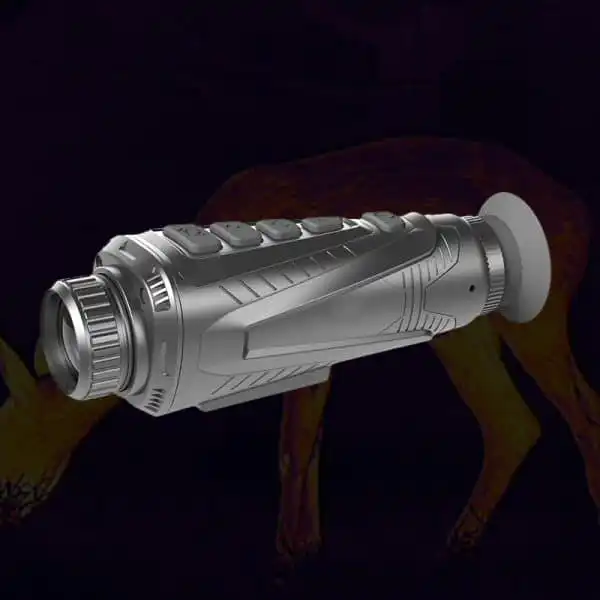
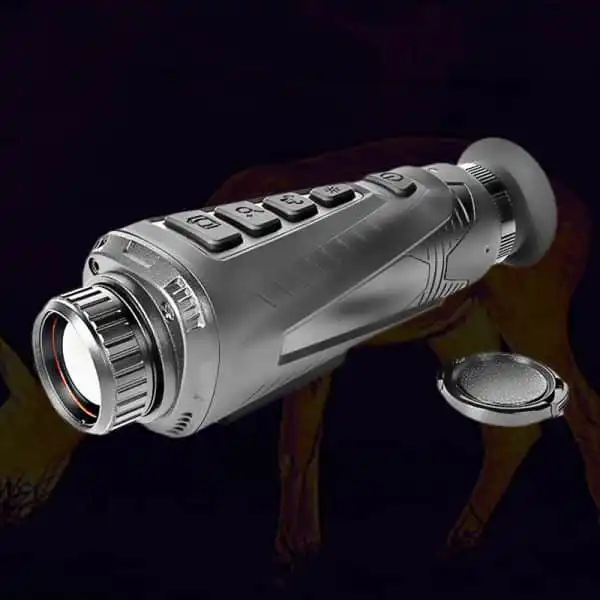
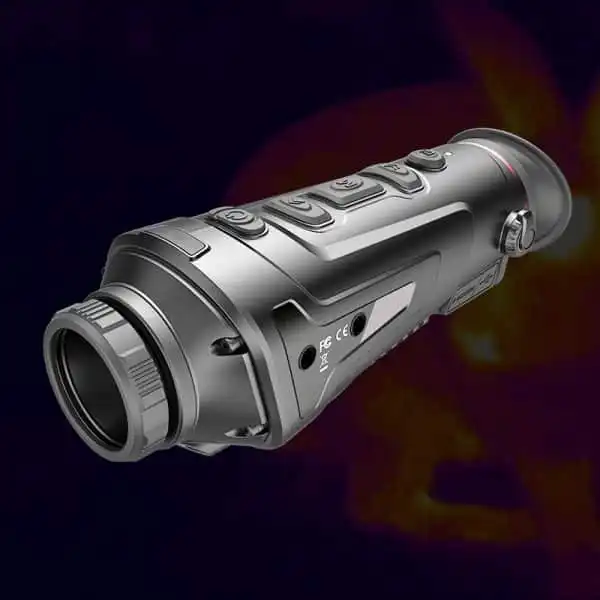
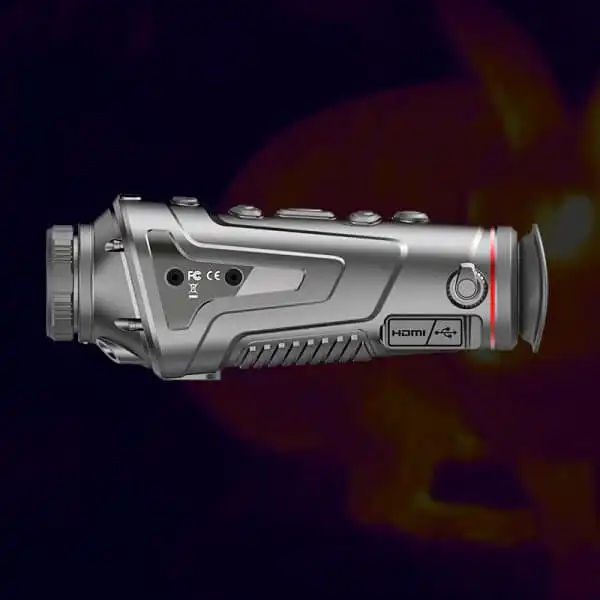
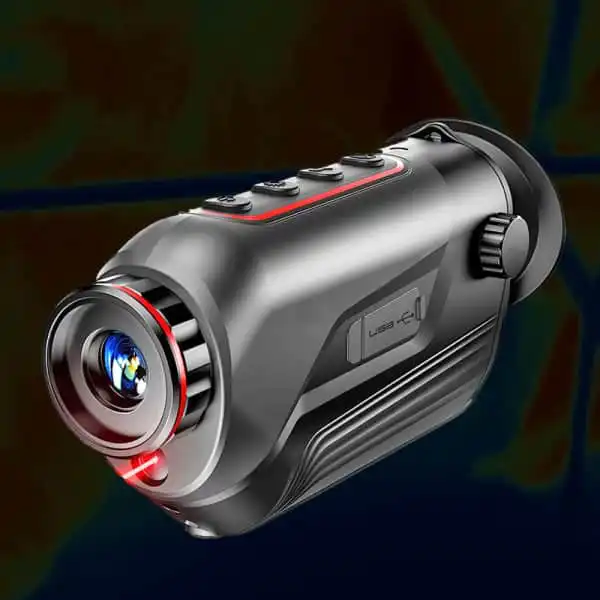
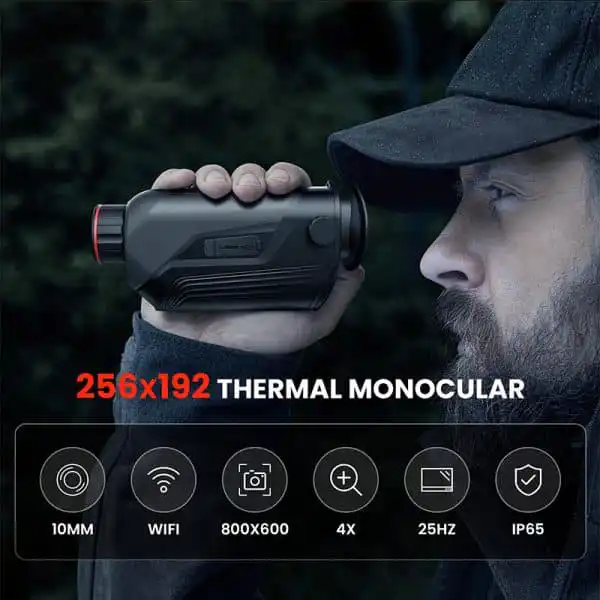
Night vision goggles with thermal imaging should preserve a local original when recording is a priority, if that capability is documented. A wireless preview can be convenient but may show delays or connection interruptions that do not match the saved file. Test the two paths separately before a quiet roost observation. Do not promise complete bird detection, species identification or uninterrupted streaming.
Treat a Preview Freeze as a Question, Not a Diagnosis
If a phone image freezes, inspect the local file afterward before blaming the detector or recorder. A wireless connection can fail while local capture continues, or the local capture may also be interrupted for another reason. The evidence must decide between those cases. Do not invent a bitrate, transmission range or App requirement that the manufacturer has not disclosed.
Separate recording interfaces and data paths before investigating interrupted clip interpretation. A playback check using playback on different screens can reveal a presentation issue, while recorded frame cadence belongs to the original capture. Give support the local filename and the preview interruption time. A stalled phone image alone cannot identify which part of the capture, transfer or display path failed.
Set Up Sharing Before the Quiet Observation
Pairing prompts, screen brightness changes and menu exploration can distract the observer from the actual opening in the vegetation. Rehearse the documented connection before the visit, then decide whether live sharing adds enough value to justify its handling and power needs. A separate playback after observation may be simpler for a small group.
Include the sharing arrangement in evening power planning and rehearse stationary shared viewing before arriving at the roost. The needs of occasional recording buyer fit may be met by showing a copied original afterward. Keep thermal information limits in that discussion: a thermal outline is not a record of feather colors. Confirm exact App and phone compatibility separately rather than inferring it from a wireless icon.
Compare Only the Sharing Features You Will Use
A buyer who mainly needs a few reviewable clips may not need the most elaborate live-sharing arrangement. Confirm the supported phone platform, current App availability and whether any service conditions apply before including them in a comparison. Do not assume compatibility from a generic Wi-Fi label or claim ongoing software support without evidence.
Use goggle feature verification to separate necessary sharing functions from optional ones. Assess cost versus useful capability against that list, then send supplier questions about file handling to the seller. Ask to record, copy and play one normal original while the supported preview is active. This demonstrates the proposed workflow without claiming a current price advantage or uninterrupted wireless performance.
A short connection rehearsal can create one locally saved clip while a supported preview is active, then compare their actual contents after normal closure. Record any preview interruption time without assuming the same gap exists in the local file. Keep device, App and phone versions only when they are actually known; do not manufacture compatibility details from the connection icon. If sharing is unnecessary during the quiet session, plan to show the copied original afterward. That choice can simplify attention and power use without claiming a universal energy saving. The buyer’s record should state which path supplied the evidence and which path merely presented it to the group.
| Observation | Evidence to keep | What it supports |
|---|
| Local original | Supported capture settings and exported file | What the instrument saved |
| Wireless preview | Connection conditions and interruption time | A separate presentation path |
| Quiet setup | Pairing and brightness rehearsal beforehand | Less handling during observation |
| Actual need | Live sharing or later playback | A relevant feature purchase |
Choose sharing that suits the actual audience
A small group that reviews a few clips after the session has a different requirement from an observer who needs a live remote preview. Write that distinction into the request before comparing Apps or wireless labels. A straightforward local capture-and-copy route may satisfy the first task, while the second needs exact compatibility evidence. The benefit is paying attention to the workflow the audience will use. The trade-off is that later playback cannot provide live participation. Neither choice should be sold as universally better or as a measured power saving without evidence.
Verify the local original and preview separately. Keep the wireless feature only if it helps the real observation without obscuring what was actually recorded.