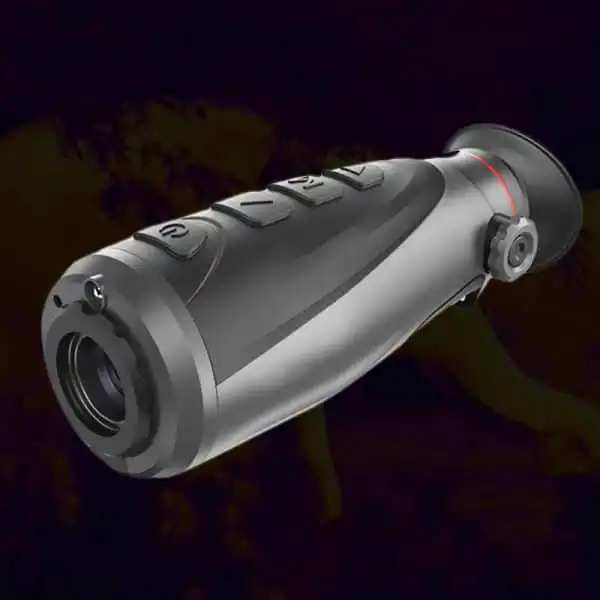
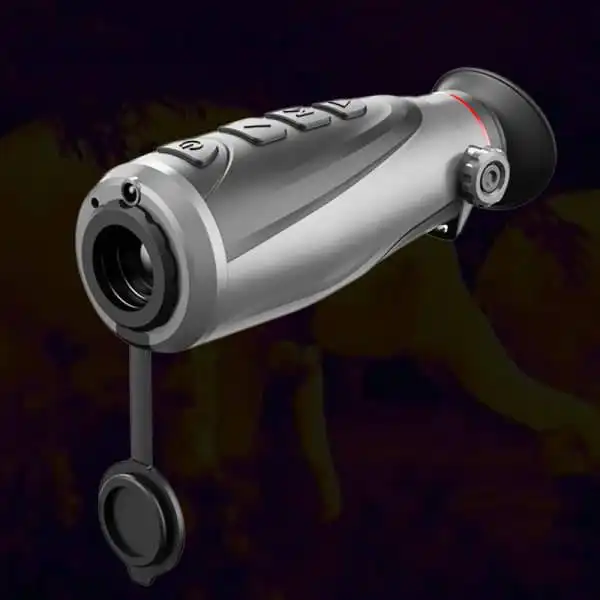
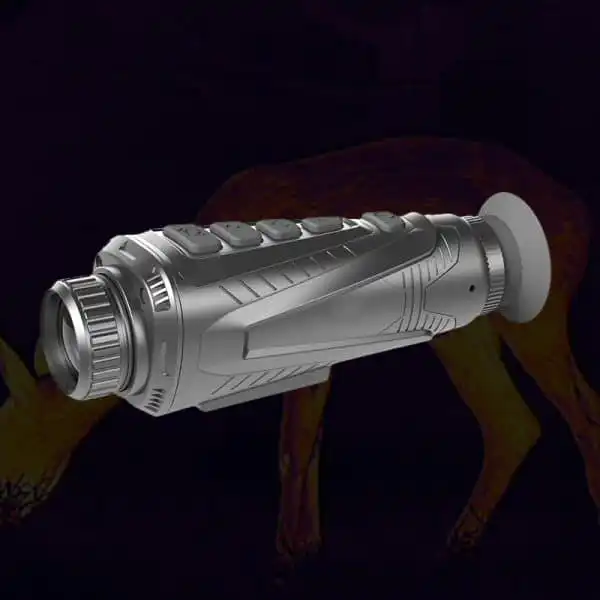
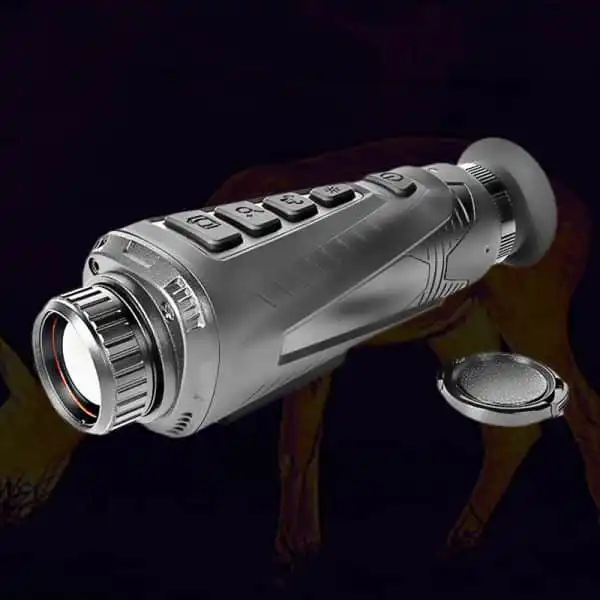
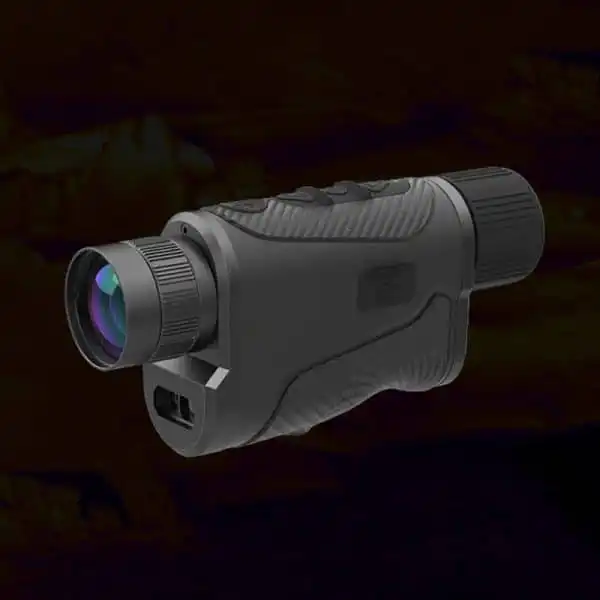
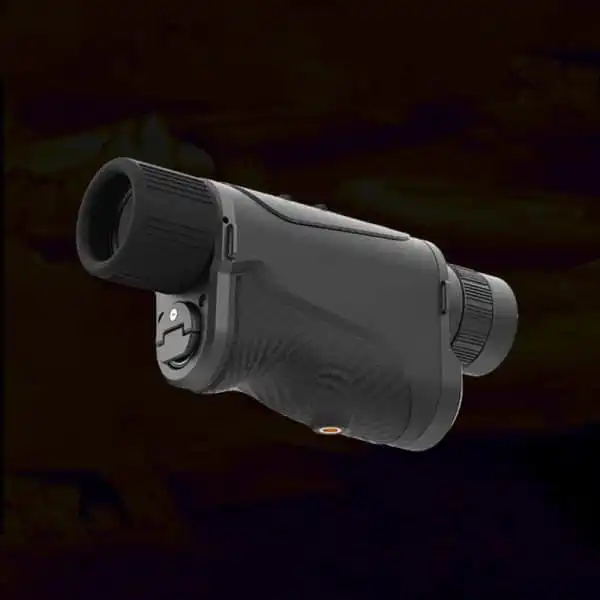
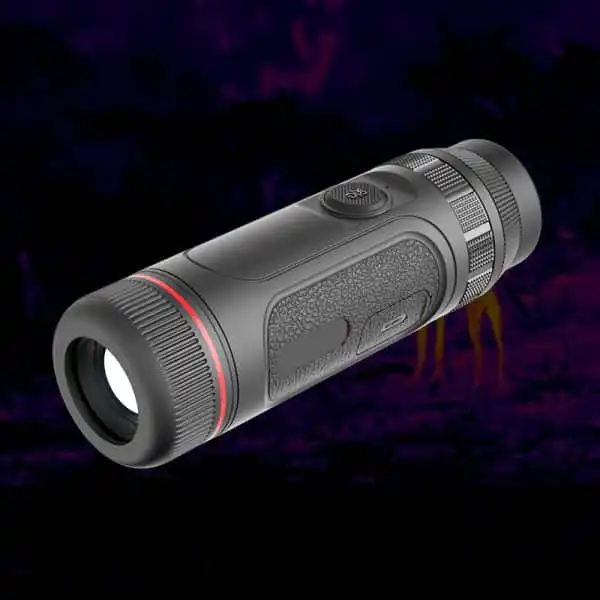
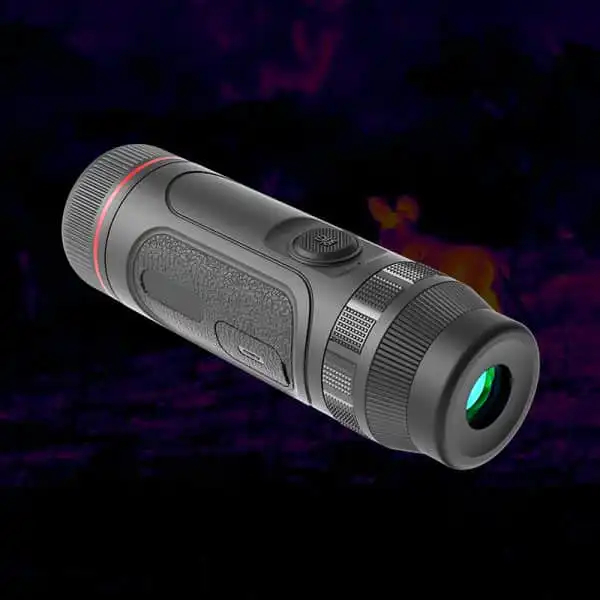
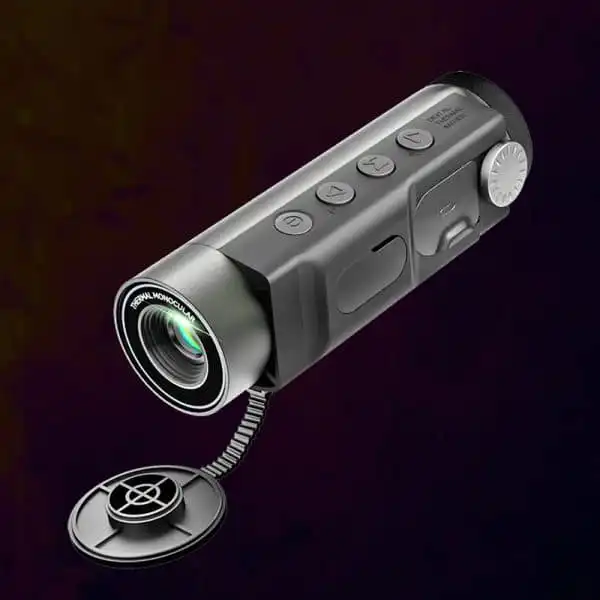
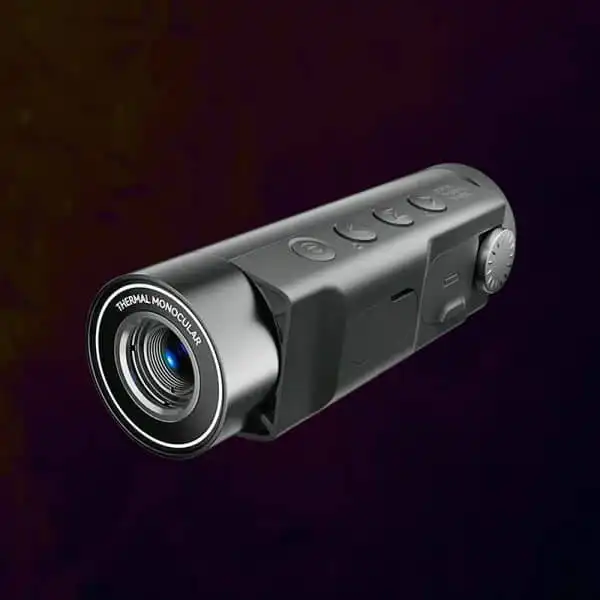
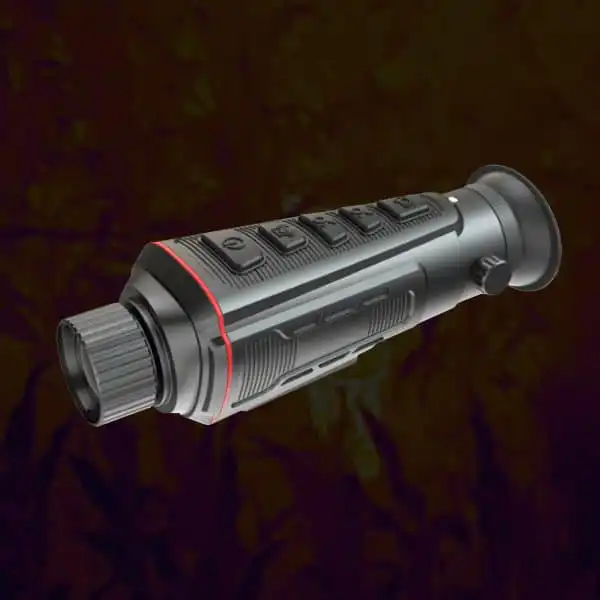
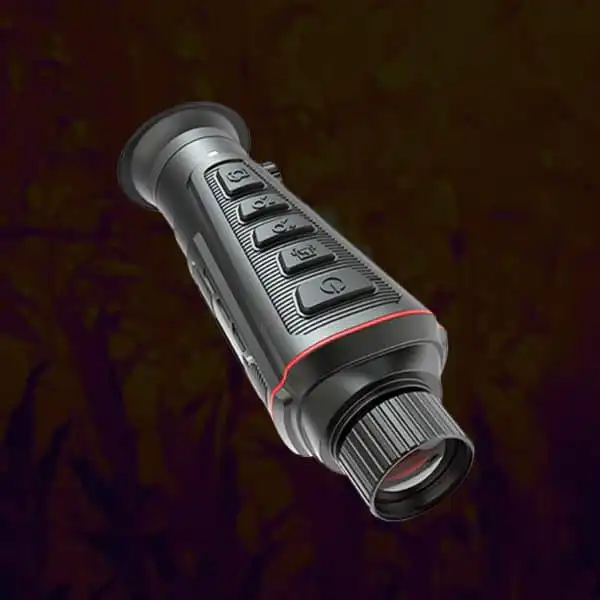
Thermal Optics for Hunting Need Comparable Notes Between Visits
An observer returns to the same permitted station and notices that familiar ground looks much brighter than it did earlier. The change may concern the scene, the chosen palette, automatic scaling or several factors at once. A visual difference alone does not isolate a physical cause. Keep the visit record broader than the screenshot.
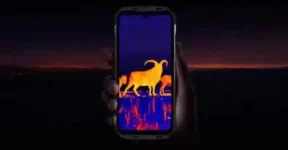
Start with palette logs between observation stops and responsible observation-task matching. Identify the viewpoint and the exposed area that matters. Mark a change in location or magnification because it changes the scene entering the system. A repeated visit is not automatically a controlled experiment, and a familiar animal-shaped patch should not be assumed to be the same individual on each evening.
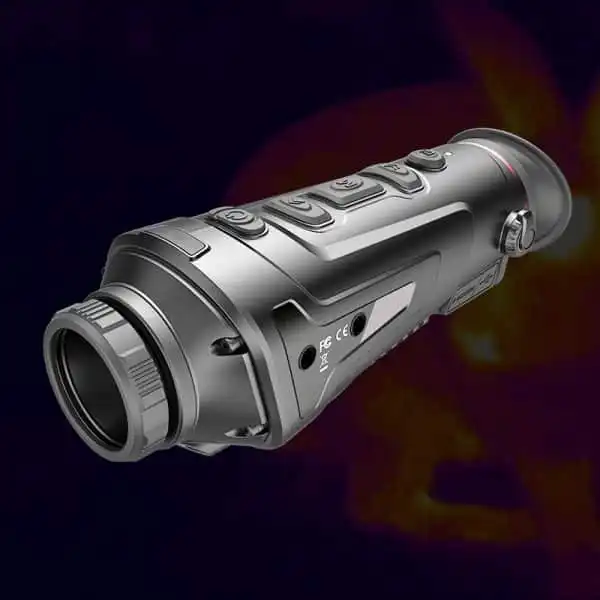
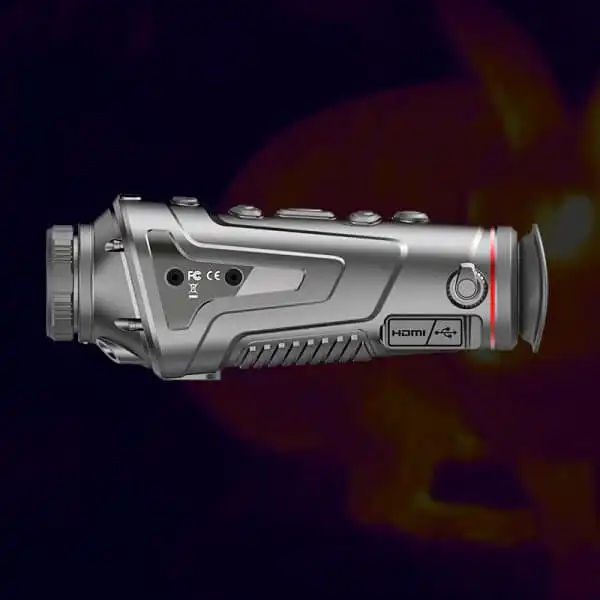
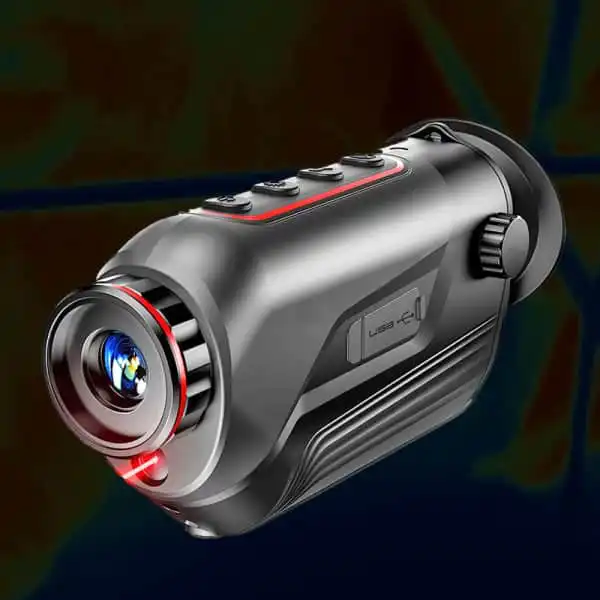
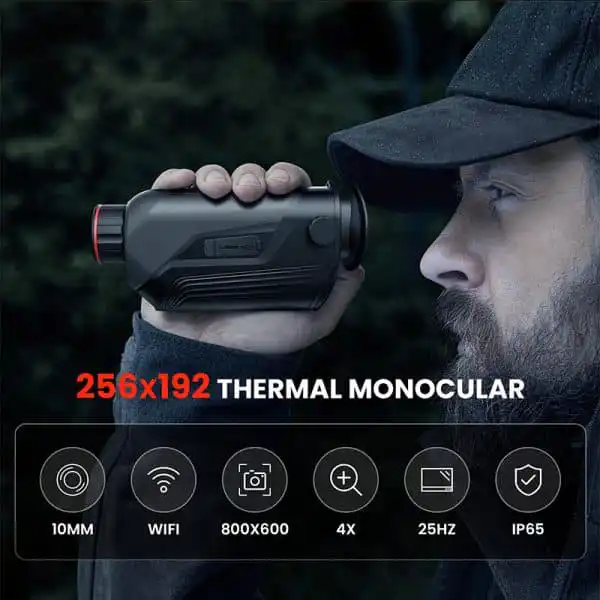
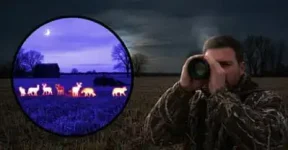
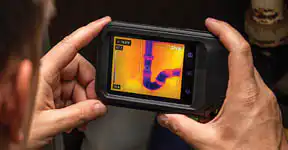
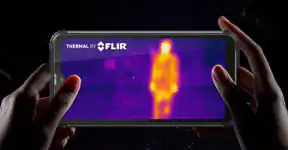
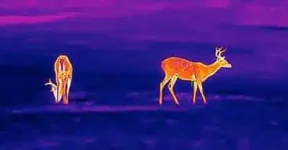
Thermal optics for hunting observation can support repeat visits, but differently colored or brighter-looking images do not by themselves show that an animal became warmer. Record palette, view, processing settings and environmental context consistently. Compare observable activity rather than reading an undocumented display color as a calibrated temperature measurement.
Lock the Comparison to Disclosed Settings
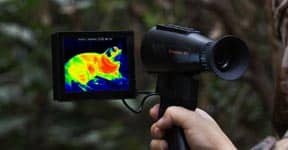
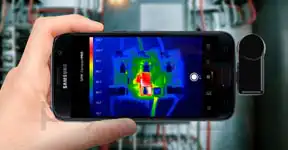
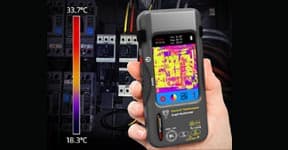
Record the palette name exactly as displayed and note any supported gain, contrast or scene mode. Do not invent manual controls that the product does not offer. If automatic scaling cannot be fixed, write that limitation down. false-color interpretation shows why a display convention needs an explanatory legend rather than an assumption that every color has a fixed universal value.
Use reading palette claims and stationary viewing fundamentals to prepare a small settings card. A renamed or updated palette may require a new baseline. measurement and display specification boundaries are especially important here: an observation viewer without disclosed radiometric capability must not be described as a quantitative thermometer merely because its images use a thermal color scale.
| Check | What to record | Decision |
|---|
| Viewpoint | Station, frame boundary, native view and any supported zoom or stabilization state | Mark a changed view before comparing apparent activity. |
| Image controls | Palette name and disclosed processing mode, with unknown automatic behavior noted | Do not assume equal colors represent equal temperatures. |
| Conditions | Time, recent sunlight, weather and visible moisture as ordinary field notes | Use context without claiming a numerical environmental correction. |
| Comparison outcome | Exposed movement and observable intervals with concealed areas retained | Describe activity rather than diagnosing animals from display brightness. |
Keep Environmental Context Beside the File
Note ordinary weather, recent sunlight on the background, visible moisture and the time of the visit. These observations can help explain why the same position is easier to interpret on one evening than another. They do not provide an exact correction factor. scene contrast concepts supports a cautious comparison of distinguishability, not a retrospective temperature calculation.
Refer to ground-level observation conditions and waterside thermal limitations when interpreting mixed backgrounds. Retain original files if recording is available, rather than comparing social-media copies with unknown processing. export-path checks should establish whether a saved clip preserves the chosen palette. If only a screenshot survives, keep its restricted evidential value explicit instead of supplying missing settings from memory.
A paired review can begin by hiding the visit dates and describing only what each original visibly supports. Then restore the settings and conditions notes. This is a practical check against expecting the later image to show improvement. It is not a controlled study, but it helps keep interpretation anchored to the retained evidence.
Compare Activity Without Pretending the Colors Are a Thermometer
A useful repeat-visit summary can describe where exposed movement occurred, how long the observable interval lasted and which areas were concealed. It should not equate the largest bright region with the largest animal or the hottest biological condition. Adjustments in framing and occlusion may explain a changed shape.
Use open-field interpretation limits, questions about product processing and value beyond mode counts to choose equipment that makes the log practical. A simple viewer with well-understood settings may be easier to compare than one with many undocumented presets. Keep a representative settings record with each visit and carry uncertainty forward. The goal is a consistent observation history, not a colorful sequence that appears more quantitative than it is.
Make each file understandable on its own. A short settings and conditions note is more valuable than assuming that matching colors mean matching temperatures.