Infrared Thermal Goggles Need a Specific Lesson Outcome
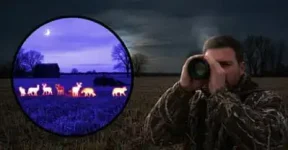
A property team learning to observe exposed animal activity needs to know what a successful example contains. Begin with locating a body, following a visible movement or resolving a defined feature. task-specific thermal observation criteria keep the lesson more useful than a competition between bright images.
Use line-of-sight and outdoor contrast conditions to choose a permitted stationary demonstration point. This is nature-observation teaching, not an operational guarantee of security or complete coverage. An ordinary viewer does not reveal animals behind walls, and a narrow thermal display cannot replace normal awareness of the physical surroundings. Keep the lesson limited to information genuinely visible in the chosen opening.
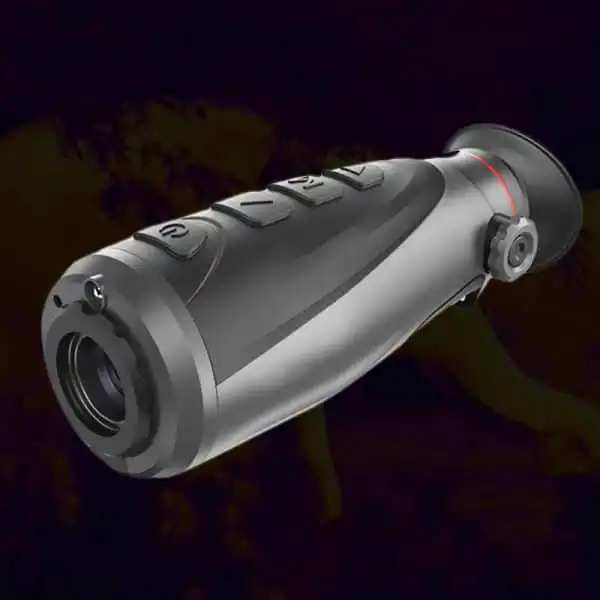
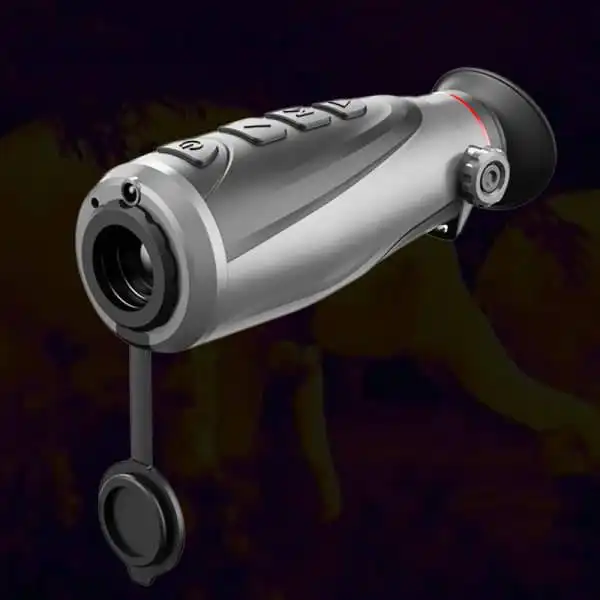
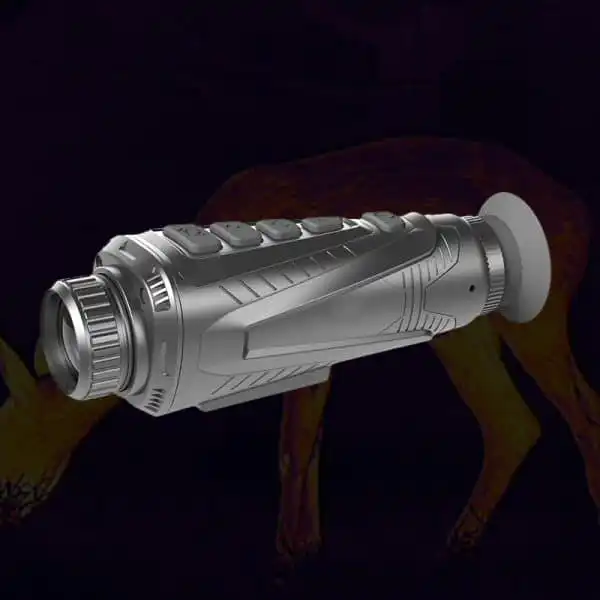
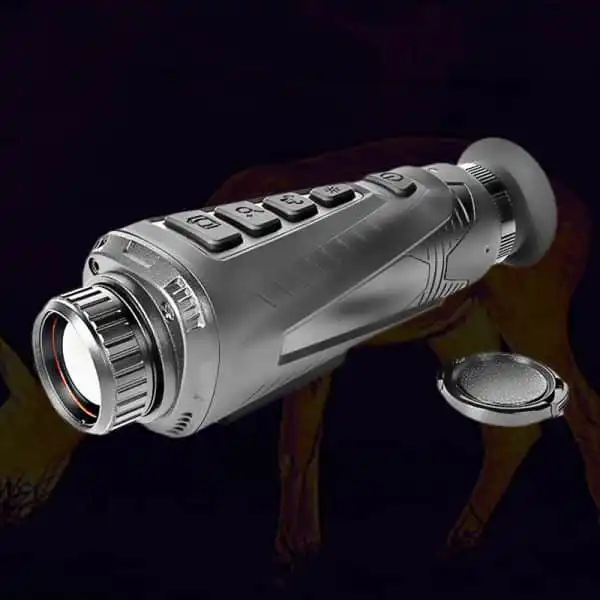
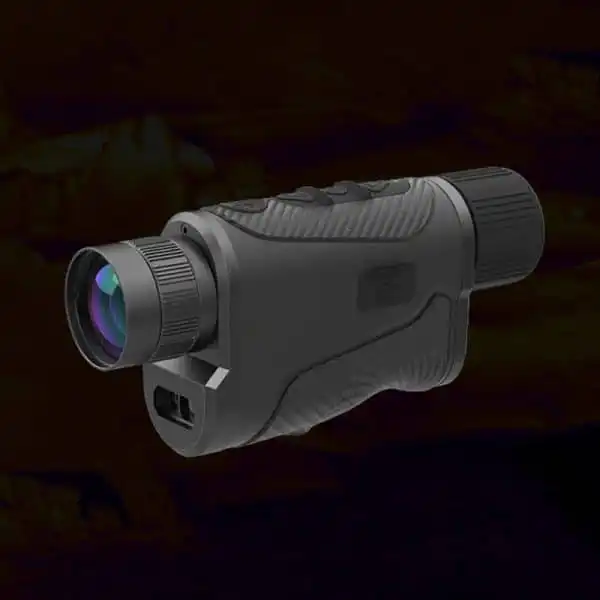
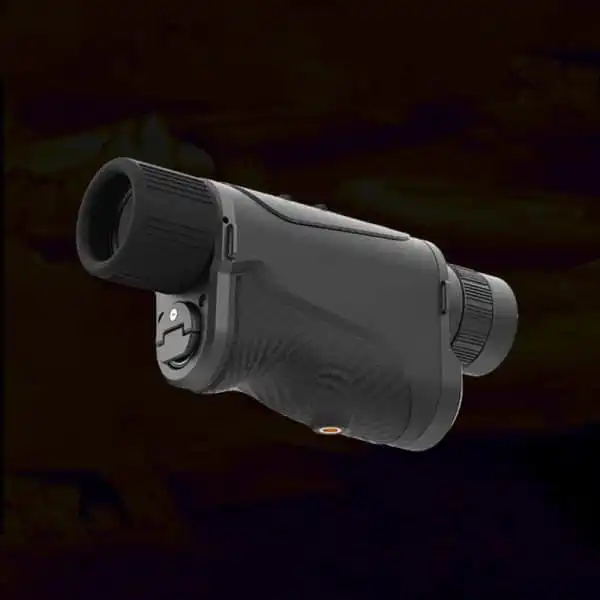
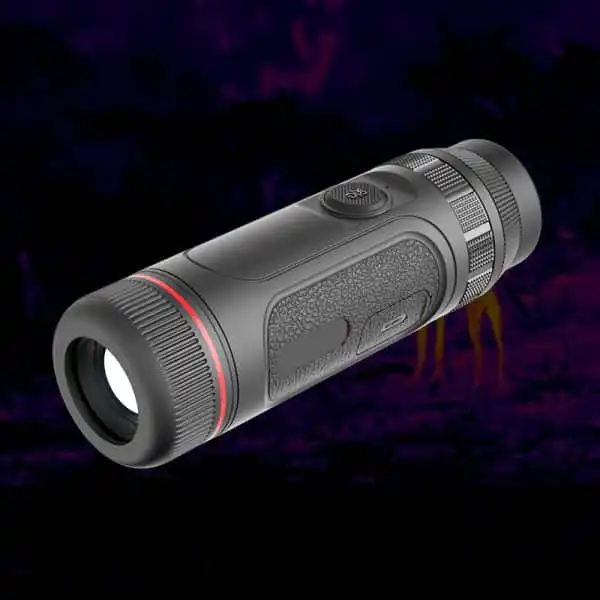
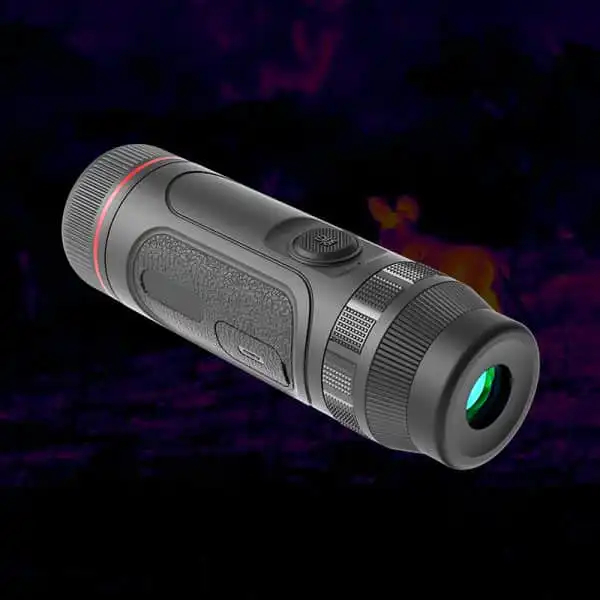
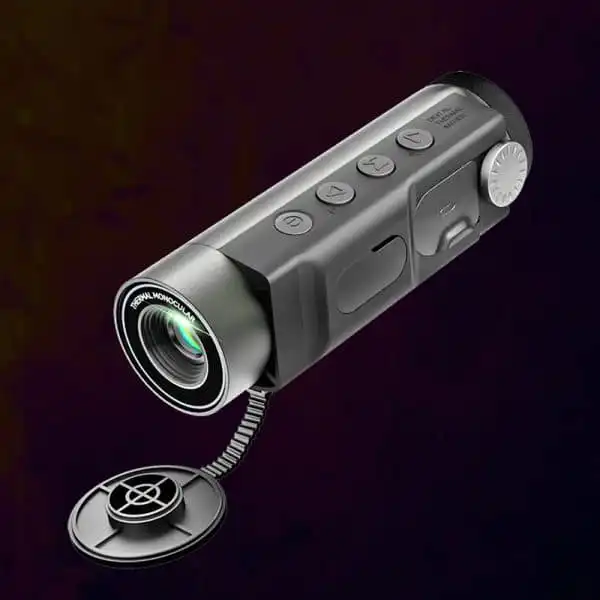
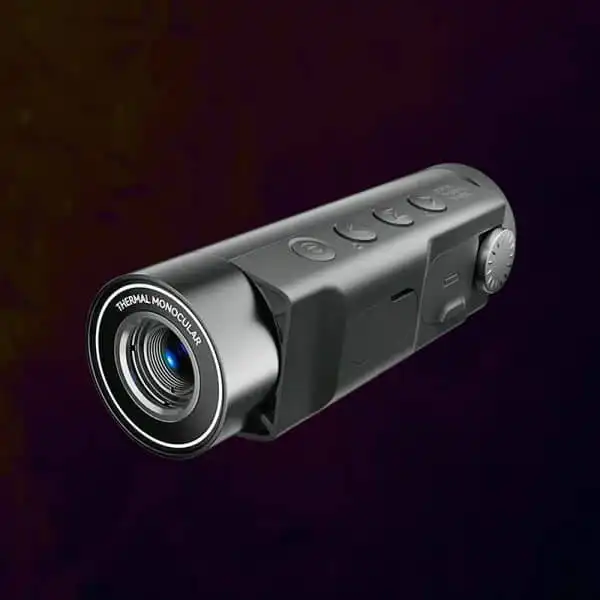
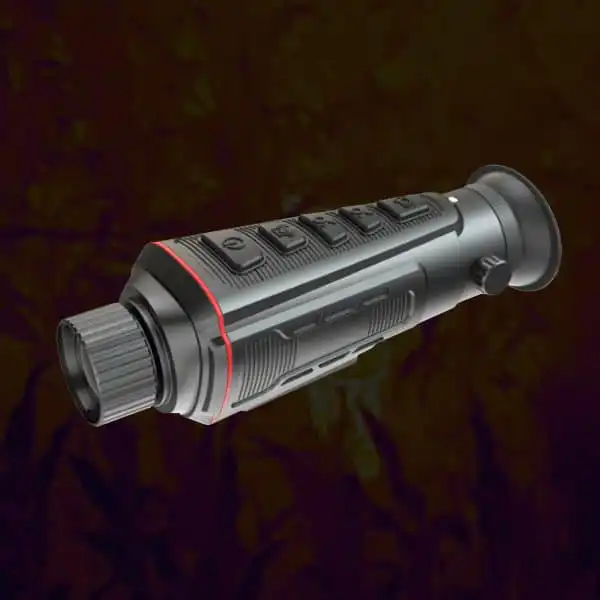
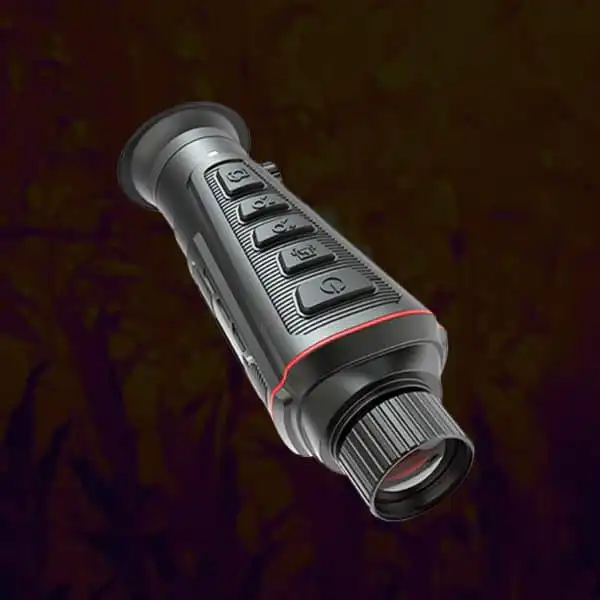
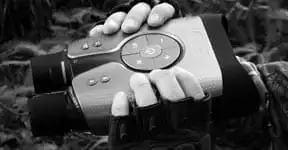
Infrared thermal goggles in a stationary lesson should be evaluated against a stated observation task and a supported complete setup. Demonstrate exposed contrast, the detail needed for the record and the limits of a narrow view. Mechanical pairing does not establish electronic fusion, and hands-free viewing does not replace ordinary environmental visibility.
Explain the Thermal Channel Before Showing a Combined View
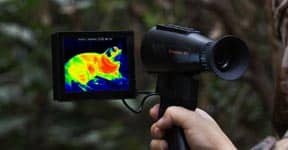
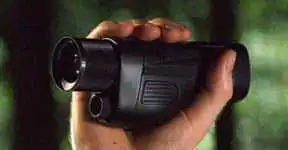
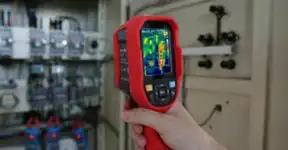
The emitted and reflected infrared distinction gives a physical foundation for the lesson. A thermal viewer can show exposed contrast without the illumination needed by some digital channels. That does not make every product called infrared a genuine thermal device.
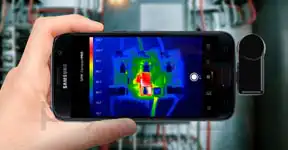
Review thermal and night-viewing arrangement differences and separate channel specifications. A bridge holding two devices is not electronic fusion; an inset also differs from independently retained source files. Keep native arrays separate from display and exported dimensions. Ask learners which channel supplied the observed feature rather than treating a combined picture as proof that every feature belongs to the thermal detector.
Try Supported Positioning Before Asking for Fine Detail
A diopter focuses the display for the eye, while objective focus addresses the scene. A close object near the user’s hands may be outside the thermal objective’s usable range even if the display itself is clear. thermal viewer eye-position checks should be learned without unsupported modifications.
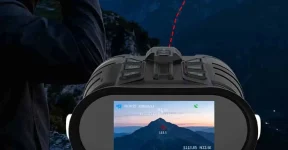
Use a documented thermal demonstration routine with the exact support and normal eyewear. The relationship between optics and field coverage also explains why a limited frame is not ordinary peripheral visibility. Placement over either eye must be confirmed, not assumed from a symmetrical-looking body. Daytime capability does not permit deliberate viewing of the sun or intense sources. The lesson can use a stationary supported view while leaving all unrelated movement and visibility tasks to ordinary appropriate methods.
Distinguish Support Movement From Image Response
A loose adjustment, vibration or shifting eye position can change the apparent view independently of detector processing. Demonstrate a stable frame and a gentle controlled pan. refresh and motion behavior should be kept separate from end-to-end delay, especially when an external output is involved.
Compare complete-system comfort and balance over a realistic short session. A shutter correction can pause a supported image without being a support fault, while persistent abnormal freezes need investigation. Do not use one high refresh figure to promise immediate response. Retain the original sequence and configuration so the source of a confusing artifact can be examined rather than guessed from a still photograph.
| Teaching task |
Example to demonstrate |
Limit to state |
| Lesson goal |
Defined visible animal feature |
Do not exceed the evidence |
| Channel explanation |
Signal type and native specification |
Pairing is not electronic fusion |
| Live trial |
Stable frame plus controlled motion |
Separate support movement from processing |
| Power transition |
Documented warning and file behavior |
Do not improvise the supply |
Make Power Warnings Part of the Demonstration
Check how the actual viewer signals low power and what happens to a recording when the supported supply changes. Do not exhaust the unit merely to find out during an important lesson. A short trial with documented behavior is more useful than a general claim that batteries are easily changed.
Use basic thermal controls and file-saving checks alongside questions about power and useful detail. Cold or damp conditions require the exact approved procedure. Keep unsupported extensions and improvised covers out of the lesson. The complete kit’s functions and limits must be learned together rather than inferred from the bare viewer’s mass or an accessory photograph.
Finish With the Information the Learner Could Actually Defend
Ask the learner to describe the exposed outline, available feature and remaining uncertainty in ordinary language. Compare that statement with the original clip. If only location is established, do not turn the example into species identification or a quantified temperature result.
Consider complete-kit budget priorities through the thermal optics category when choosing the teaching equipment. Confirm exact configuration and support before a purchase. The useful lesson teaches a repeatable supported observation method, not a universal best system or an assumption that wearable-looking hardware solves every viewing task. Ordinary visibility remains available for everything outside the demonstration’s stated question.
Set a modest lesson goal, fit the supported kit and retain an original demonstration. Teach signal, focus, movement and power as separate questions. The learner should finish knowing what was observed and what remains outside the equipment’s evidence.