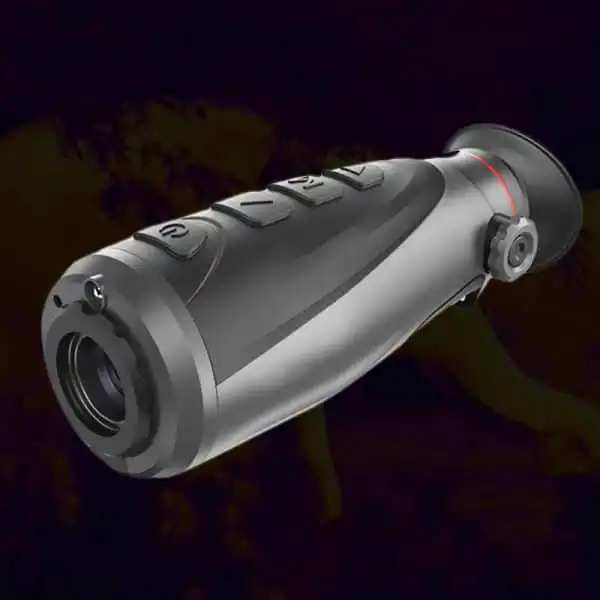
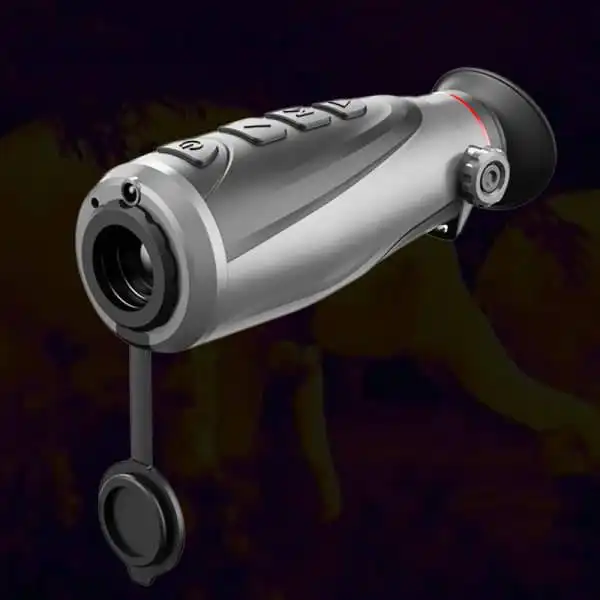
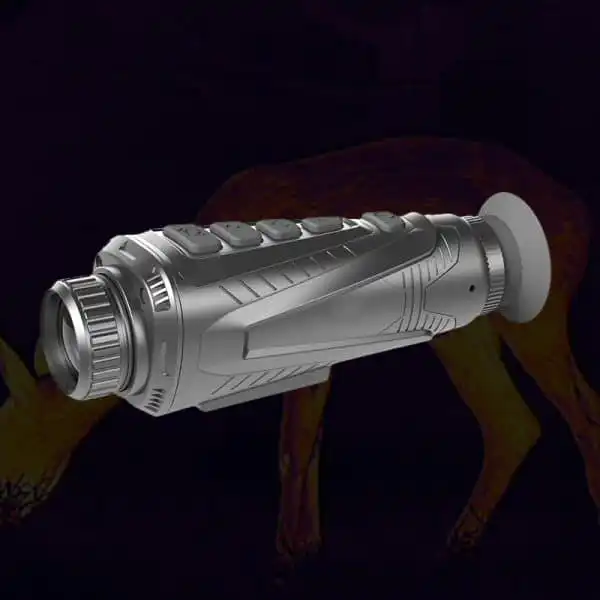
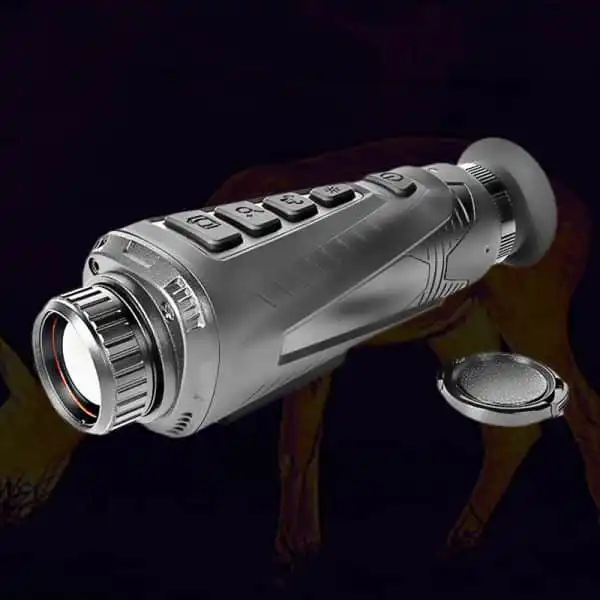
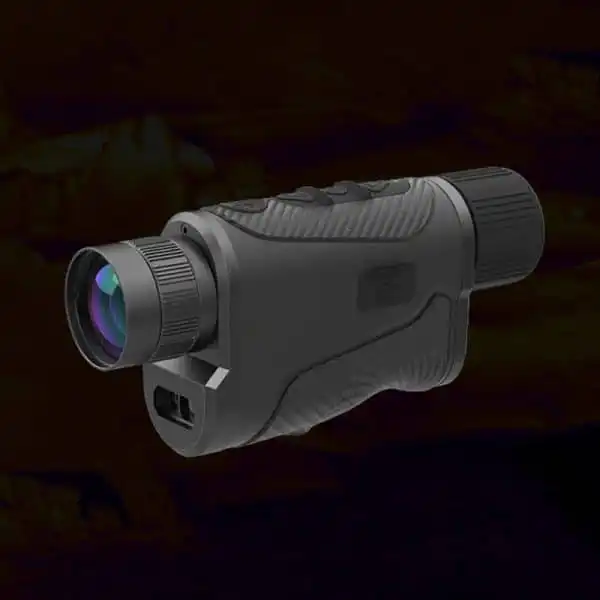
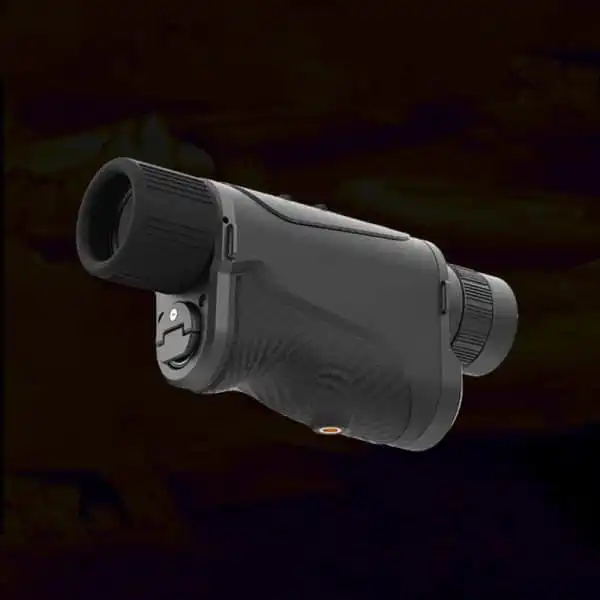
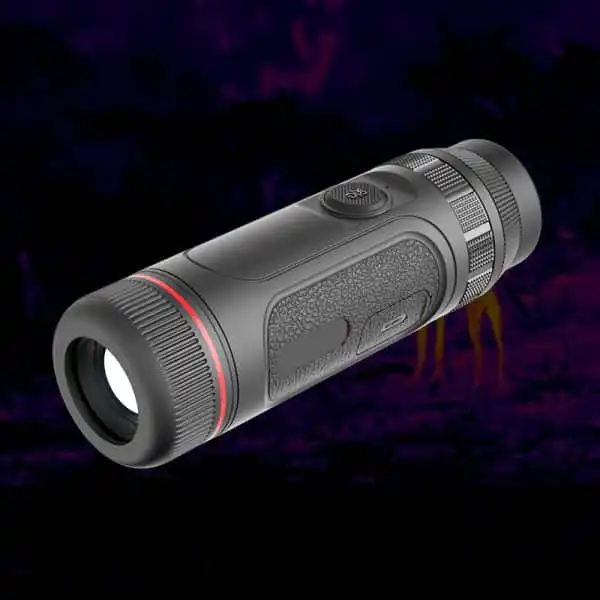
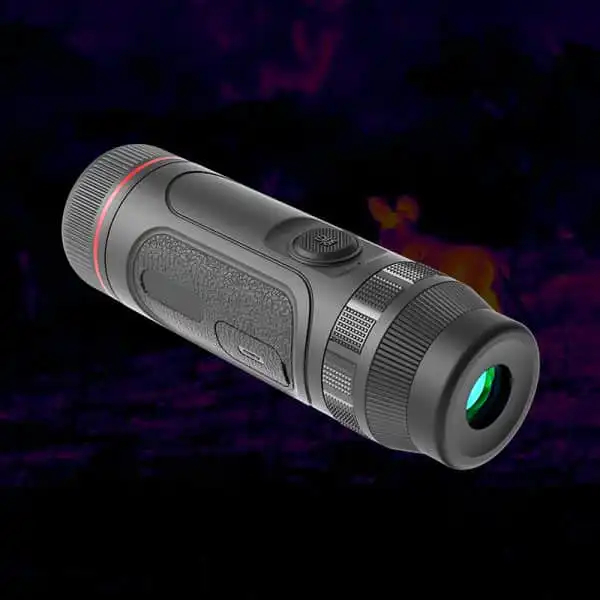
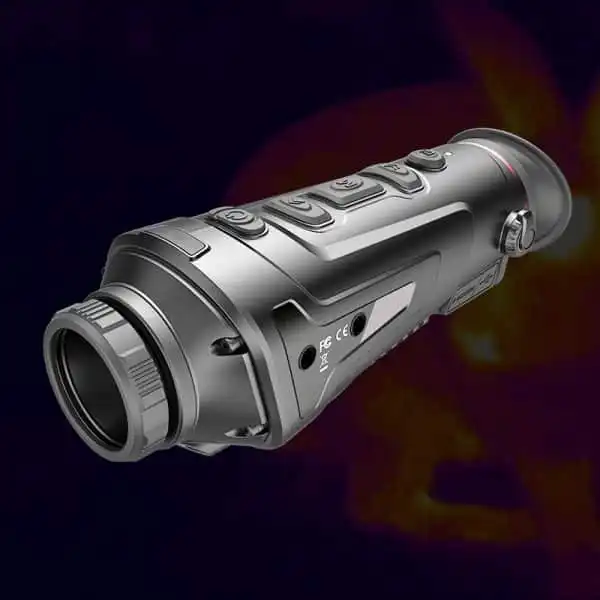
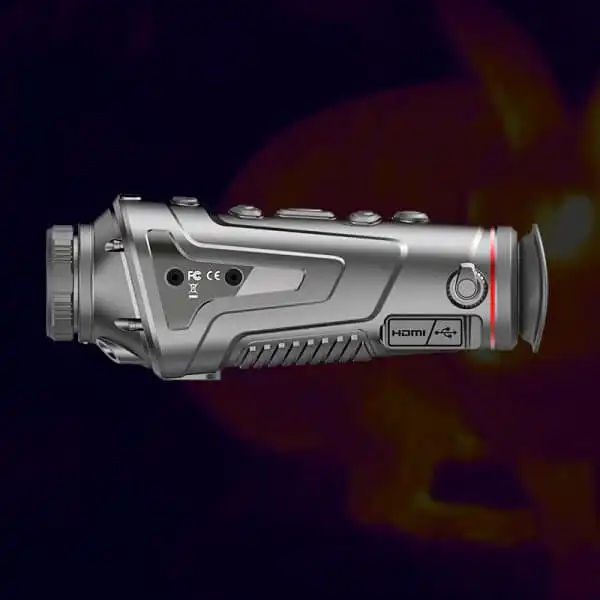
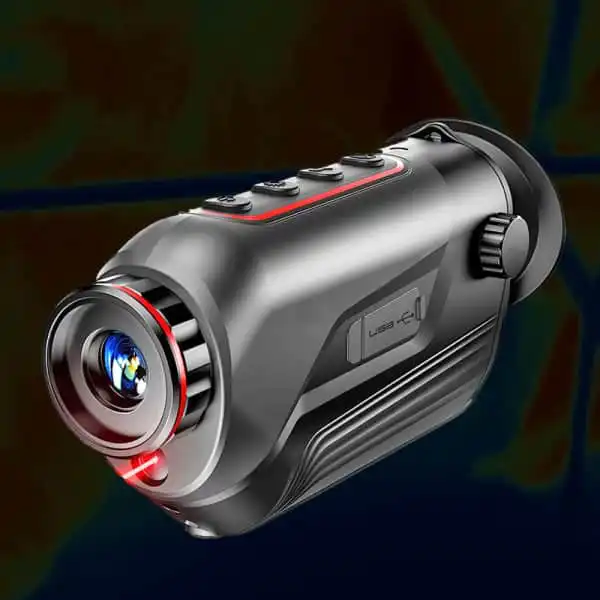
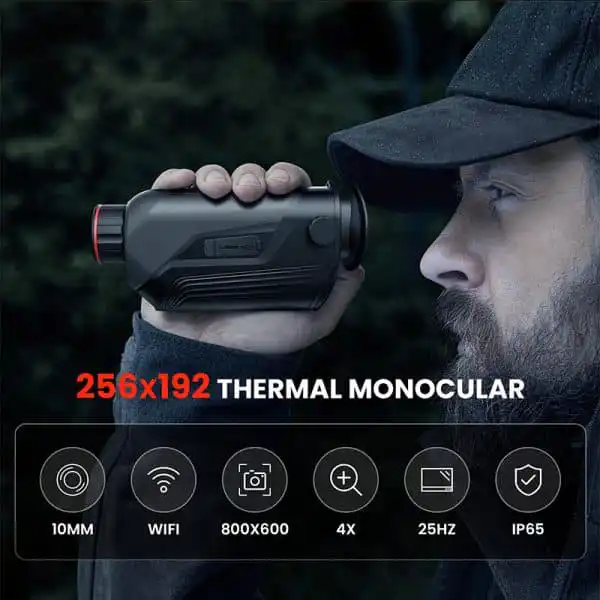
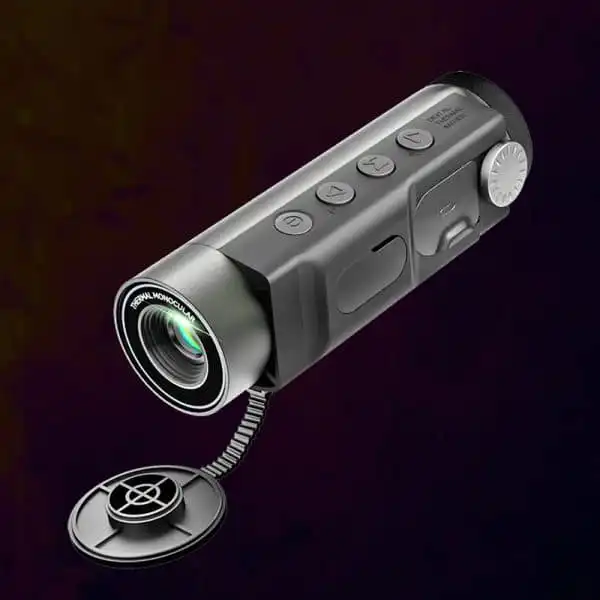
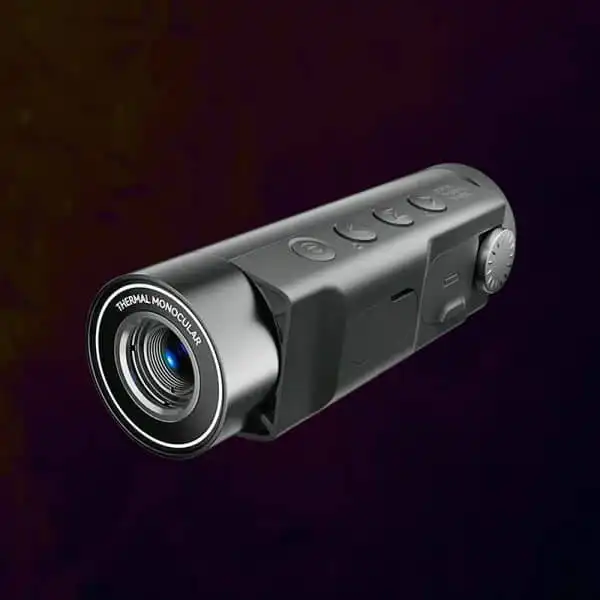
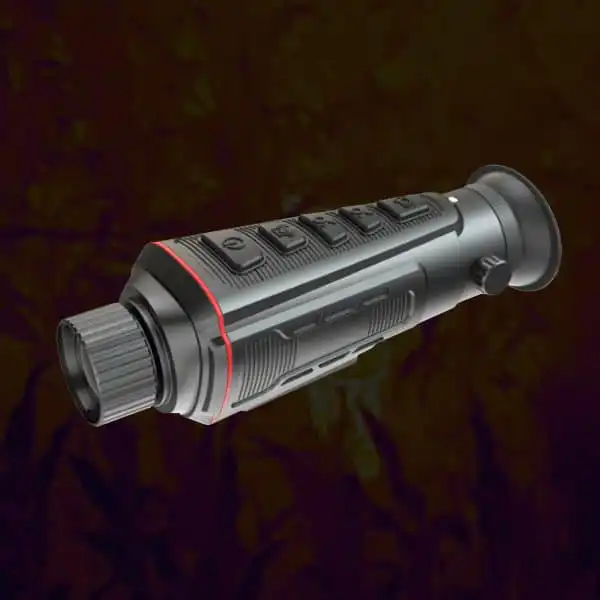
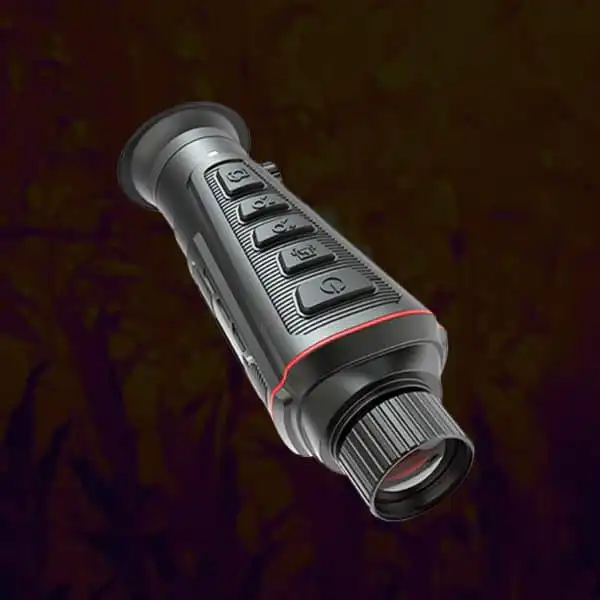
Thermal Optic Goggles Can Produce Different Viewing Impressions
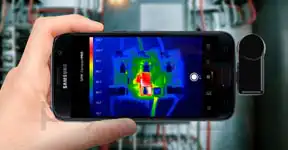
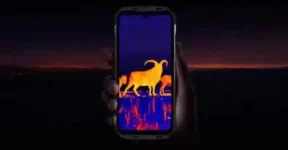
An observer may prefer a phone preview to an eyepiece image even when both originate from the same scene. The screen, viewing conditions and processing path can differ. That preference is useful usability evidence, but it does not by itself establish a change in thermal detector performance.
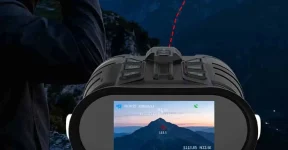
Use palette claim interpretation and combined viewing behavior to identify the path being compared. Only include phone or external viewing if the exact product supports it. Do not infer app compatibility from a wireless icon or a photograph. Ask which operating system, connection method and features are actually documented before making that path part of the purchase plan.
Keep a simple provenance chain for the sample: device original, supported transfer, any conversion and the review screen. A change in appearance can then be described at the stage where it was observed. If the original is unavailable, lower the confidence of the comparison rather than guessing that a vivid preview faithfully represents every captured thermal distinction.
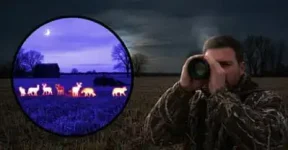
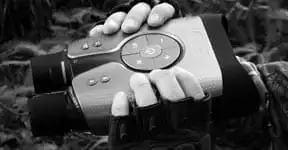
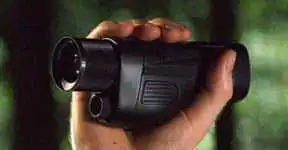
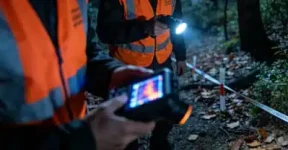
Thermal optic goggles may look different through the eyepiece, on a supported phone preview and in an exported file. Display brightness, palette rendering and compression can affect appearance without changing the original detector sampling. Compare the intended viewing path with its settings documented, and do not treat an attractive screen image as evidence of better NETD or calibrated temperature accuracy.
Keep the Original Scene and the Rendering Separate
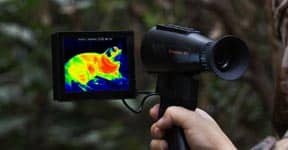
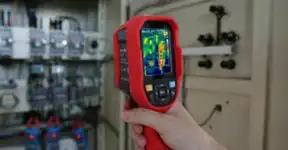
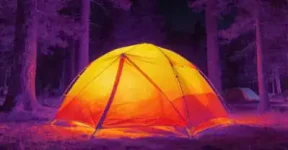
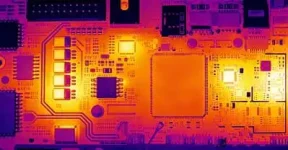
False-color palettes present processed information using a chosen convention. A different display or export can alter its appearance, while scaling may change the apparent contrast of the same underlying scene. false-color interpretation supplies context, not a universal thermal temperature legend.
Read palette settings records, native versus output fields and native-detail explanation. Keep the original detector array separate from enhanced output, display pixels and photo dimensions. contrast fundamentals helps explain why a pleasing presentation is not a complete performance measurement. Do not use a phone screenshot to infer sensor identity, NETD, accuracy or calibration status. Those require their own disclosed evidence and conditions.
| Check |
What to record |
Decision |
| Path |
Eyepiece, explicitly supported preview or original exported file |
Do not infer external viewing support from a generic wireless label. |
| Rendering |
Palette, brightness, crop and any app conversion or recompression |
Separate appearance changes from original detector information. |
| Evidence |
Direct original retained alongside clearly labeled review copies |
Avoid using a messaging screenshot as the sole performance sample. |
| Buyer fit |
The actual supported screen arrangement under ordinary viewing conditions |
Choose usable interpretation without claiming improved NETD or measurement accuracy. |
Follow a Supported File From Viewer to Review Screen
Create an ordinary test clip, close it normally and export it through the documented route. Note whether the file retains the selected palette, applies a crop or passes through an app conversion. Keep the direct original if available and label any review copy that has been resized or recompressed.
Use original export checks, local retrieval guidance and interrupted clip notes. Compare at a sensible playback size without assuming every device uses identical color handling. A messaging-app copy may be convenient for discussion but should not replace the original performance sample. If the software path is undocumented, leave its behavior unresolved rather than promising that every phone will show the same view.
Buy for the Screen the Observer Will Actually Use
Someone watching alone through an eyepiece may value different controls from a guide sharing an approved external preview. Test the intended arrangement under ordinary light with the actual supported accessories. Do not force a universal screen preference or assume the most saturated image is the most informative.
Use goggle selection questions, whole-system value, guided observation handling, task-based choice and software support questions. Keep the purchase decision tied to usable interpretation and a reliable documented path. Additional palettes or a larger external screen can be helpful without adding captured thermal samples. State that distinction clearly so a presentation preference does not become an unsupported claim of better sensing performance.
Trace the supported view from original scene to the screen used for review. Choose a clear workflow and keep presentation preference separate from sensing claims.