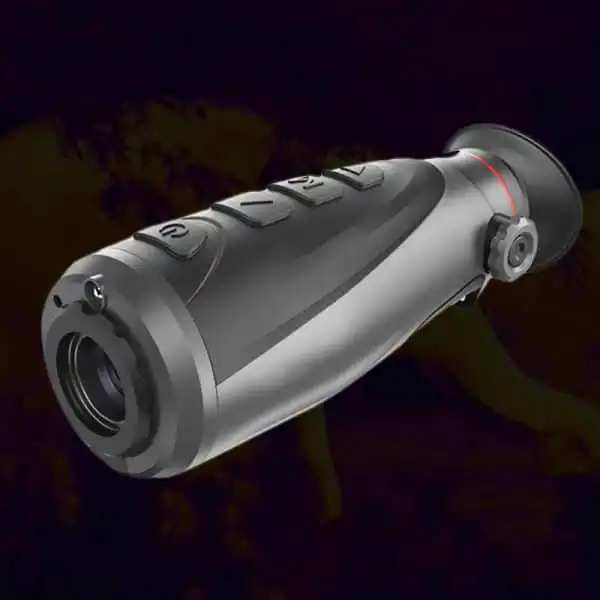
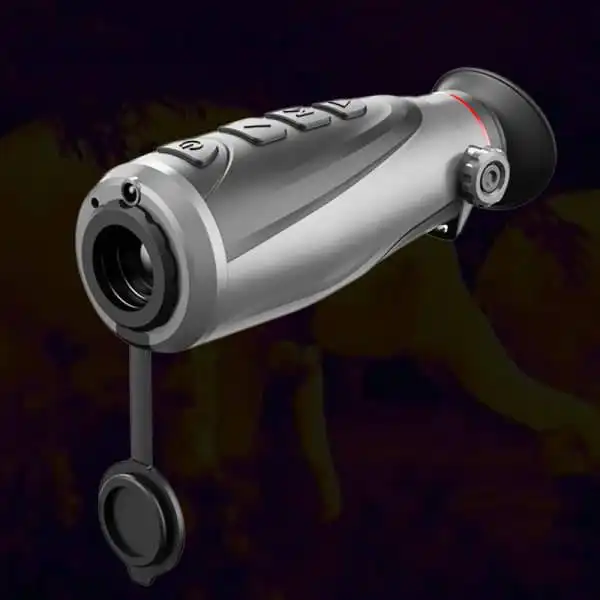
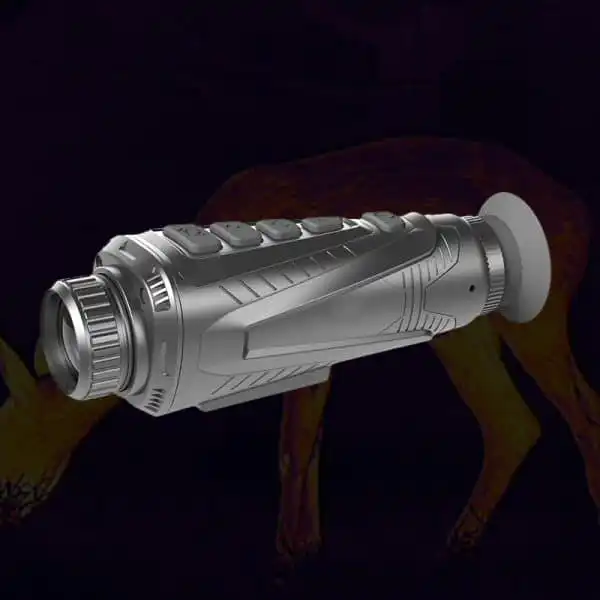
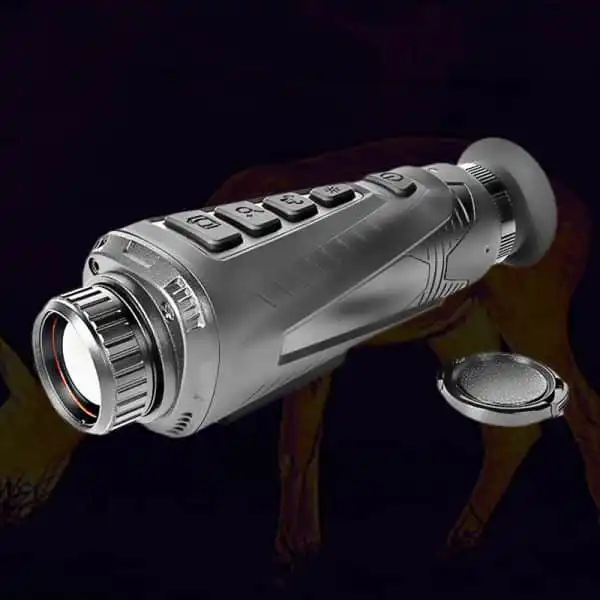
Thermal Infrared Night Vision Goggles Need a Signal-Path Label
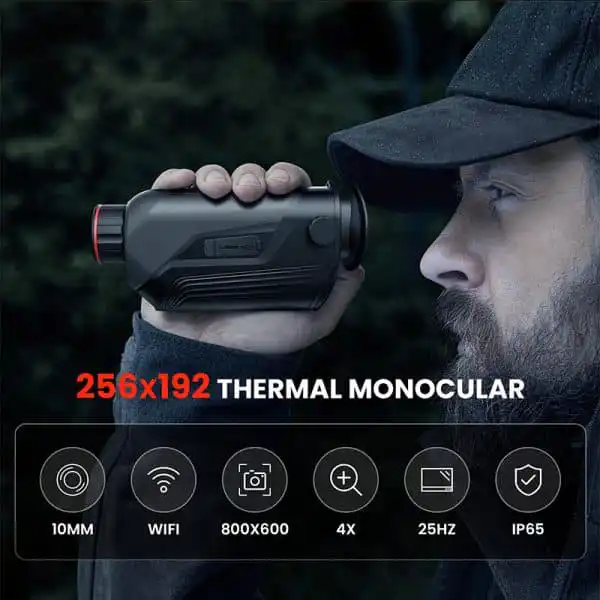
A product may advertise a bright high-refresh display while acquiring thermal information at another rate. Repeating the latest available image can make the screen update without adding a new scene sample. The buyer needs to know which stage the listed number describes before comparing products.
Use motion specification questions and separate detector and display fields to label each timing claim. A digital channel may have different behavior from the thermal channel, so a smooth visible-light demonstration is not automatically thermal evidence. Ask for the exact mode and viewing path instead of assuming every number in the listing applies simultaneously to all channels and outputs.
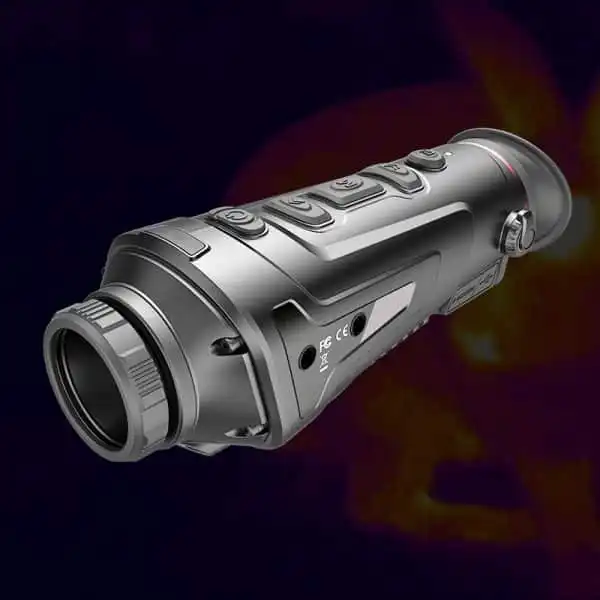
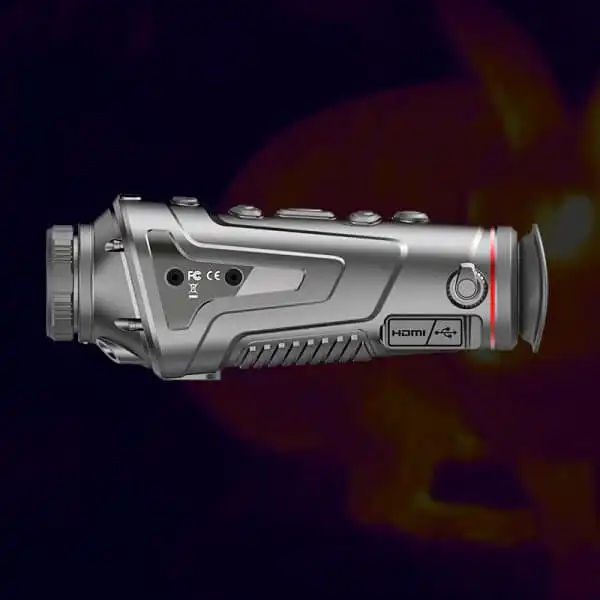
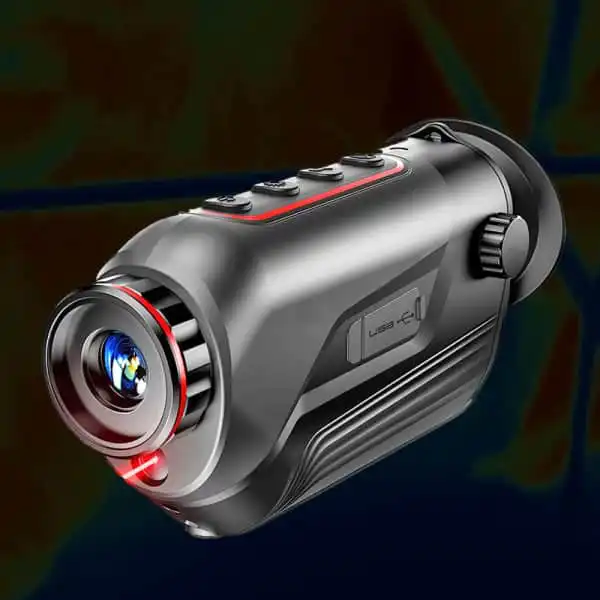
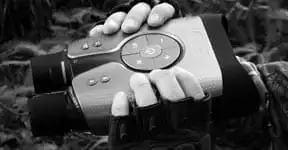
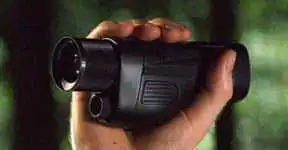
Thermal infrared night vision goggles can refresh a display without receiving a new thermal scene sample at every update. Display frequency, detector cadence and external or recorded output are distinct specifications. Ask which path a demonstration shows and compare ordinary motion in the supported configuration rather than treating the highest Hz label as the whole system.
Follow the Image From Acquisition to the Eye
Acquisition, processing and display are separate steps, and the total experience depends on the implemented system. sensor acquisition terminology provides useful definitions but does not reveal an undocumented pipeline. A display specification alone cannot establish end-to-end delay, motion blur or the cadence of an external monitor.
Compare mixed-channel viewing questions, combined display behavior and reading processed-image claims. Request a stationary live demonstration with ordinary slow movement. Do not estimate latency from a promotional montage or infer that two separate devices will synchronize because their screen labels match. If an external output is relevant, ask whether that output is actually supported and how its behavior differs from the eyepiece.
| Check |
What to record |
Decision |
| Detector |
Thermal acquisition cadence for the demonstrated mode |
New scene information must be distinguished from repeated display updates. |
| Display |
Eyepiece refresh and the actual live-view configuration |
A high Hz figure alone does not establish total system delay. |
| Output |
Supported recording or external path and its disclosed format |
Do not transfer eyepiece specifications automatically to another output. |
| Task evidence |
Comparable ordinary movement with channel and settings labeled |
Judge the intended observation rather than the largest unlabeled number. |
Check the Output the Buyer Will Use
Some buyers primarily need the live eyepiece; others need a supported recording or external view. Those are different acceptance tasks. camera interfaces and output paths helps identify the question, while the manual must establish the actual port functions, formats and permitted arrangements.
Use original recording export, interrupted clip notes and local file retrieval. A high-refresh display cannot restore a missing frame in a saved clip, and a smooth file cannot independently prove the delay experienced through the eyepiece. Preserve original samples and note the mode. Do not assume a USB port supplies simultaneous power and video because a similar connector on another product can do so.
Draw the supported path as scene acquisition, processing, display and any separate recording or external output. Put only disclosed figures beside each stage. An empty stage is an evidence gap, not permission to copy the neighboring number. This small diagram lets a buyer ask precise timing questions without claiming to have reverse-engineered the device.
Choose Motion Evidence That Matches the Observation
Define whether the task is following exposed movement, returning to a landmark or preserving a short record. Use the same ordinary stationary scene and supported settings when comparing options. A brief pause, repeated frame or changed brightness needs context before it is assigned to a hardware fault.
Use goggle purchase checks, whole-system value, task-based equipment selection, open-field priorities and stationary evaluation. Ask the seller to identify which timing figures are confirmed and which remain undisclosed. Choose understandable behavior for the intended path rather than buying a large Hz number without a stage label. Keep any improvement claim limited to evidence actually demonstrated under comparable conditions.
Require a stage label for every timing number. Compare the actual live or output path the buyer intends to use, with original evidence and known limitations.