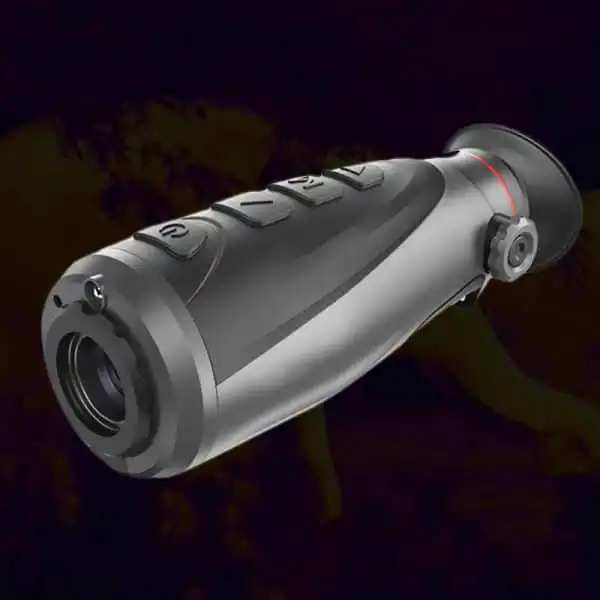
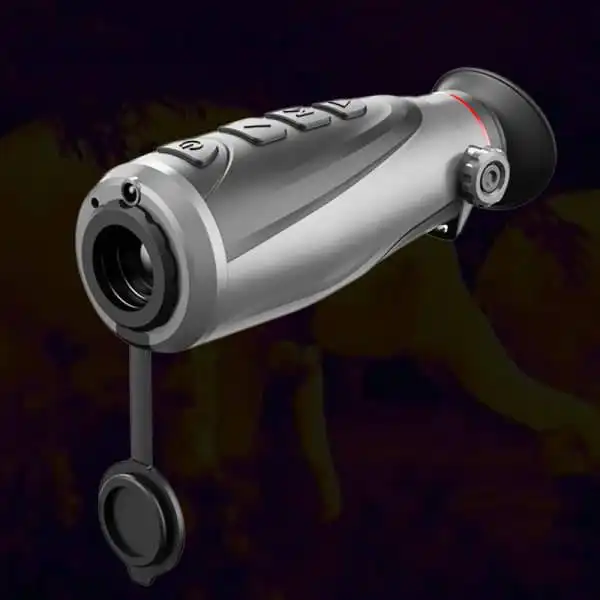
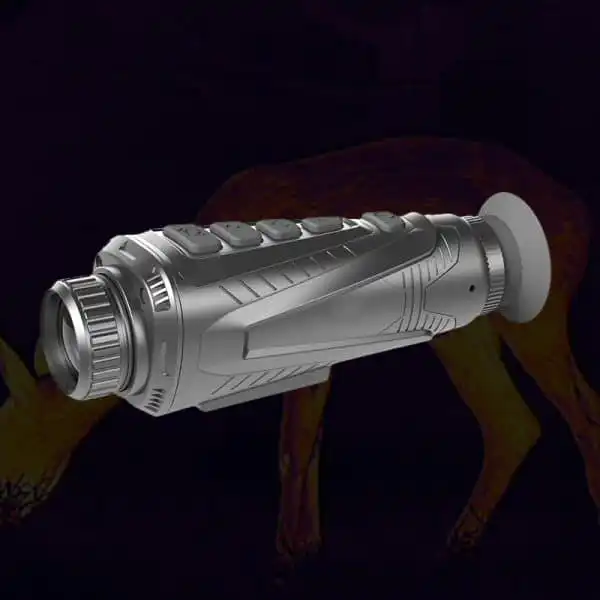
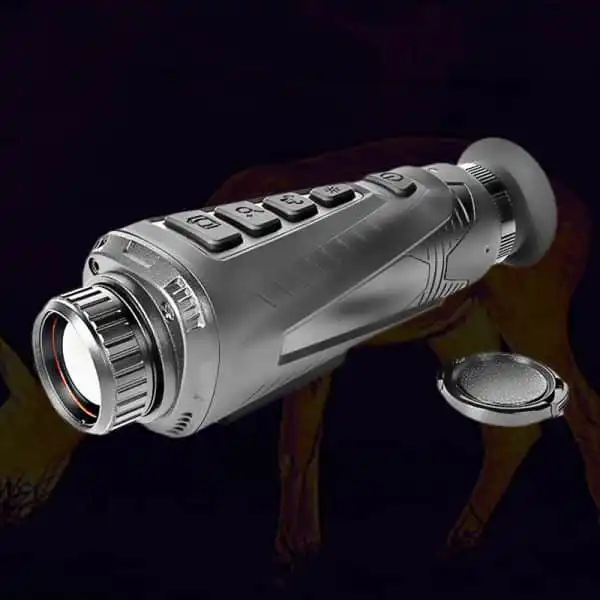
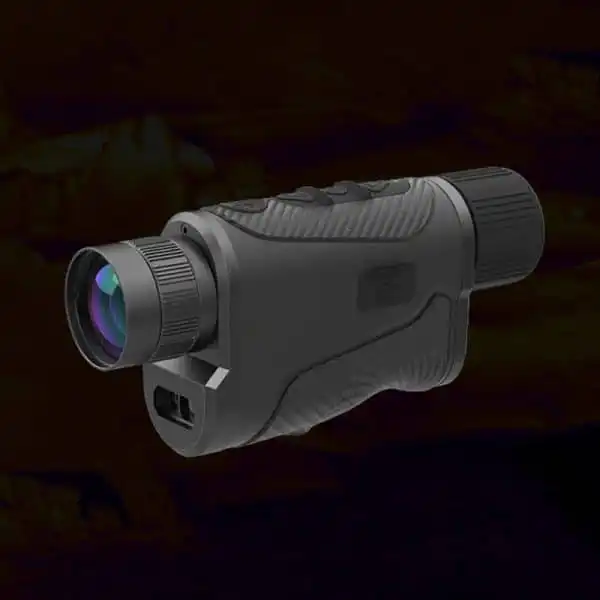
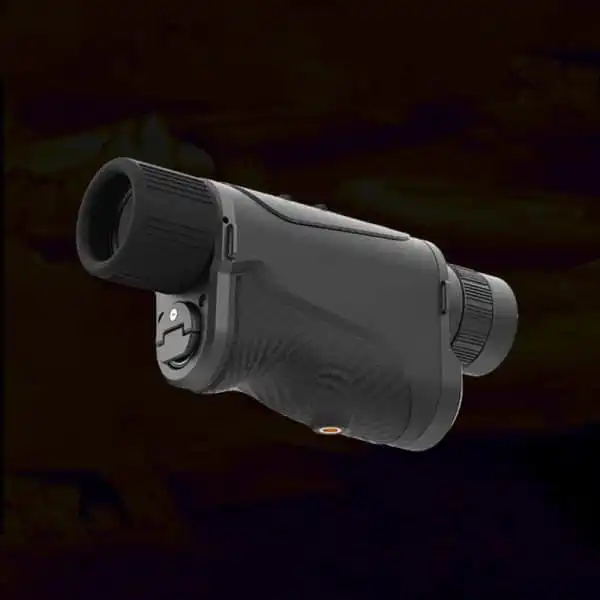
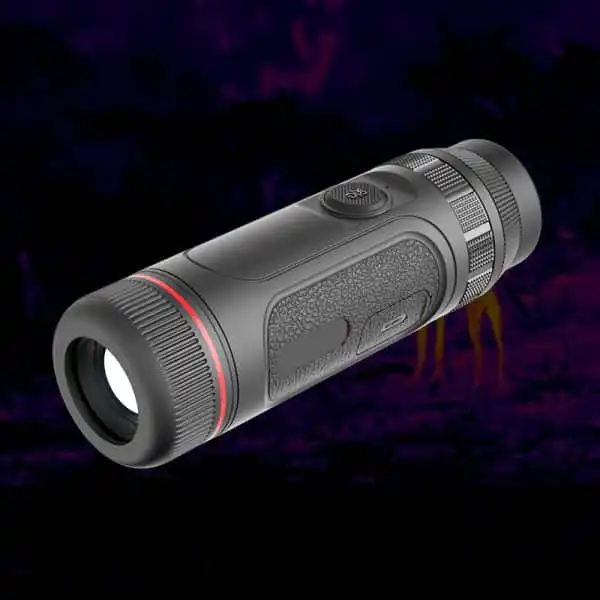
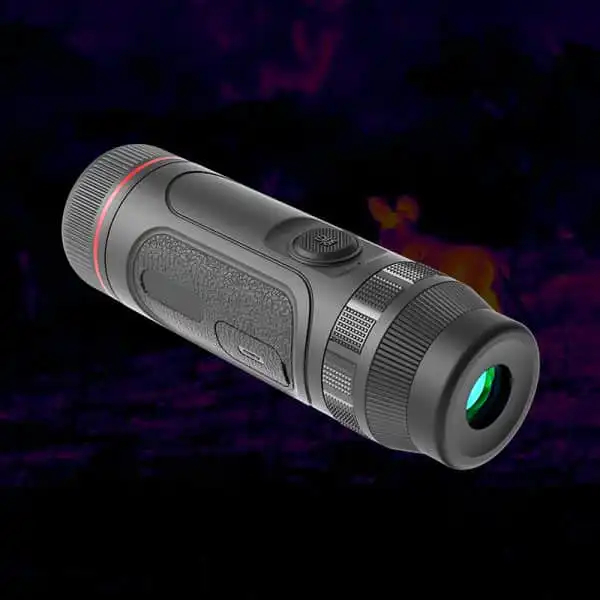
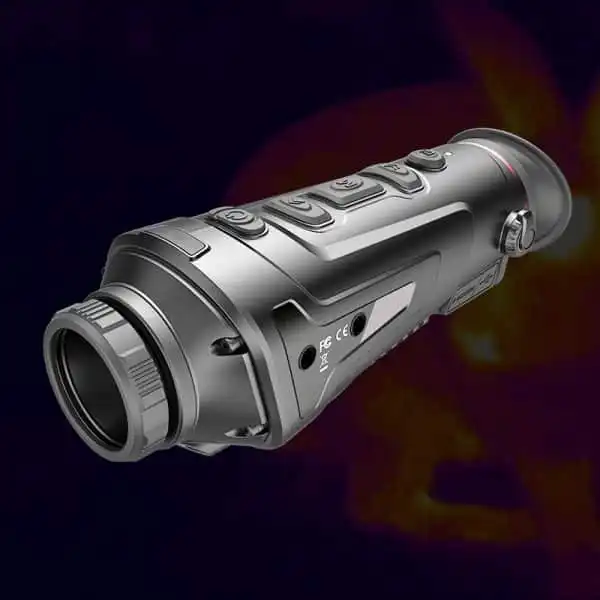
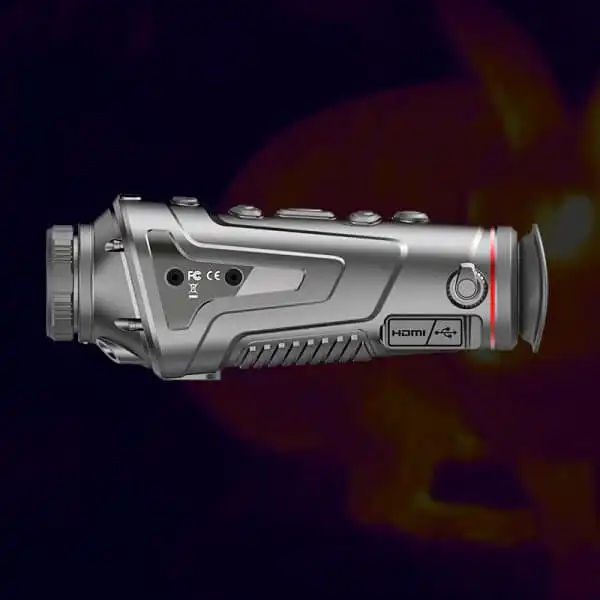
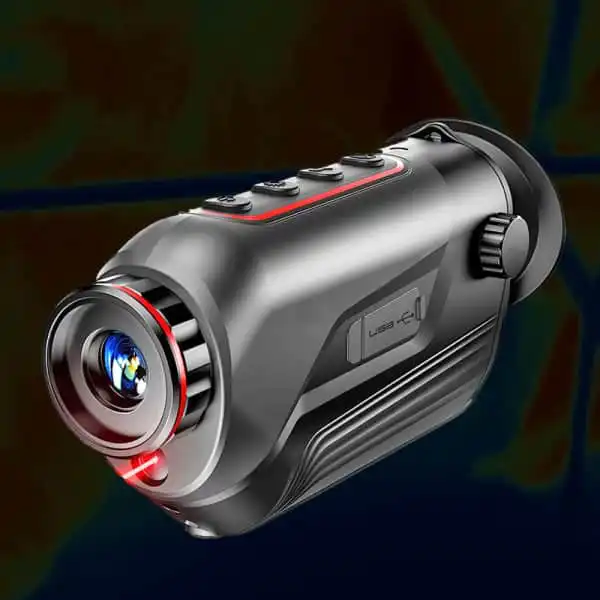
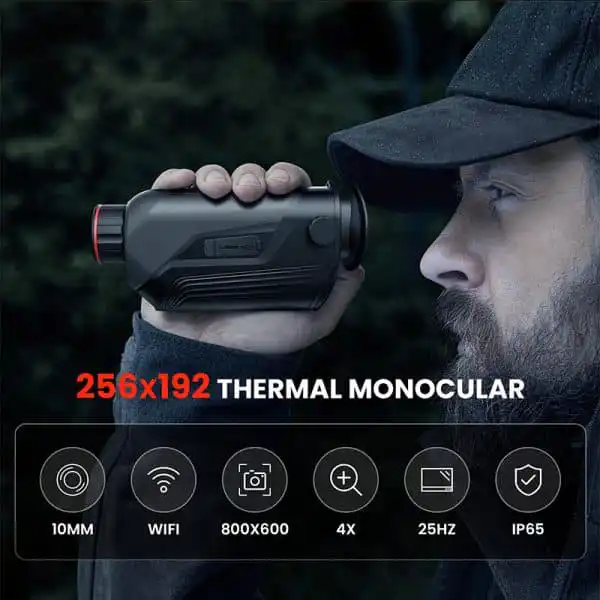
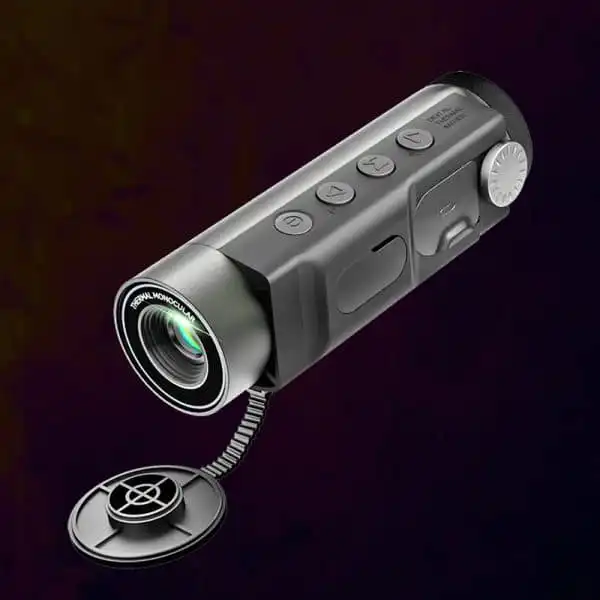
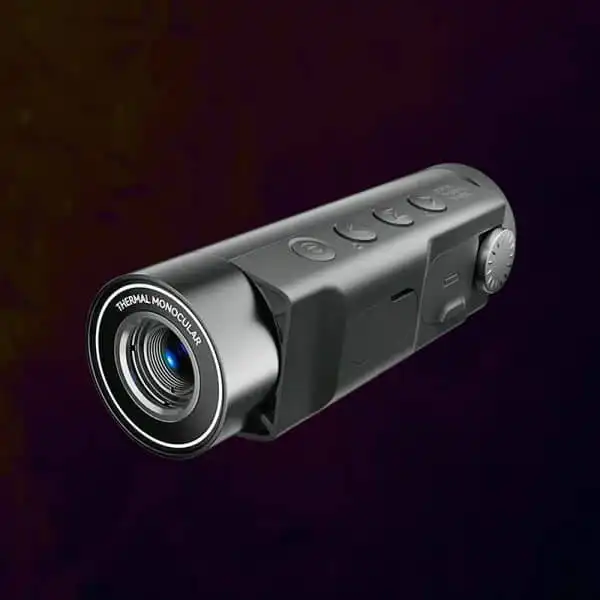
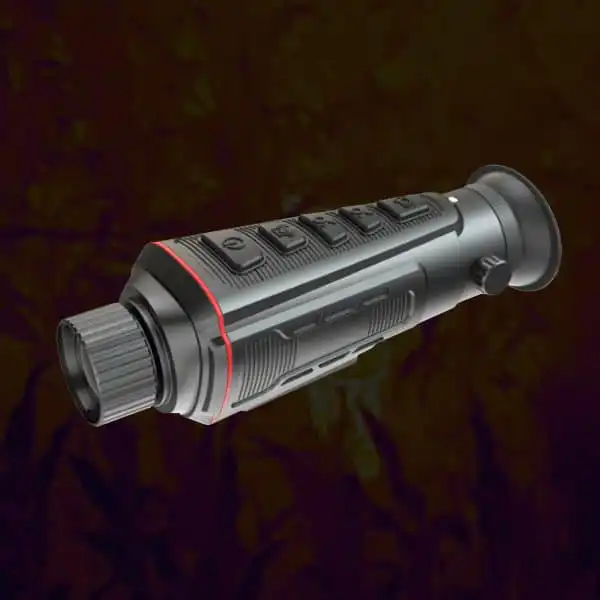
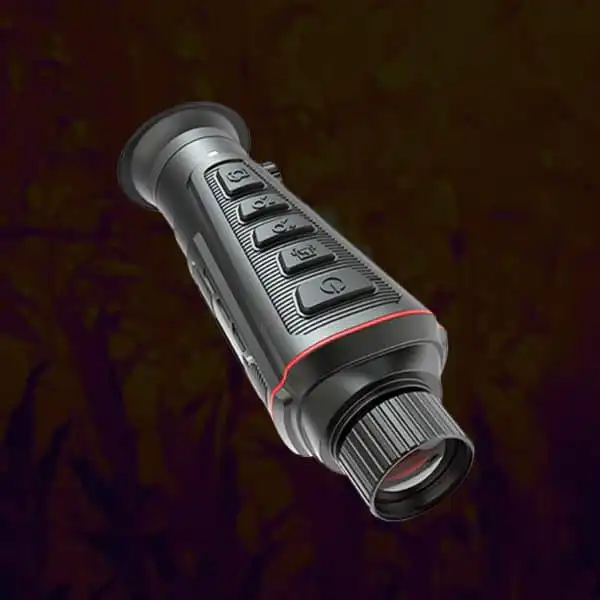
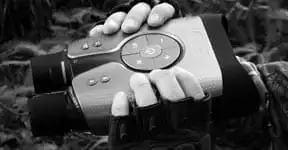
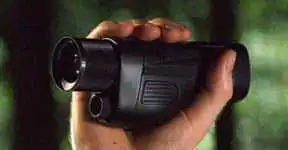
Monocular thermal imaging equipment should use external power only when the exact model supports the supply and connection arrangement. A matching USB connector does not prove compatible voltage behavior, simultaneous charging and operation or file transfer. Test the documented configuration before a stationary session and include cable protection and normal recording closure in the plan.
Monocular Thermal Imaging Needs a Supply Specification
A cable can fit a port without establishing what that port is intended to do. Charging a switched-off viewer and powering it during recording may be different supported arrangements. Begin with the stated input and approved accessories rather than a photograph or a generic connector label. Do not infer fast charging or negotiated power features that the product does not disclose.
Use power arrangement questions and separate system specifications to record the confirmed supply and operating conditions. If the seller cannot identify them, keep that configuration outside the planned session. Avoid improvised adapters, altered cables or modifications to a protective cover. A convenient power bank is not automatically an approved accessory.
Check Each Ordinary Operating State
A supply that works at startup might behave differently when recording begins or the display is blanked. Some portable sources respond to the load, so the complete documented combination needs a representative ordinary test. battery and discharge terminology helps describe the test but does not certify compatibility for an unspecified pair of devices.
Compare long-session preparation, recording evidence and interrupted clip notes. Ask what indication appears when external power starts or ends and whether connecting during operation is permitted. Do not disconnect a supply during an important clip to discover the answer. Follow the normal sequence and preserve a closed test recording so the trial answers a useful workflow question.
| Check | What to record | Decision |
|---|
| Input | Exact approved supply, cable and permitted operating states for the purchased version | A matching physical connector alone is insufficient. |
| Load state | Startup, live view, display blanking and recording where supported | Test only arrangements the manufacturer permits. |
| Routing | Button clearance, connector strain and protection conditions with the lead attached | Do not modify covers or improvise a weather seal. |
| Acceptance | Representative operation and a normally closed original recording | Treat startup as one observation, not an unlimited-runtime guarantee. |
Route the Approved Cable Before Judging the Setup
A lead can obstruct a button, strain the connector or prevent a cover from closing. Those effects matter even when the electrical supply is supported. stationary equipment setup and monocular handling should therefore include the actual cable, source and permitted support arrangement.
Read enclosure-protection classifications with the product configuration in mind. An open power port may change the applicable conditions. Do not add an improvised seal or assume a connected cable preserves the closed-cover rating. Keep connectors dry as instructed and leave enough clearance to end the session without pulling on the viewer. A successful electrical connection is only one part of a usable outdoor arrangement, not proof of environmental suitability.
Accept More Than a Successful Startup
Repeat the intended observation pattern with the approved settings and supply. Close a sample recording normally, retrieve it and record any unexpected shutdown or indication. Keep the result attached to that specific configuration. It does not prove unlimited runtime under other temperatures, loads or accessories.
Use supplier compatibility questions, monocular purchase tradeoffs, affordable equipment expectations, whole-kit value and task-led selection. Retain a supported fallback and a finishing reserve where appropriate. Do not promise universal power-bank compatibility or continuous recording while charging without explicit evidence. A simple documented connection that the user can repeat is more valuable than an elaborate improvised power arrangement with unknown limits.
Record the approved source and cable identifiers with the test result. If either item changes, treat the new pair as a new configuration rather than assuming the old result transfers. Include the display and recording states actually tested, because a setup that works during live viewing may not have been demonstrated through a complete recording and normal shutdown.
Confirm the exact input arrangement, then test it with normal recording and cable routing. Keep unsupported power combinations out of the observation plan.