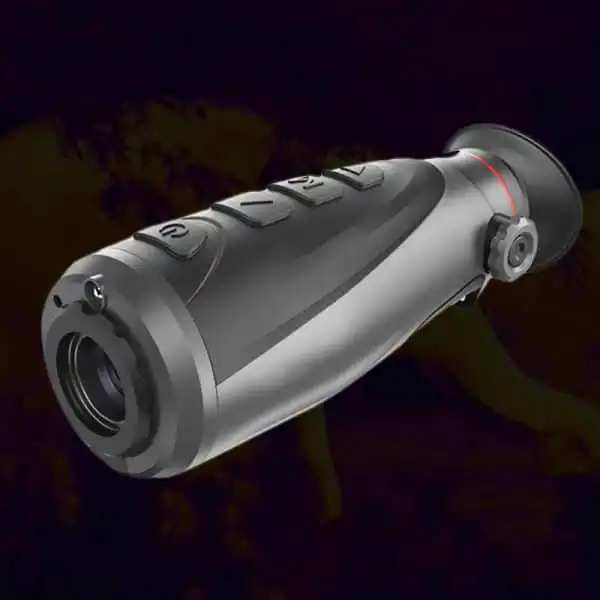
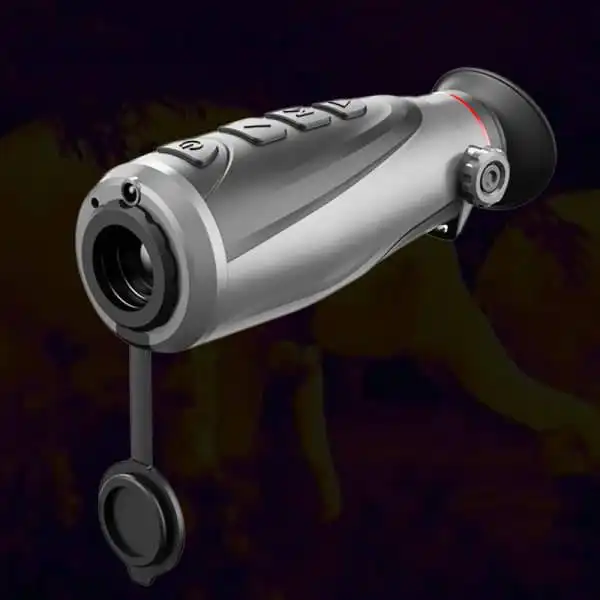
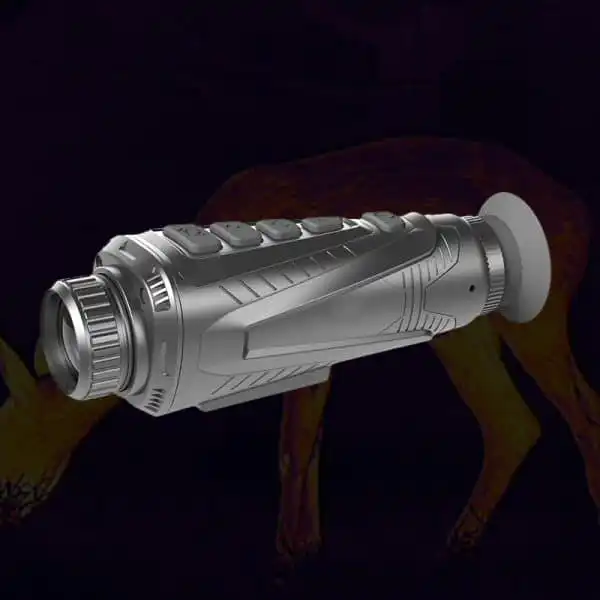
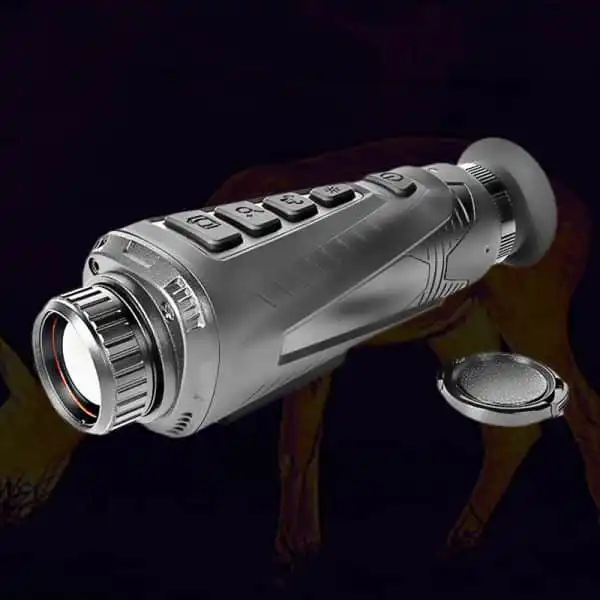
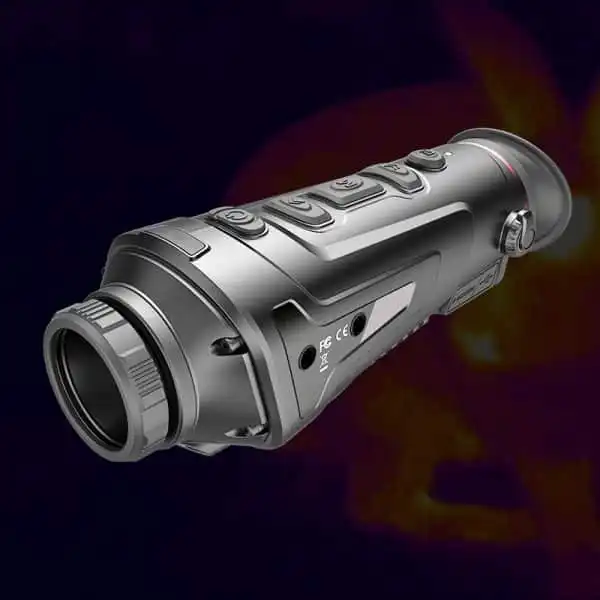
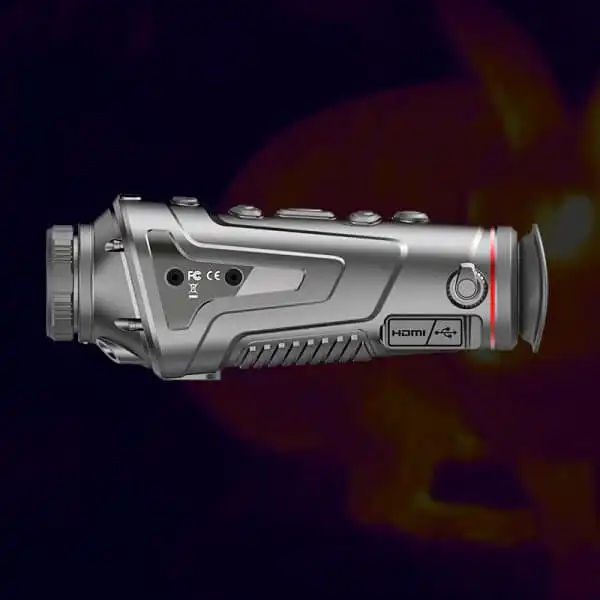
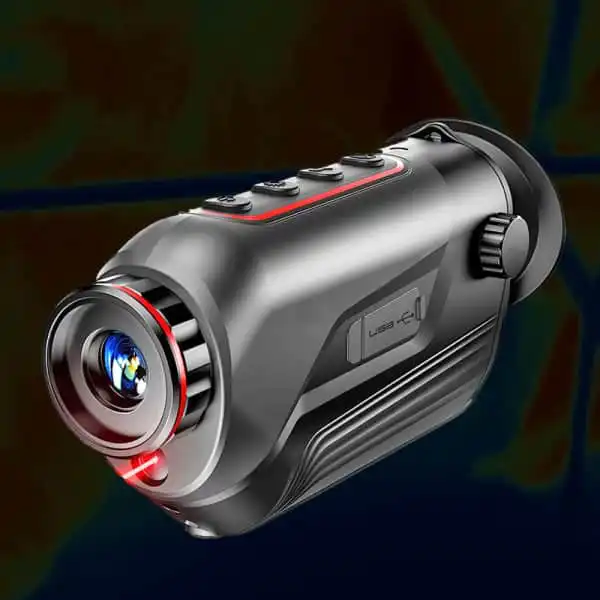
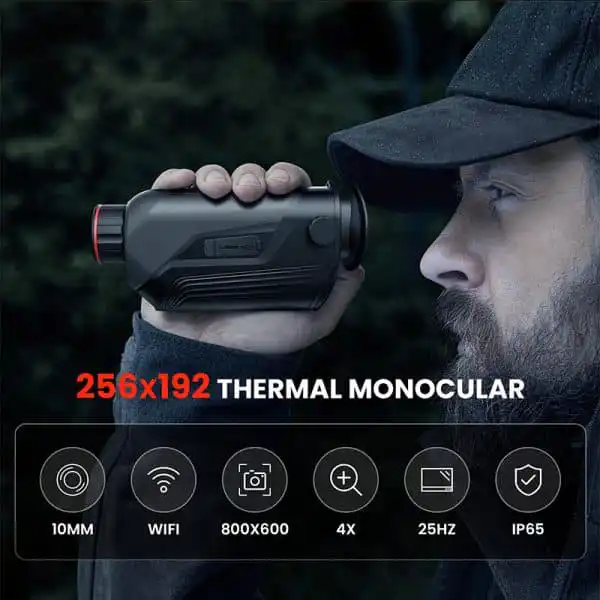
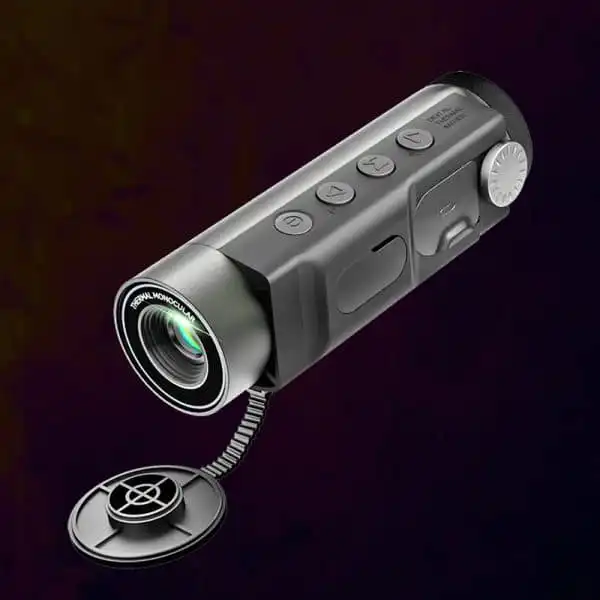
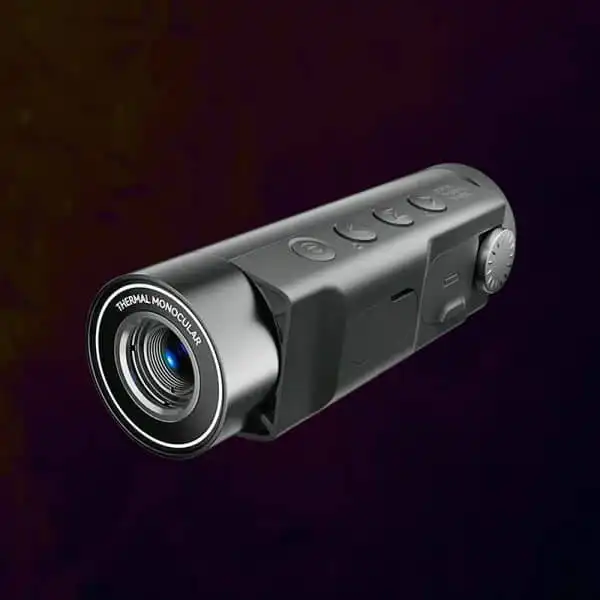
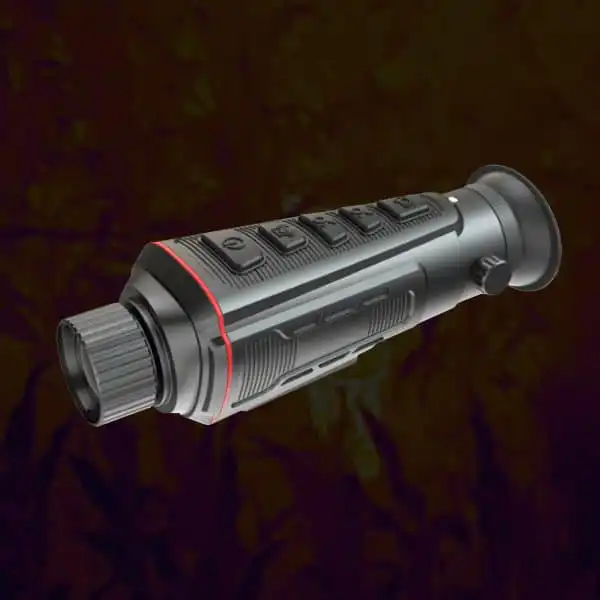
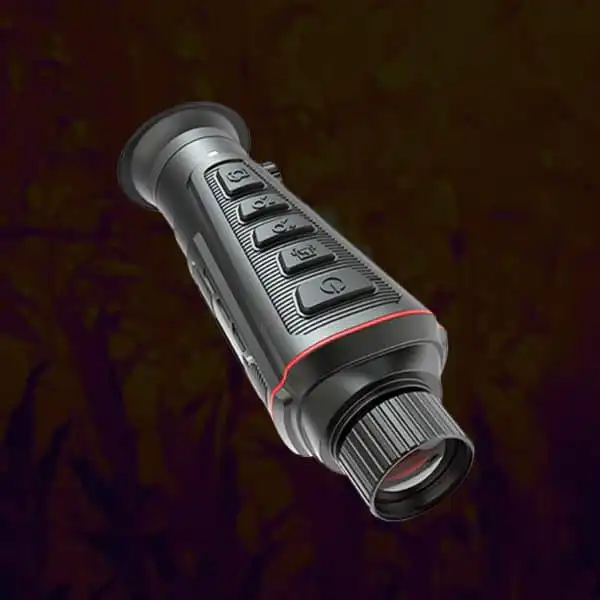
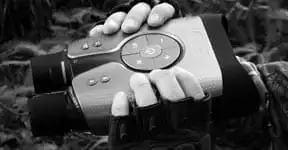
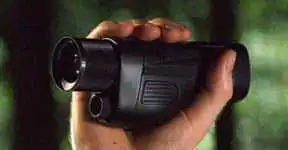
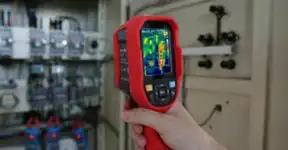
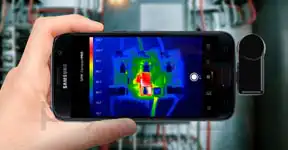
An Affordable Thermal Monocular Needs a Clear Optical Path
A buyer comparing two viewers may accidentally compare a clean, focused sample with one carrying a fingerprint or surface moisture. The resulting impression can be attributed to detector quality even though the comparison has not isolated that variable. Begin with the ordinary external checks the manual permits, not a ranking based on the first glance.
Use affordable monocular expectations and initial checks after noticing activity to organize a repeatable demonstration. Keep the location, subject distance and view similar. Do not direct the viewer at unsuitable intense sources, remove an objective window or dismantle a sealed body. If the surface condition is uncertain, ask the seller to prepare the equipment using the approved method before treating its image as representative.
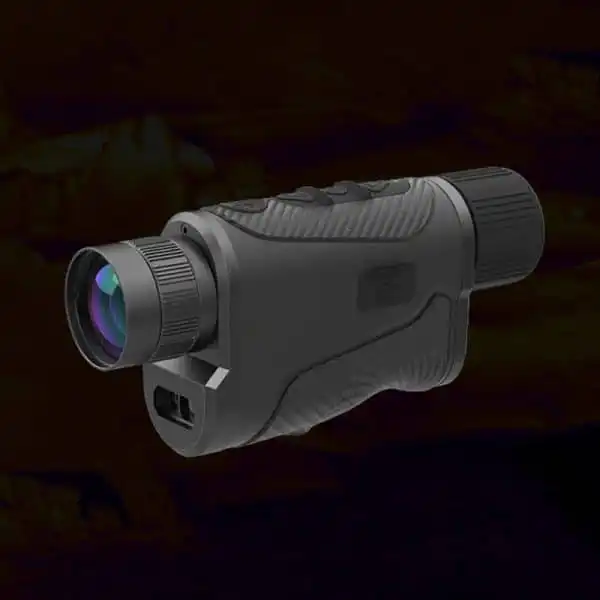
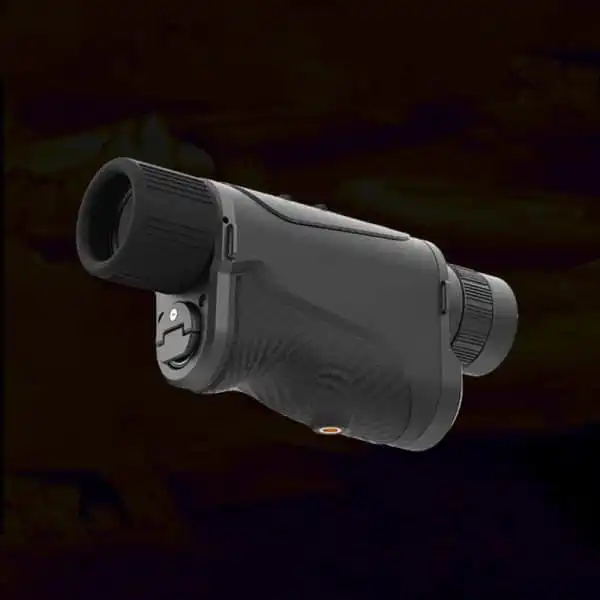
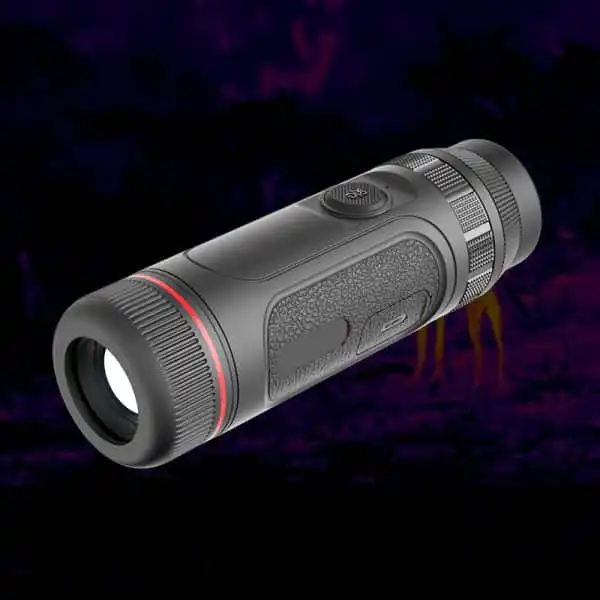
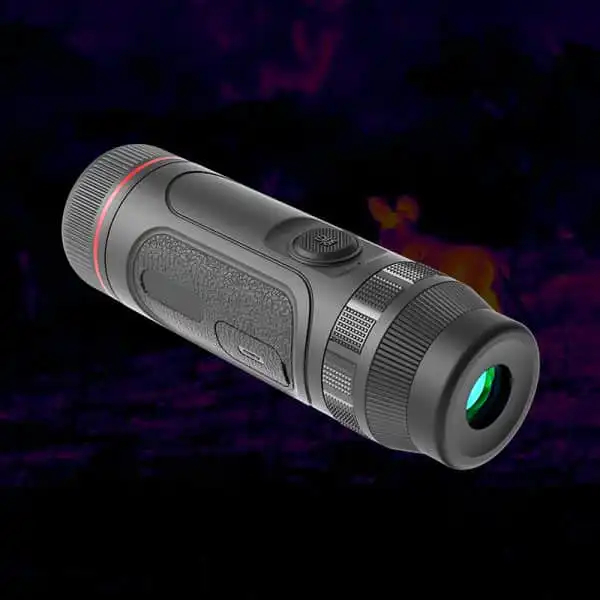
An affordable thermal monocular can lose useful image detail through poor focus, an obscured objective or difficult scene contrast even when its native detector specification is adequate for the task. Separate those factors before deciding that more pixels are necessary. Follow the approved care procedure and compare an original view under repeatable conditions, without opening the sealed device.
Distinguish Scene Focus From Eyepiece Adjustment
Menu text and the external scene provide different clues. An eyepiece adjustment can make display information clearer to the observer without refocusing the thermal image formed by the objective. Conversely, a focused scene can still be uncomfortable to view through an incorrectly adjusted eyepiece. first monocular adjustment checks should separate those steps.
Compare native-detail interpretation and sensor, display and output specifications only after adjustment. contrast transfer principles also explain why nominal sampling is not the whole imaging chain. Do not diagnose an internal detector defect from one blurred screenshot. Record what happens to menu edges and to an ordinary stationary scene when the supported controls are adjusted as instructed.
| Check | What to record | Decision |
|---|
| Menu versus scene | Whether text and external detail respond to different supported adjustments | Separate observer-side clarity from objective scene focus. |
| Objective condition | Visible contamination or moisture and the permitted care method | Do not rub, dismantle or improvise solvents during a comparison. |
| Original sample | Same exposed subject, distance, background and zoom state after preparation | Compare native captured detail rather than enlarged file dimensions. |
| Upgrade decision | The feature still missing and why it matters to the observation task | Buy more sampling only when it addresses a remaining real limitation. |
Clean Only When the Approved Procedure Calls for It
Rubbing a coated surface unnecessarily can cause damage. A general photography cleaning habit may be inappropriate for the actual thermal window or coating. optical care guidance emphasizes matching the method to the component; the manufacturer’s instructions take precedence for a complete viewer.
Read field equipment care and practical monocular handling before comparing accessories. Ask which cap, cloth or cleaning product is approved and whether contamination should be handled by service. A seller who cannot supply those instructions has left an ownership question unanswered. Do not claim that a cleaning step restores a measured level of resolution or sensitivity. Its purpose is to remove a known external impediment safely, not to recalibrate the instrument.
Keep the demonstration sequence short and documented: initial view, permitted adjustment, approved care only if needed, then a comparable original sample. Do not change processing at the same time. If several variables move together, the buyer may see a better picture but still not know which change made the practical difference.
Decide Whether an Upgrade Answers the Remaining Problem
After correct adjustment and approved surface care, compare original views of the same ordinary exposed subject. Keep background contrast, distance and zoom state noted. If the required feature remains too small, native sampling and lens coverage become relevant purchasing questions. If the sightline is blocked, more detector pixels will not reveal the covered portion.
Use monocular task definition, budget purchasing priorities, seller evidence requests, matching equipment to the job and discovery before identification. Seek the smallest supported change that addresses the documented limitation. A higher-resolution model may be appropriate, but it should solve an identified need rather than compensate for a dirty sample, incorrect focus or an impossible viewing line.
Prepare and adjust the sample properly before judging its detector. Upgrade only after the remaining limitation is clear and the proposed change can actually address it.