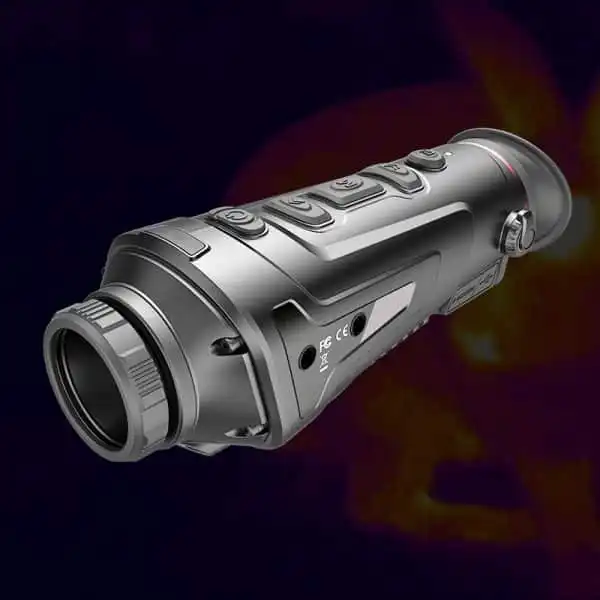
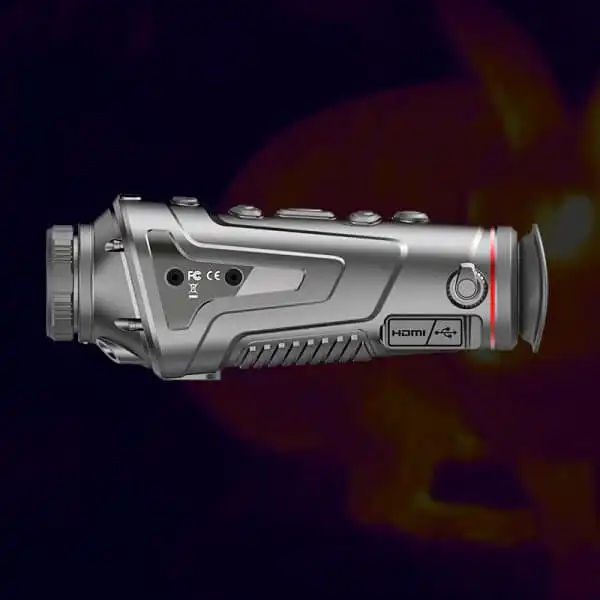
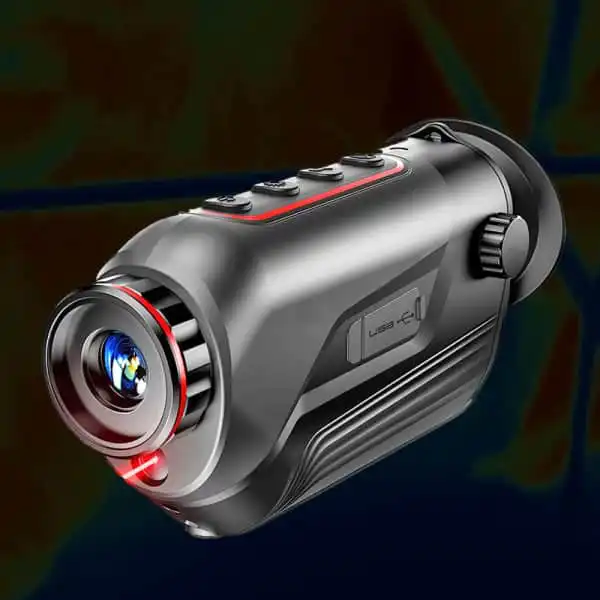
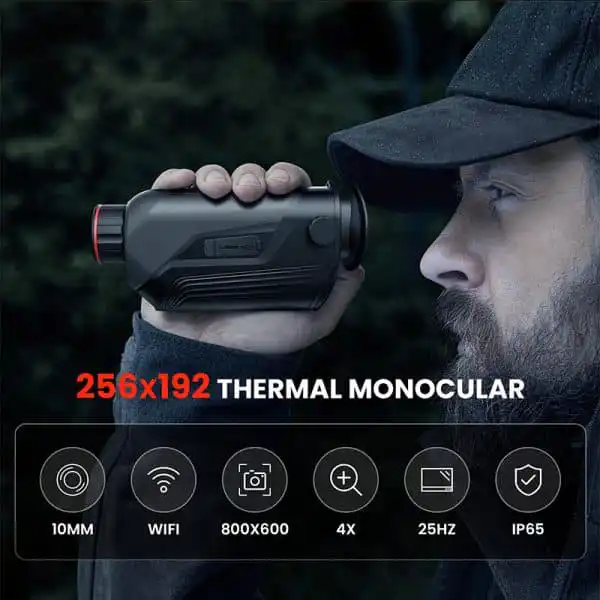
Best Thermal Monocular for Coyote Hunting Needs a Waiting-Time Plan
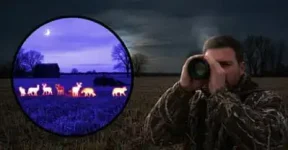
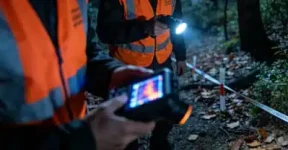
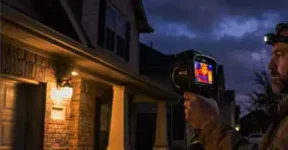
A land manager at a permitted stationary trail-side position may wait much longer than an animal is visible. The useful routine combines idle periods, short views and occasional recordings. task-led handheld viewer selection should start with that sequence, rather than treating all operating minutes as equivalent.
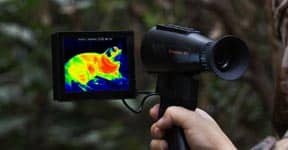
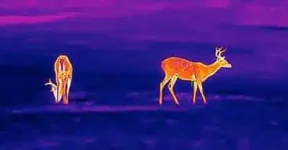
Compare thermal discovery with ordinary wildlife confirmation when a canine outline appears. Similar body shapes and partial visibility can leave identity uncertain. This article concerns nature observation and records only, not weapon use. The purchase question is whether the supported viewer can resume and preserve the needed exposed event, while the user’s field note remains honest about the body detail available.
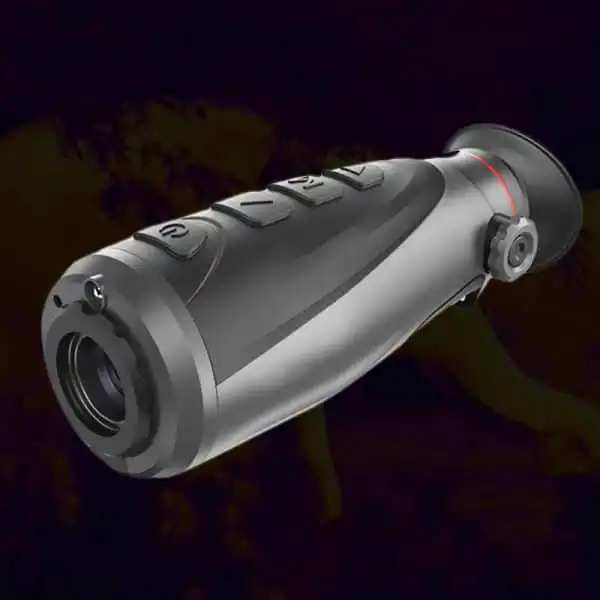
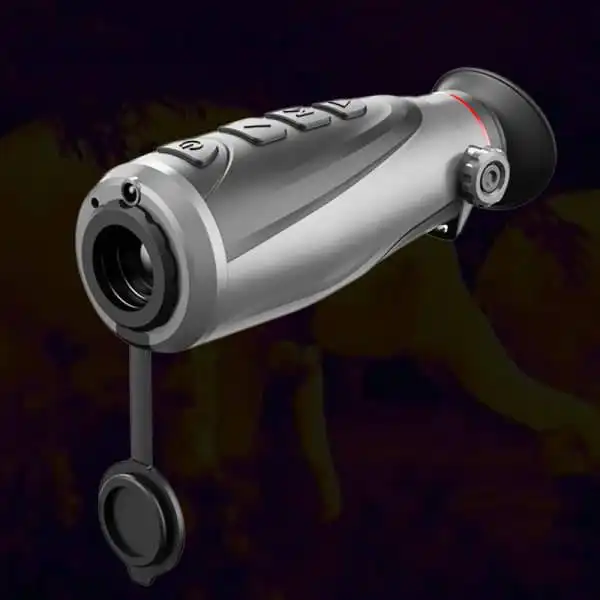
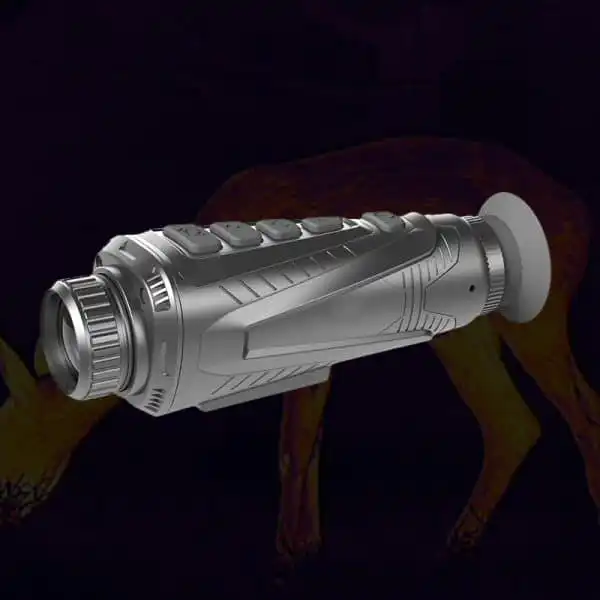
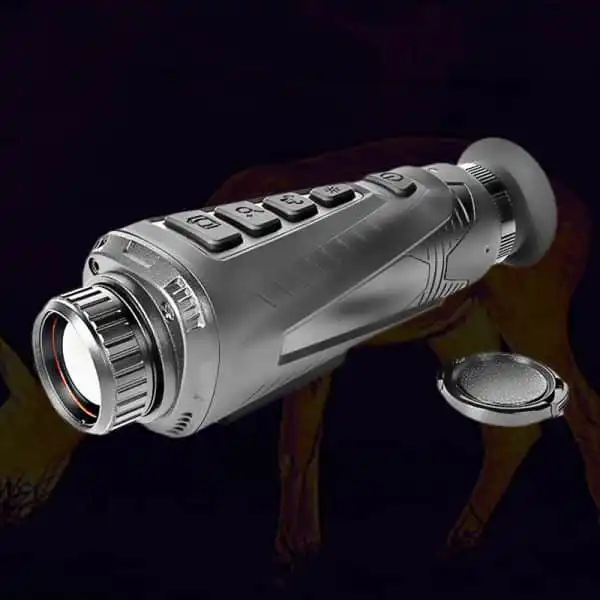
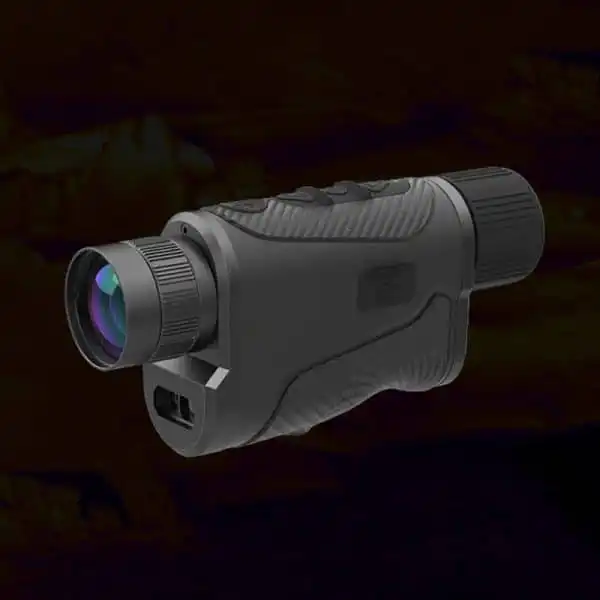
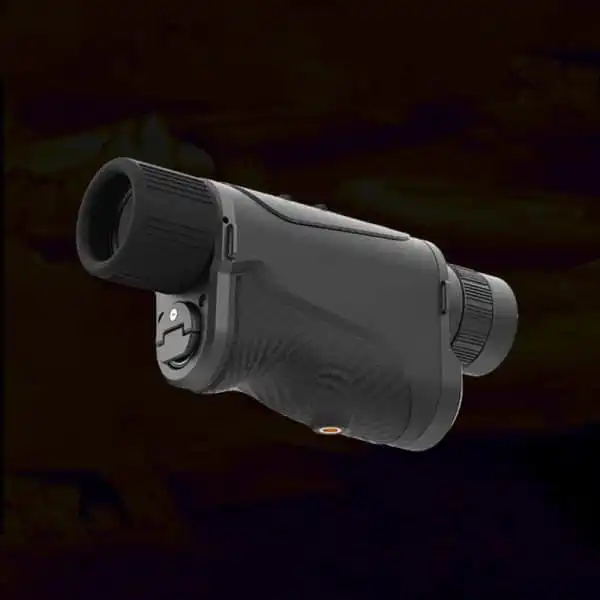
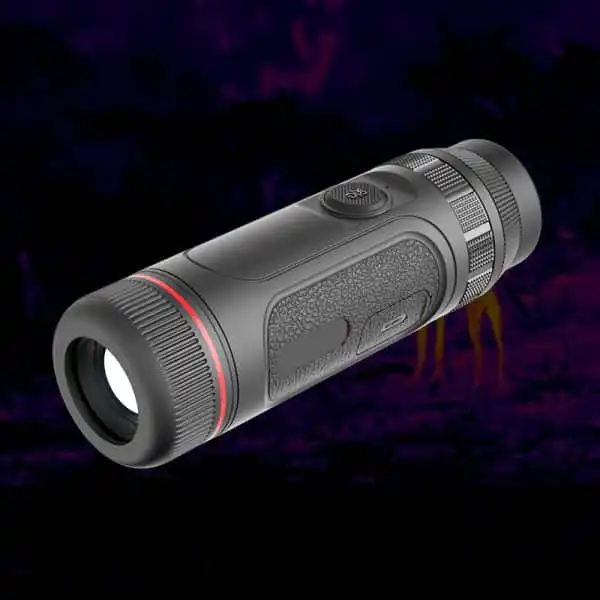
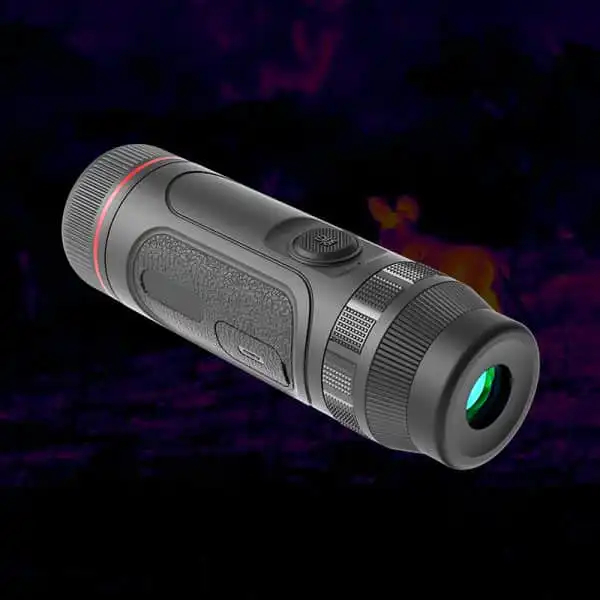
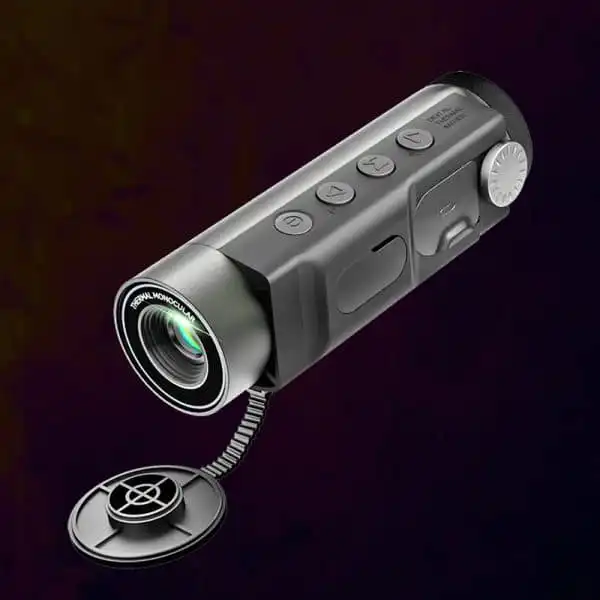
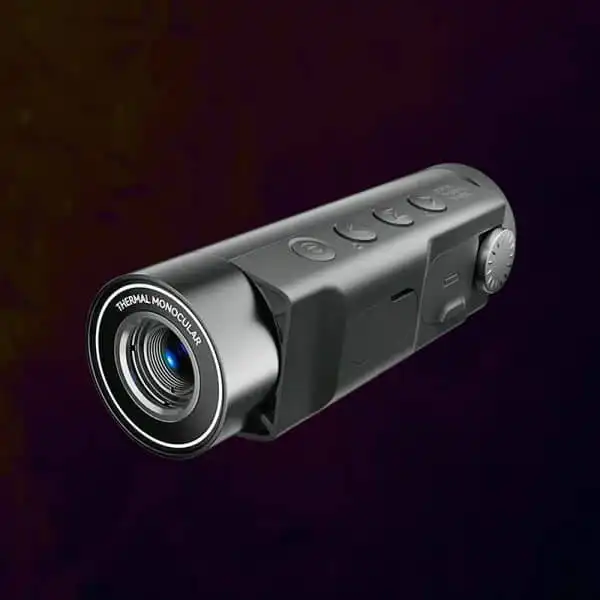
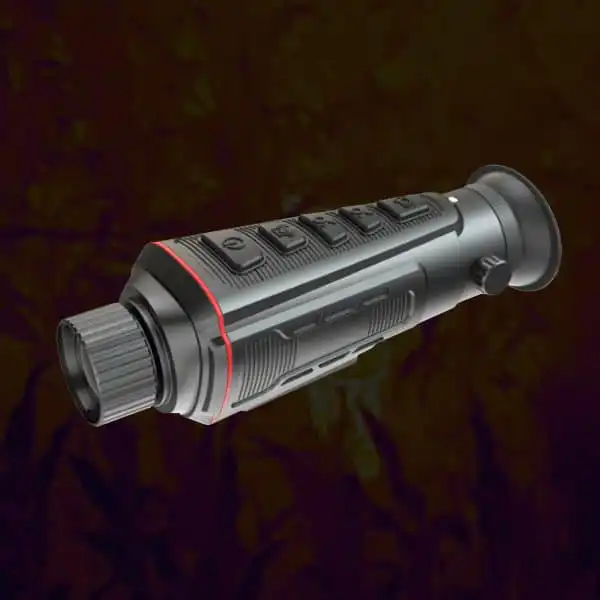
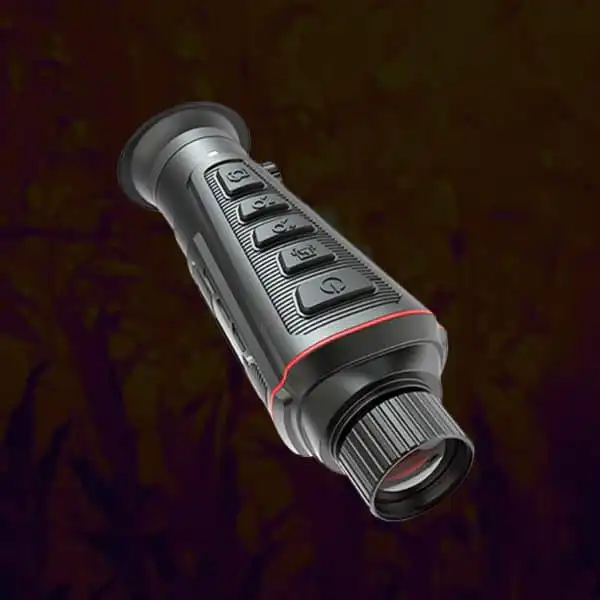
The best thermal monocular for coyote hunting and a trail-side wildlife watch should be judged by the complete waiting routine, not nominal runtime alone. Confirm startup, documented standby, recording and approved reserve power. This guide is observation-only: an exposed canine outline can remain uncertain, and thermal equipment does not guarantee species identity or continuous coverage.
Separate Display-Off, Standby and Full Power-Off
These states can have different effects on response, settings and load, and their behavior is device-specific. first-use power and control checks should include a true cold startup and the documented resume procedure. A black display does not prove the entire unit is off.
Use field operating priorities for rural observation to decide which state suits the expected waiting interval. Test a sample transition before relying on it during an outing. Do not infer instant availability from a demonstration that was already running. If the exact manual does not establish a mode or its recording behavior, leave it unresolved rather than borrowing a similarly named function from another viewer.
| Waiting stage | Evidence to verify | Limit to keep explicit |
|---|
| Long wait | Documented idle and resume states | Display darkness does not prove full shutoff |
| Power reserve | Approved supply and operating conditions | Capacity is not a universal runtime |
| Brief event | Original clip after a transition trial | Streaming is not the local source file |
| Canine outline | Exposed features and confirmation | Do not assign species from expectation |
Keep Capacity and Operating Conditions Together
Battery chemistry, temperature and discharge conditions can change the useful energy delivered. manufacturer battery-discharge context illustrates why a capacity number alone cannot set your viewer’s field runtime; its specific curves are not a compatibility recommendation or a runtime forecast for thermal optics.
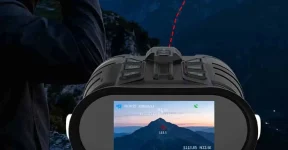
Review practical power questions for a budget kit alongside the documented operating sequence. portable viewer feature tradeoffs should include active recording, wireless output and any ranging function. Use approved reserve supplies only. Keep a conservative reserve for the intended record instead of assuming that a published maximum covers your combination of idle time, frequent wake-ups and file saving.
Check the Original Clip After a Short Transition Trial
Make a brief local recording, stop it as documented and play it back. Then try the supported waiting state and another recording. This tests the routine without removing power during a write or risking the only important event file.
Compare affordable thermal recording expectations with separate thermal and visible confirmation files. The thermal infrared signal does not establish stream response, local storage behavior or app support. A phone feed can be delayed independently of the eyepiece. Native array, display pixels and export dimensions remain separate, even when the saved file appears large and the interface looks sharp.
Prepare the Carrying and Lens Routine Before the Wait
Choose a stable permitted position and keep caps, straps and approved accessories ready. A lens hanging on a strap should not be deliberately exposed to intense sources. If condensation seems internal rather than on an external surface, stop and obtain the exact support guidance rather than opening the unit.
Use thermal care and specification boundaries to distinguish basic handling from undocumented repair. outdoor contrast and sightline limits remain relevant throughout the wait. A focal-length change may require refocus, and a display readout may not be saved in the clip. Confirm the desired functions explicitly before counting on them for distance-labeled wildlife notes.
Spend on the Part of the Routine That Fails
If startup loses brief events, a supported faster or more convenient documented resume behavior may matter. If recordings lack necessary body detail, power capacity alone is not the remedy. A planned hardware upgrade is not an available orderable feature until its exact implementation is confirmed.
Review questions about useful thermal observations and the thermal optics collection with the waiting and recording sequence written down. No current-price ranking or universal winner is supplied here. Choose a supported kit that preserves the intended event, keep reserve power realistic and retain uncertainty about both hidden activity and unresolved animal identity.
Compare the entire wait, resume and recording sequence. Use documented states and approved reserve power, then keep the exposed wildlife record uncertain where identification detail is missing. An equipment recommendation should solve the actual routine rather than promise uninterrupted discovery.