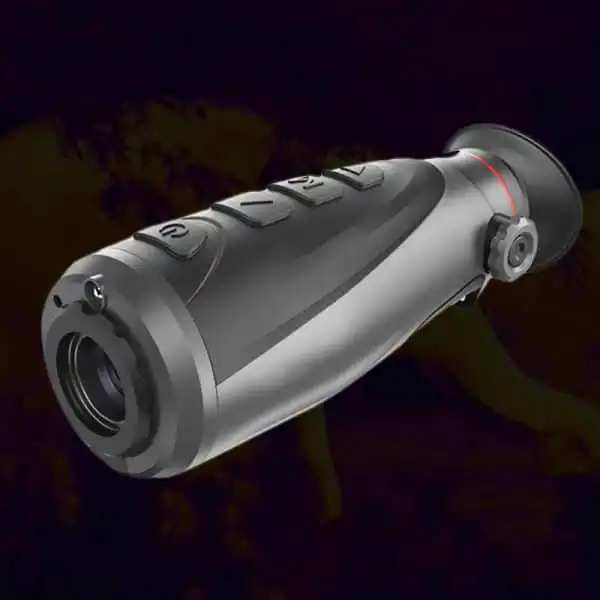
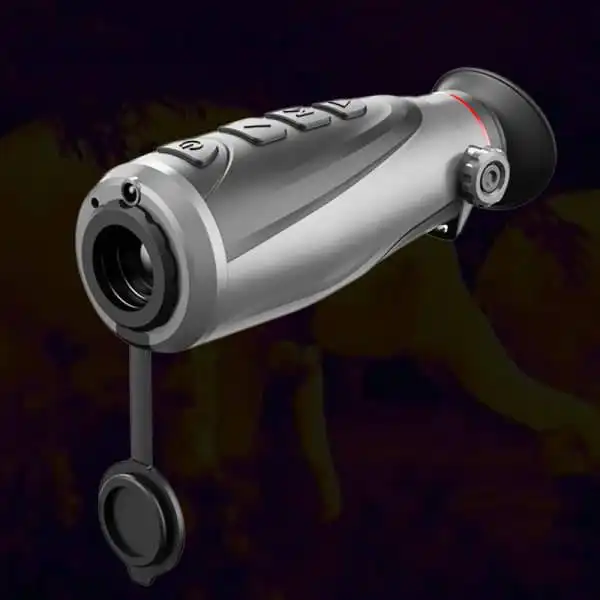
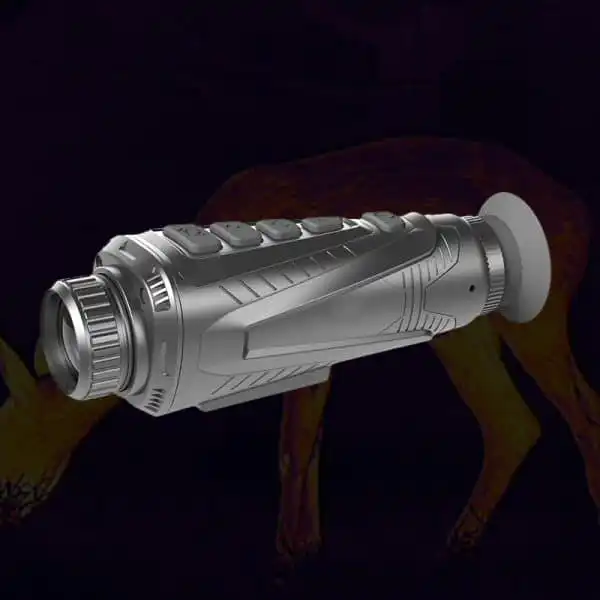
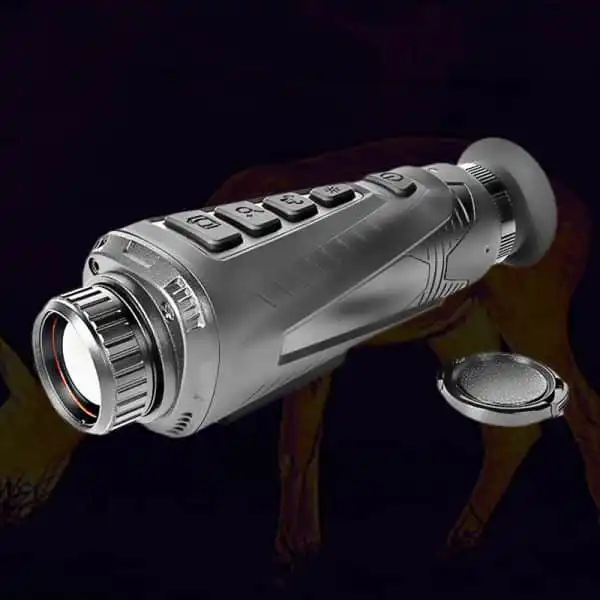
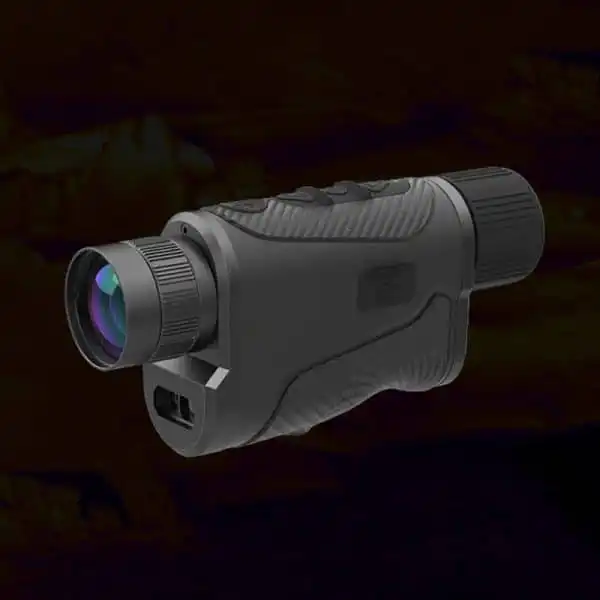
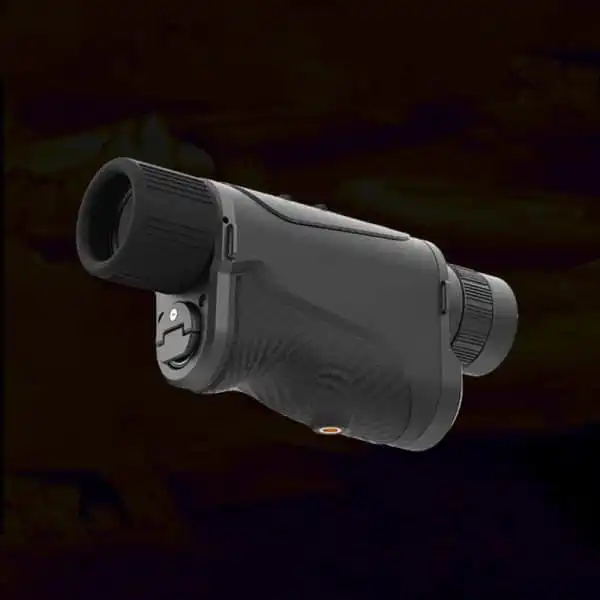
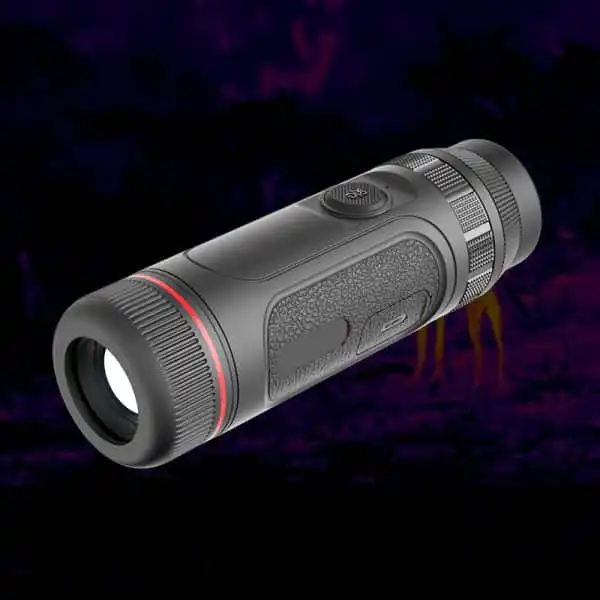
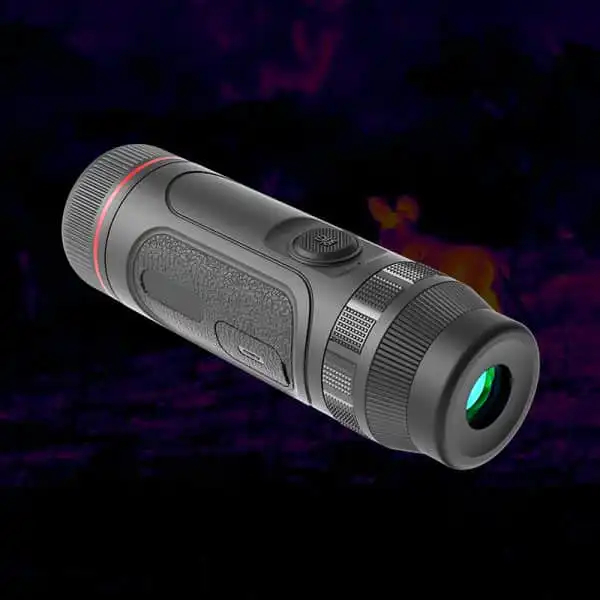
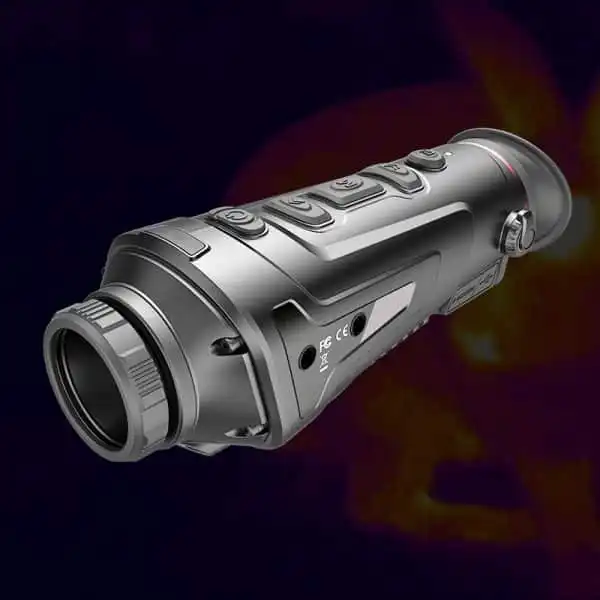
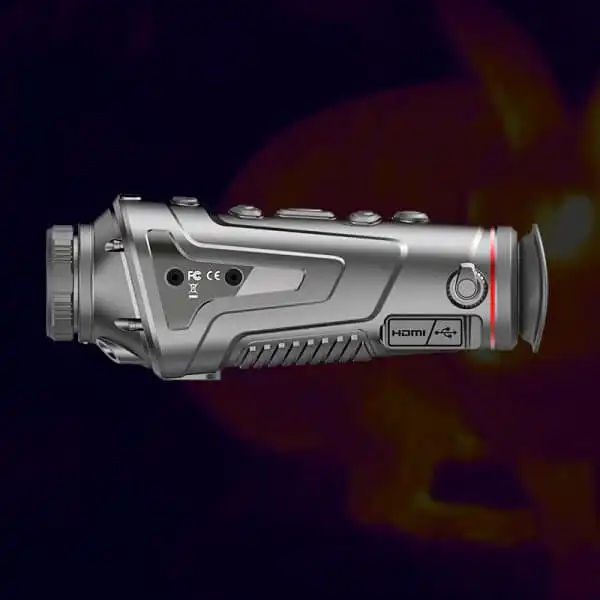
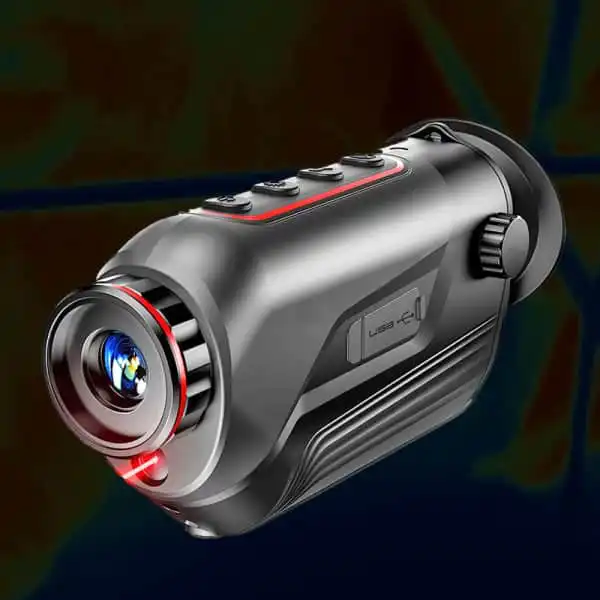
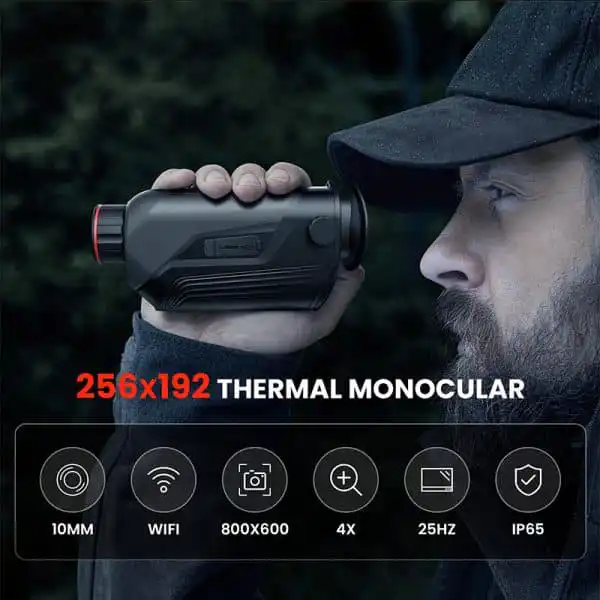
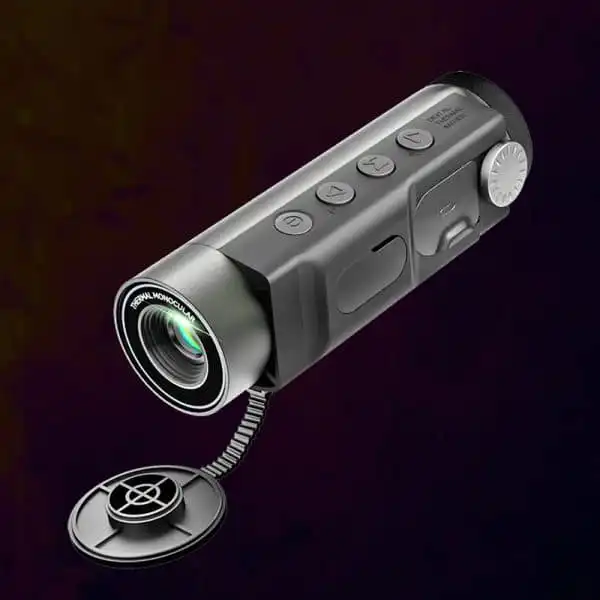
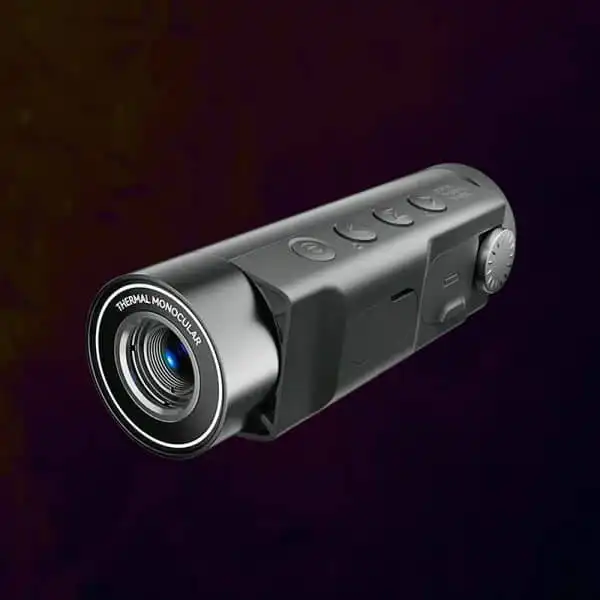
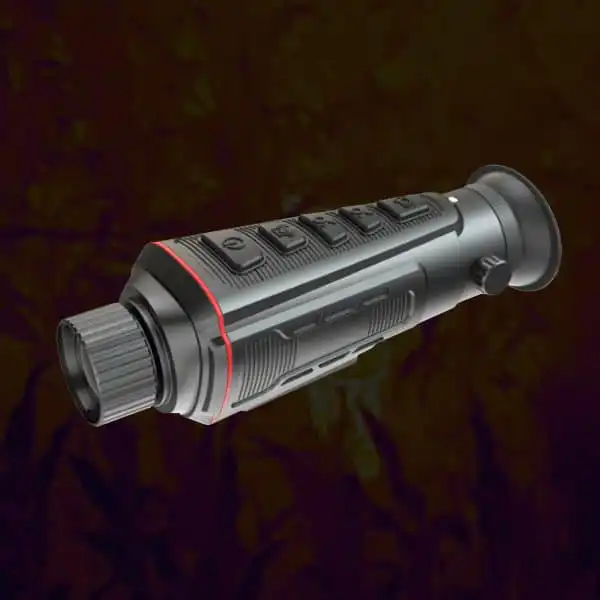
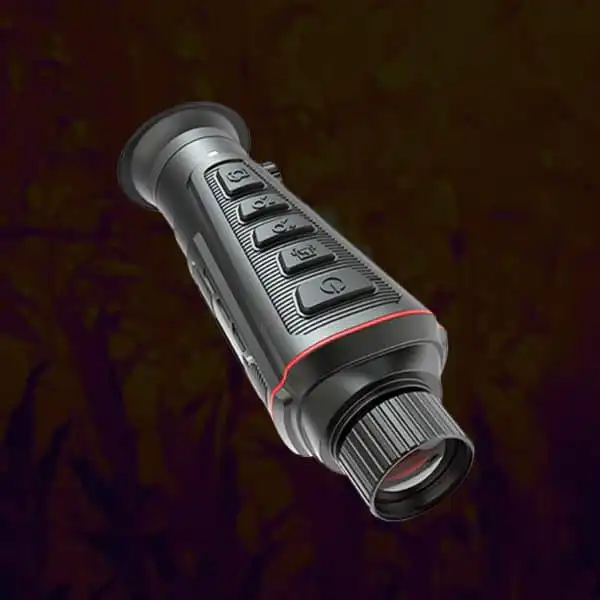
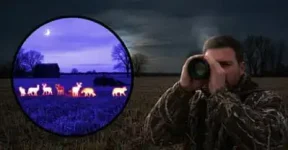
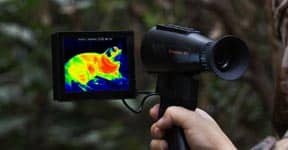
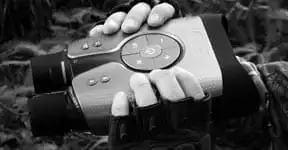
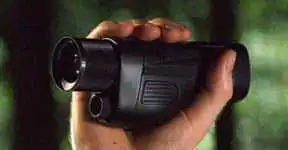
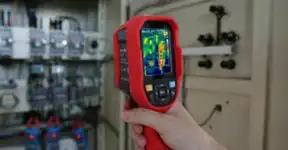
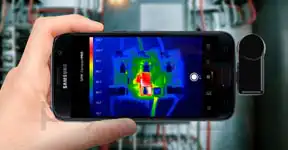
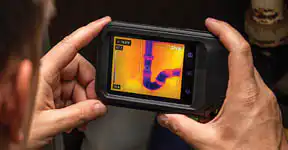
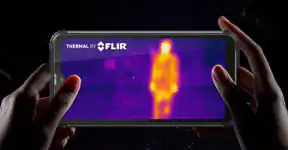
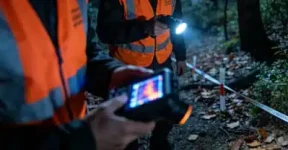
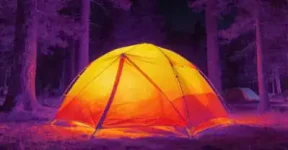
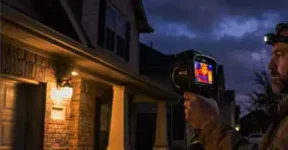
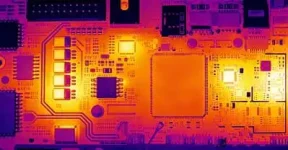
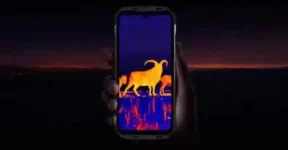
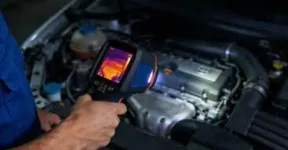
Best thermal night vision goggles should be compared through original exterior images that reveal the needed detail, not screenshots of sharp menus. A nature educator can show the same exposed scene at base view, with documented enlargement and through a sharing copy. Those stages illustrate presentation changes without claiming that processing created new genuine thermal samples.
Best Thermal Night Vision Goggles Need an Image Example With a Known Purpose
A nature educator observing wildlife near an authorized warehouse exterior has a busy frame: walls, vegetation, open ground and possibly an exposed animal. The visual lesson should ask which feature is genuinely available. thermal image and specification fundamentals provide a clearer starting point than a collage of attractive product images.
Use task-specific thermal viewing decisions to define the subject and feature. An exterior wall can have strong contrast without revealing anything behind it. Label the illustration accordingly. The lesson is about the image reaching the viewer, not building inspection, temperature diagnosis or complete property coverage. A nature scene beside a structure does not change the category of the equipment into a measuring instrument.
Place Native Array, Display and Export in Separate Captions
The thermal detector supplies native samples. Processing can enlarge or modify their presentation, while the screen and file dimensions describe later stages. resolution fields that must remain separate prevent a large exported picture from becoming a false detector claim.
The relation between image contrast and distinguishable detail explains why more display pixels alone do not separate two blended shapes. Compare thermal and digital channel originals when the example includes both technologies. A digital view may be highly detailed while the thermal body remains small. Show the channel labels prominently, and do not use the digital sensor’s numbers to describe the thermal frame.
Demonstrate Enlargement Without Giving It a New Identity
Keep an original base view next to the enlarged illustration. State whether the change is digital zoom, cropping or an exported file size. Learners should be able to return to the original and decide which outline was present before the adjustment.
Use outdoor thermal contrast limitations when processing makes background textures more distracting. The infrared imaging signal cannot disclose hidden body features behind a solid object. discovery and visible confirmation remain distinct outcomes. Strong sharpening may produce persuasive-looking edges, but the retained example should not claim a species feature simply because a processed boundary appears more definite.
| Image stage | What to keep alongside it | Question it answers |
|---|
| Base thermal view | Original detector-derived image | What detail was actually available? |
| Digital enlargement | Disclosed crop or zoom | Did presentation change without new samples? |
| Sharing copy | Known resize or compression | Was source detail lost? |
| Live demonstration | Motion and complete eye position | Does the still represent ordinary use? |
Check Whether Motion Changes the Visual Conclusion
A still can conceal a shifting support, unequal channel delay or a difficult eye position. Include a modest live pan and a representative exposed movement. thermal motion and refresh checks should be used as evidence about the actual setup, not a universal latency calculation from one specification.
Review a supported thermal demonstration checklist before a teaching session. A complete kit can feel different from its photograph because weight location, cables and viewing distance matter. Use one channel at a time if that better explains the information. Continuous wear is not mandatory for a short nature lesson, and persistent discomfort should end the trial rather than become a condition the learner must accept.
Make the Supported Configuration Visible in the Lesson Notes
List the exact viewer, support, battery arrangement and recording mode that produced the example. compact viewer positioning and accessories should be identified without inventing compatibility between parts. A head harness or mounting screw must meet the specific documentation, not merely attach convincingly.
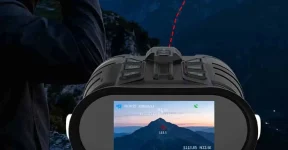
Use complete-system value and comfort when choosing the education kit. The user should be able to see the full frame from a supported position without arbitrary modifications. A large display, newer processing or a light housing cannot by itself establish the usable eye position. Treat these as separate practical questions alongside the native image evidence.
Use the Comparison to Decide What to Ask the Supplier
If the required detail is missing in the original, ask whether a different documented lens or native array would improve that task. If the original is useful but sharing loses detail, investigate the supported export workflow instead. These are different purchases or support questions.
Consult questions about real target detail and the thermal optics product range with the image stages preserved. Avoid a generic best-product conclusion from a single scene. A clear visual explanation lets the buyer identify the actual limitation without combining screen sharpness, file size and processing into one unsupported performance promise.
Preserve the original and label every presentation change. Compare live behavior and supported fit separately from pixel dimensions. This gives the buyer a practical explanation of the missing detail without pretending that processing or a larger screen created evidence.