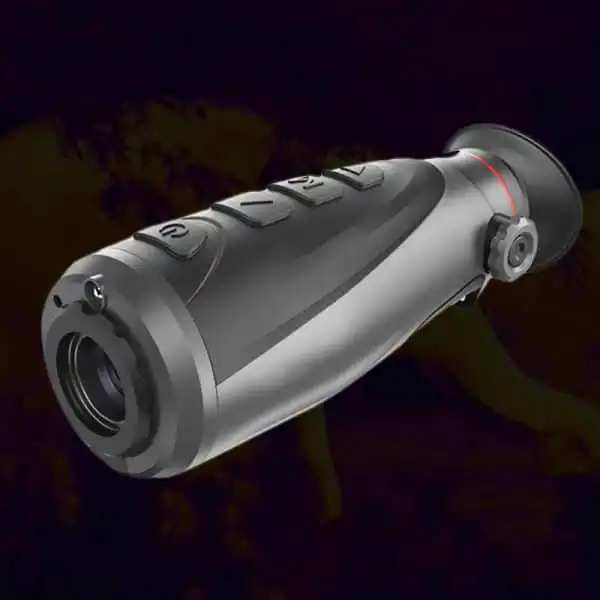
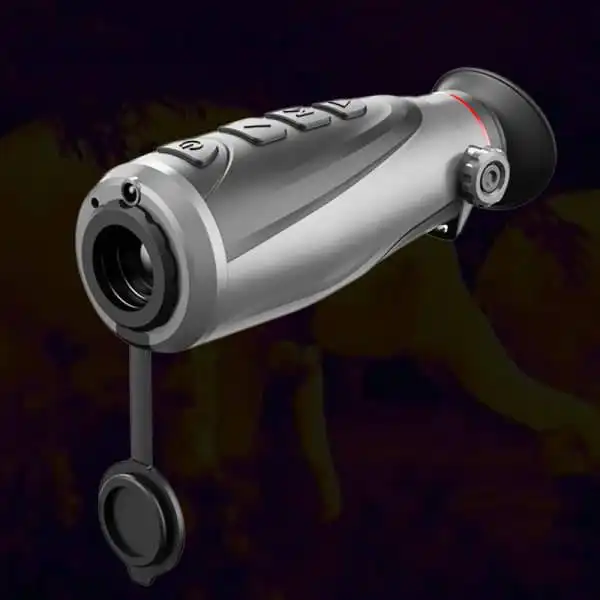
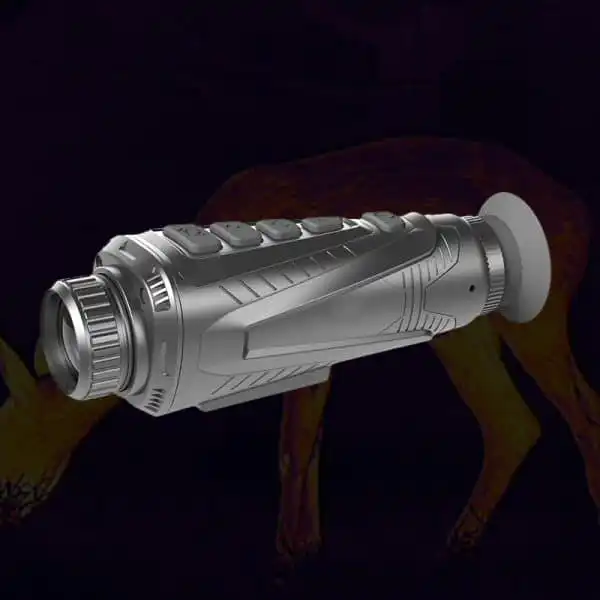
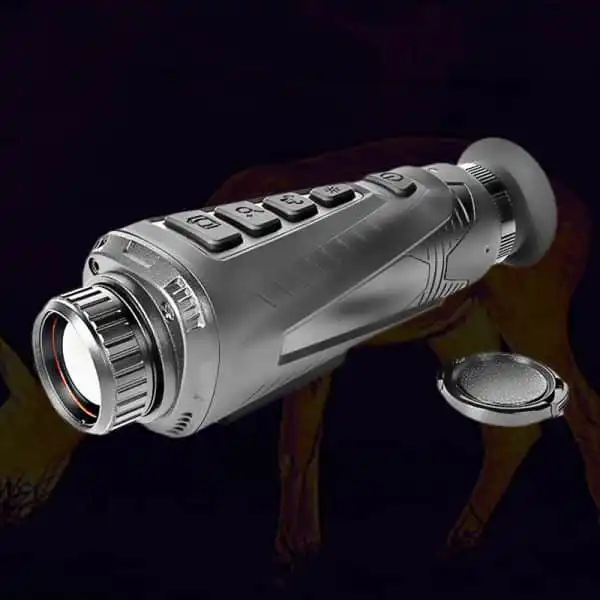
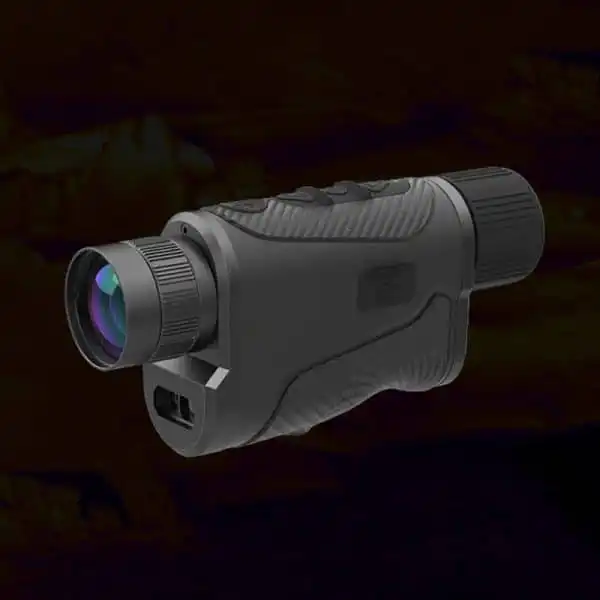
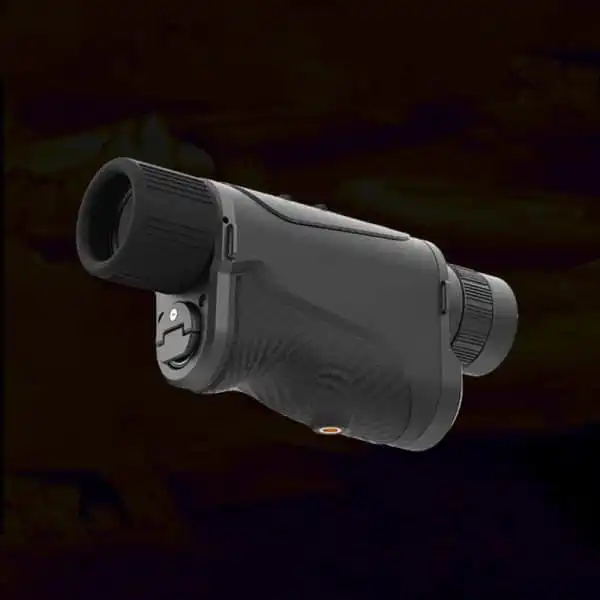
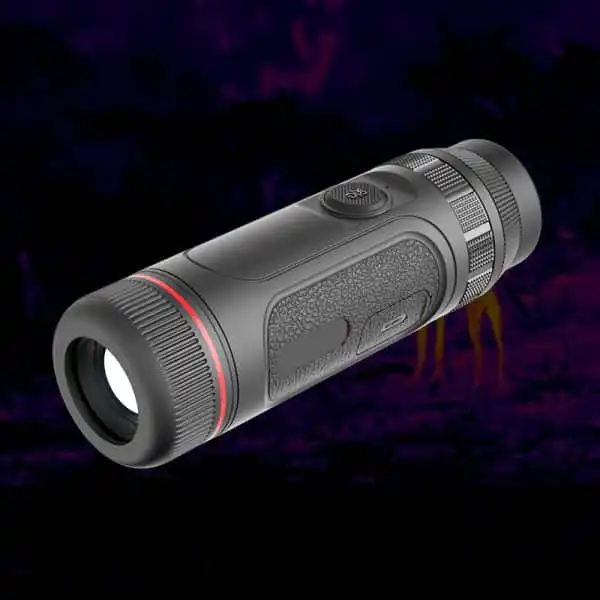
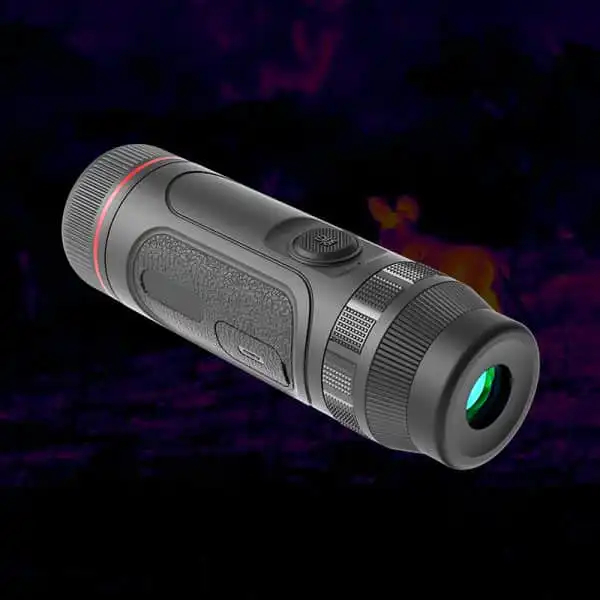
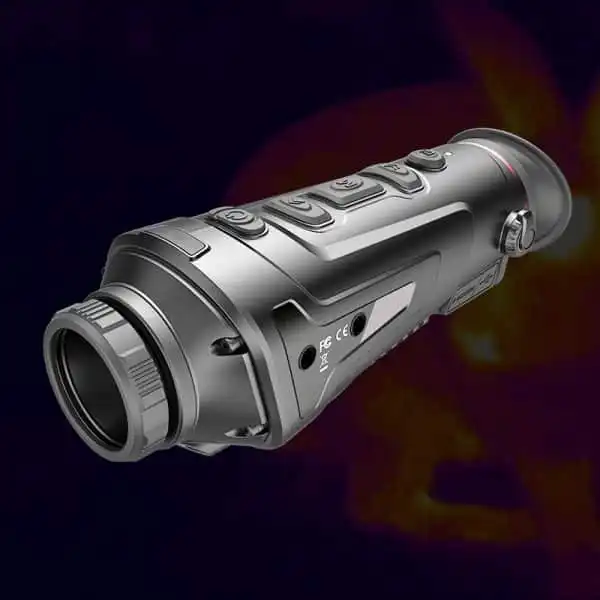
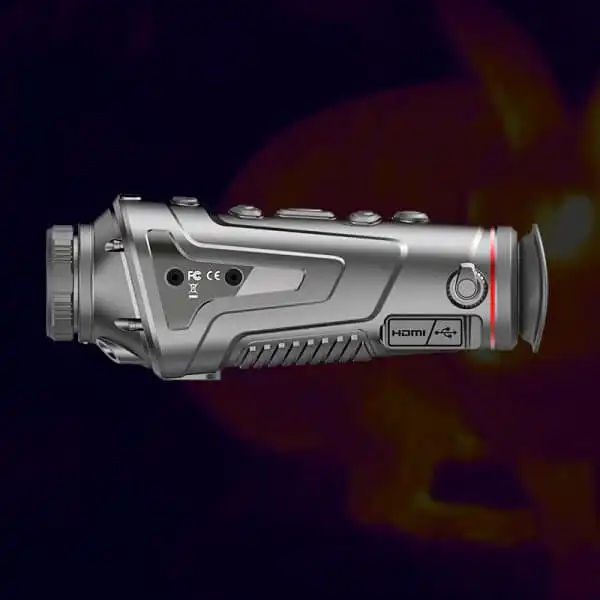
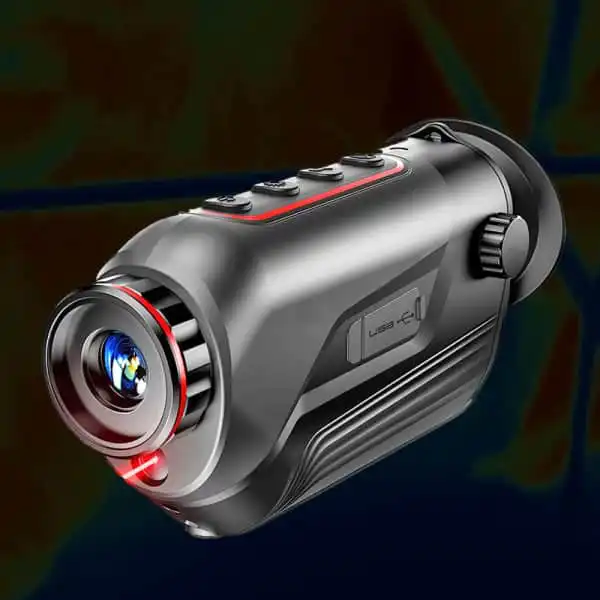
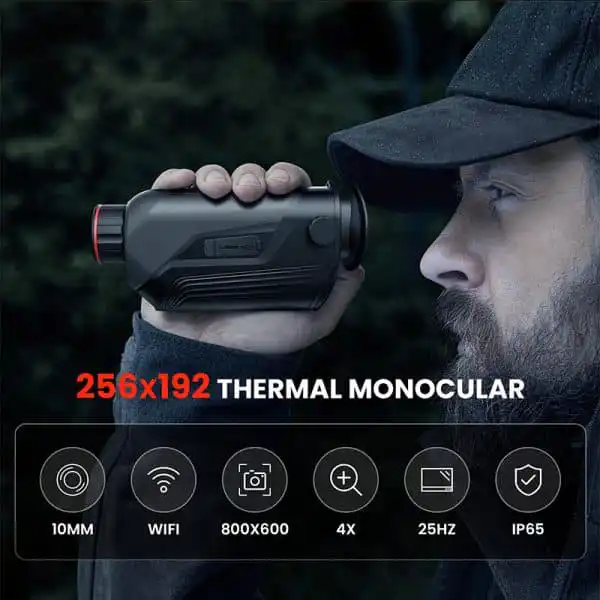
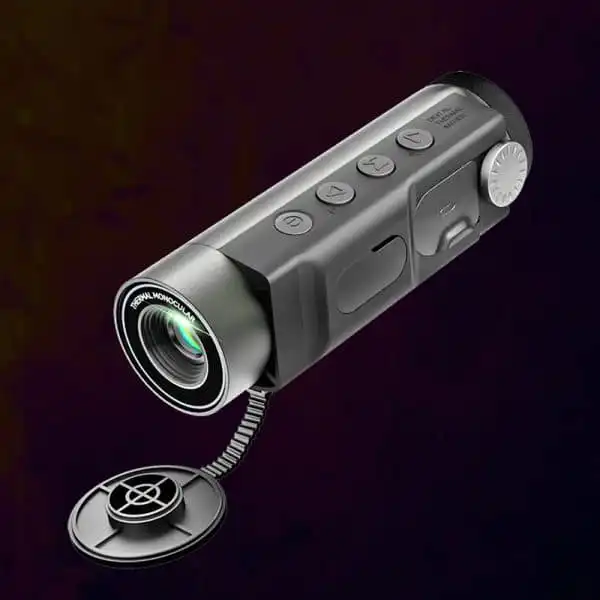
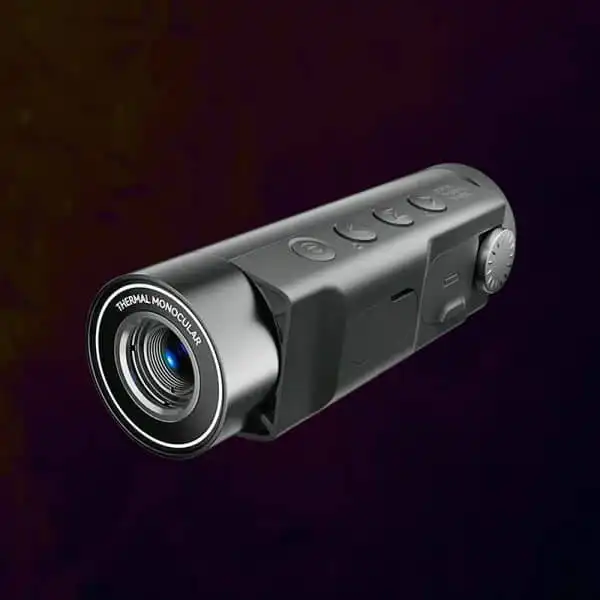
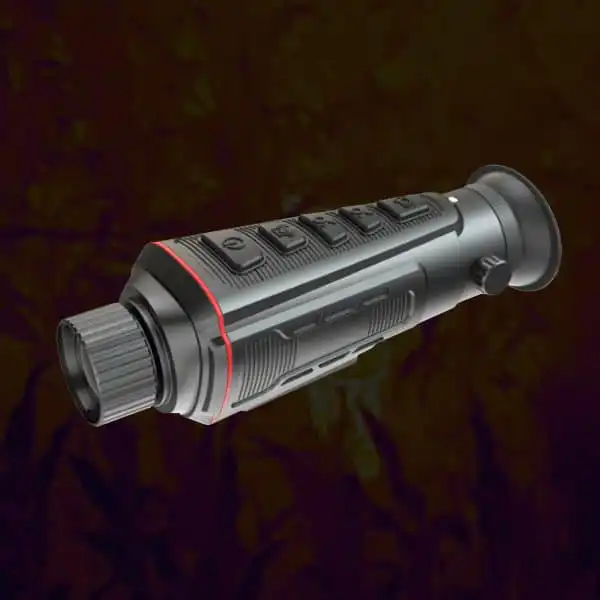
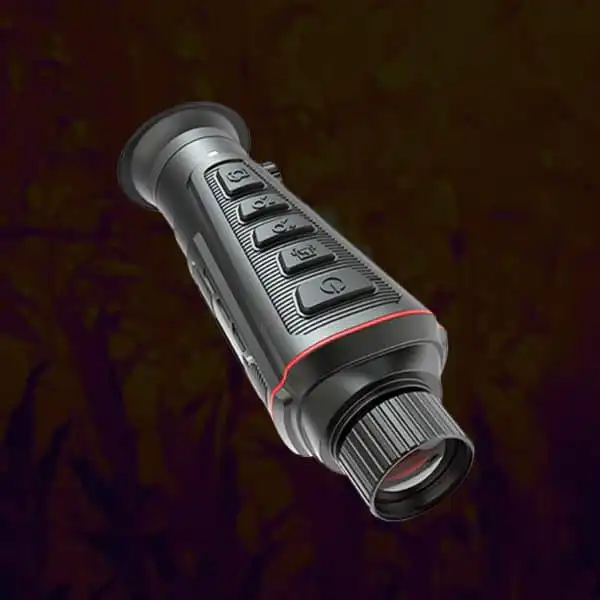
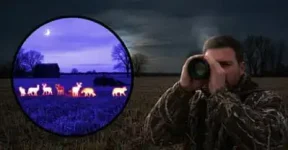
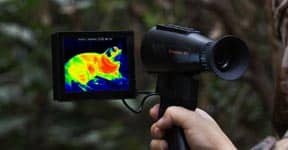
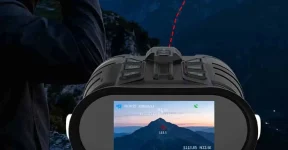
Best thermal night vision for a dockside wildlife watch should help interpret exposed movement against a changing waterside background. Hold a known reference in view and compare the original sequence rather than treating every bright moving patch as an animal. This is stationary observation guidance, not navigation, water-rescue advice or a guarantee of detecting subjects on or below water.
Best Thermal Night Vision Must Be Judged Against the Background
A rippling surface can create a restless image even when the observer remains still. Reflections, viewing angle and changing surface conditions can complicate the pattern. A bright patch moving with the background is not automatically an exposed animal. Before buying, establish what the ordinary scene looks like without making a confident interpretation of every variation.
Begin with waterside image limitations and stationary shore watching. Choose a permitted, secure viewing position and retain ordinary visual awareness. Do not wear a viewer while moving along a dock or rely on it to judge a route. The comparison concerns how comfortably a stationary observer can interpret a bounded wildlife scene.
Keep One Fixed Reference Inside the Frame
A post, shoreline edge or other ordinary landmark helps distinguish movement of the instrument from movement within the scene. Record whether the frame shifts when a control is pressed. stationary support checks and fixed-position viewing basics can make that comparison repeatable without assuming the equipment includes stabilization.
Use field-of-view geometry to ask whether the chosen view retains both the likely activity area and a useful reference. Narrowing the scene can remove the context needed to interpret a patch. original versus displayed image detail prevents zoomed enlargement from being treated as independent confirmation. A fixed reference supports interpretation; it does not convert ambiguous surface patterns into a measured object classification.
| Check | What to record | Decision |
|---|
| Frame reference | A fixed shoreline or post remains visible through control changes | Separate instrument movement from movement in the scene. |
| Water background | Ordinary changing patterns before interpreting a suspected animal | Do not count every moving bright patch as wildlife. |
| Exposed subject | Outline and a consistent path across an original sequence | Keep a momentary unexplained patch in the uncertain category. |
| Purchasing evidence | Comparable stationary waterside footage with conditions and channel labeled | Do not use dry-ground footage as the sole basis for a dockside claim. |
Review a Sequence Rather Than a Single Bright Frame
An exposed animal may show a body outline and a movement path that persist across the sequence. A momentary bright region may not provide either. Review the original recording at normal playback first, keeping any processing and channel labels. file export questions and motion interpretation help distinguish a usable record from a striking still.
thermal-infrared imaging describes the type of signal, not a promise to reveal submerged wildlife. Do not claim that the viewer sees through water or removes uncertainty from reflections. recording interruption notes also matter: an apparent jump may coincide with a missing interval rather than unusual animal movement. Keep uncertain patches in a separate note instead of forcing an identification.
Choose a Demonstration That Resembles the Real Watch
Request a stationary sample with ordinary water movement, the intended view and an exposed subject where available. A dry-field promotional clip cannot answer every dockside interpretation question. Note the background, weather, approximate distance and whether the supplied file is original. Do not stage or attract wildlife simply to create a dramatic comparison.
Use goggle evidence checks, whole-system value, observation buyer fit, longer watch planning and supplier documentation questions. Compare ease of holding the frame and retaining context rather than claiming that the most colorful image is the most accurate. If the scene remains ambiguous, preserve that result. Equipment should support cautious interpretation, not conceal the limitations of observing across water.
During review, describe the reference landmark before describing the suspected subject. If the whole frame shifts together, note instrument movement first. If a patch cannot be followed independently of the water background, keep it uncertain. This ordinary description protocol avoids promoting every visually striking region into a wildlife event without supporting temporal context.
Compare original waterside sequences with a stable reference and clear limitations. Keep navigation and submerged-subject claims outside the purpose of the purchase.