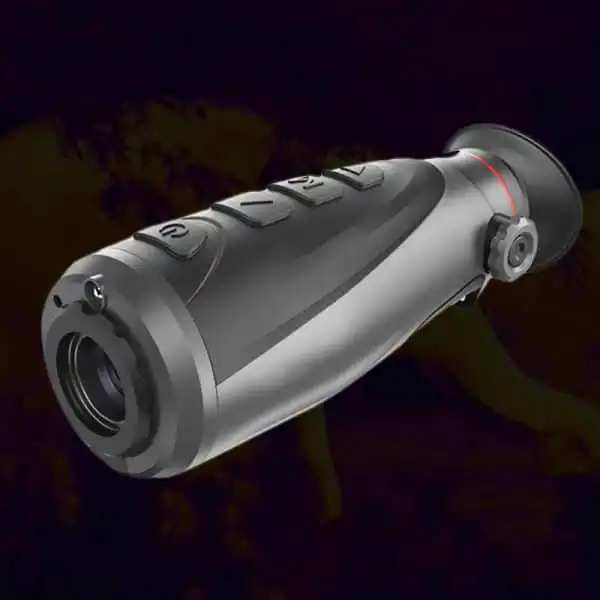
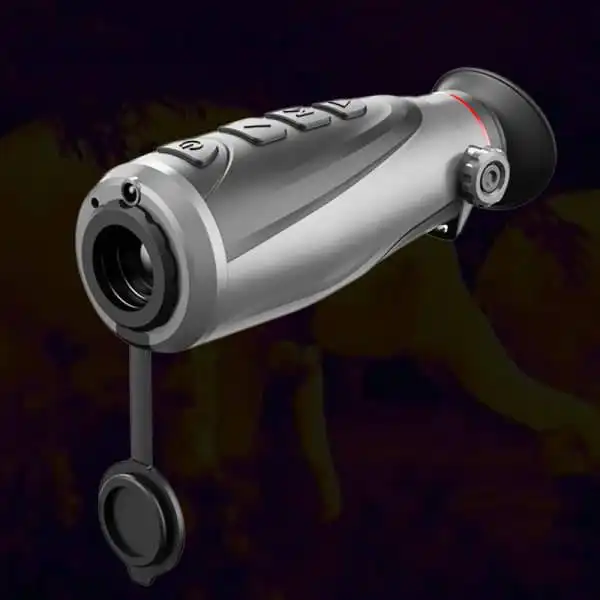
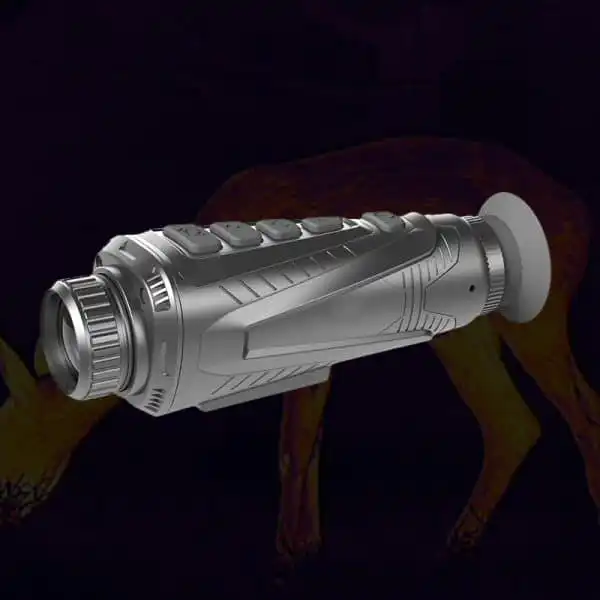
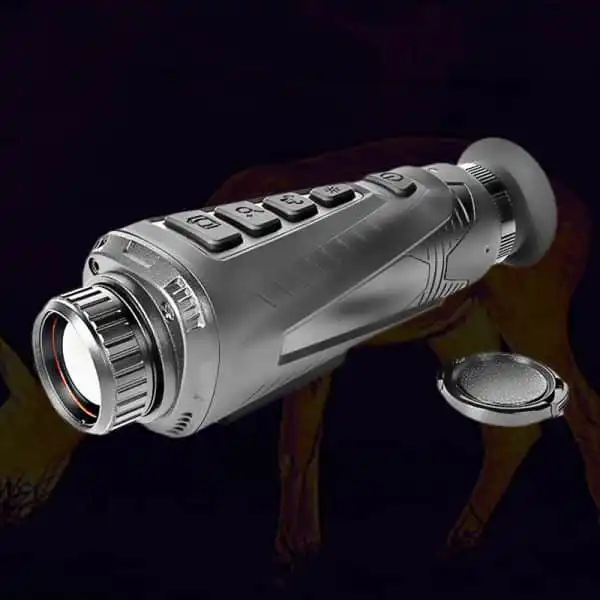
A Wide-Looking File Does Not Establish a Wide Thermal View
A property caretaker reviewing exterior wildlife footage may receive a wide video and assume it shows more of the original scene than a squarer image. The difference could instead come from a crop, padding, enlargement or another channel. File shape alone cannot identify the route.
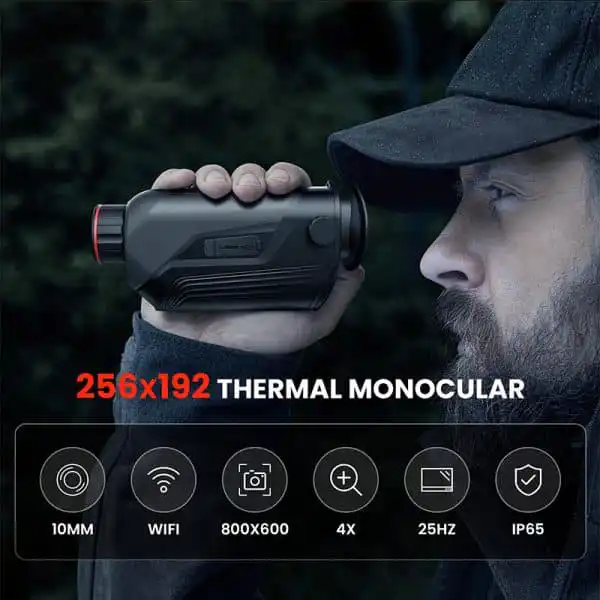
dual-channel specification mistakes are especially relevant when listings combine several resolution numbers. native thermal and output fields should be written separately before the files are compared. Keep the actual model, channel and capture mode identified. A manufacturer’s video dimensions can be valid while still describing something other than the original detector sampling or the full native field of view.
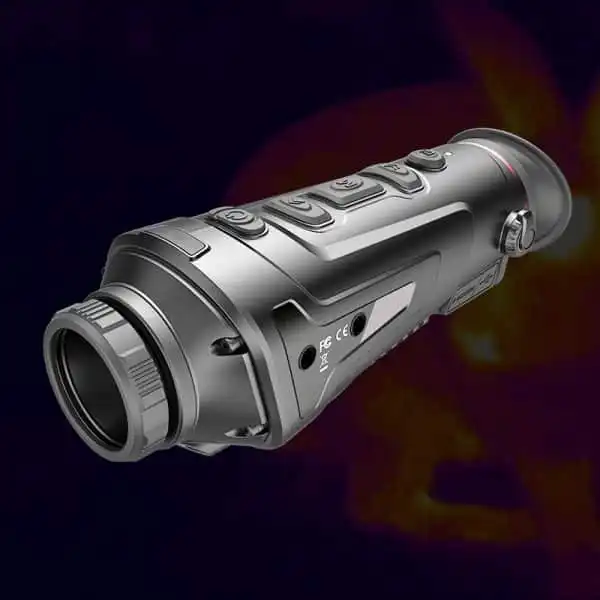
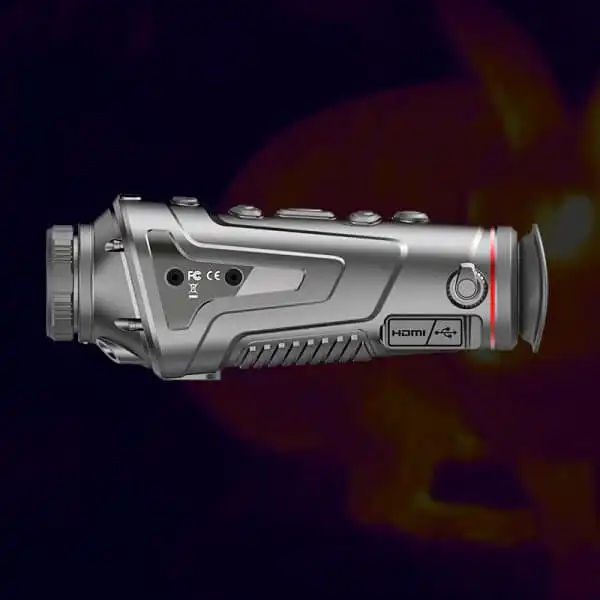
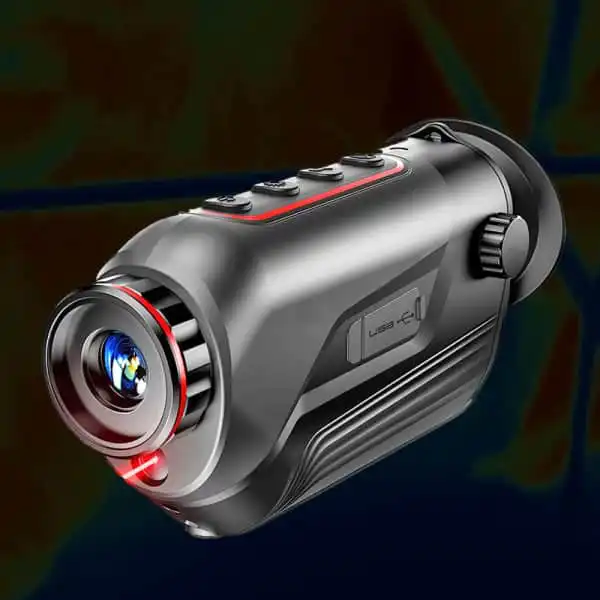
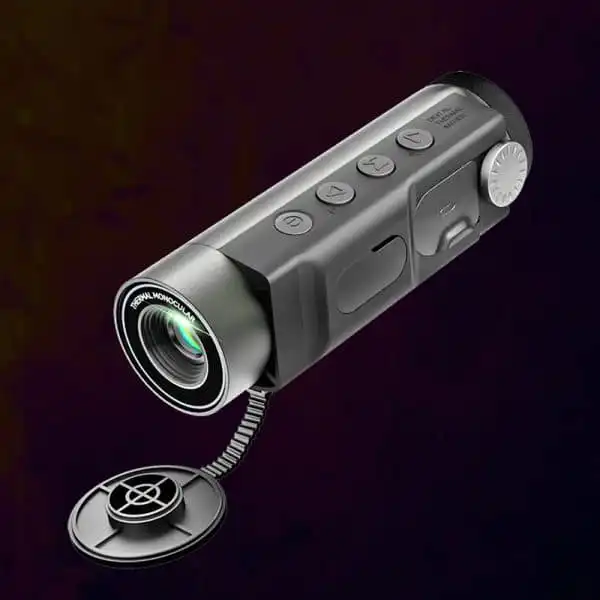
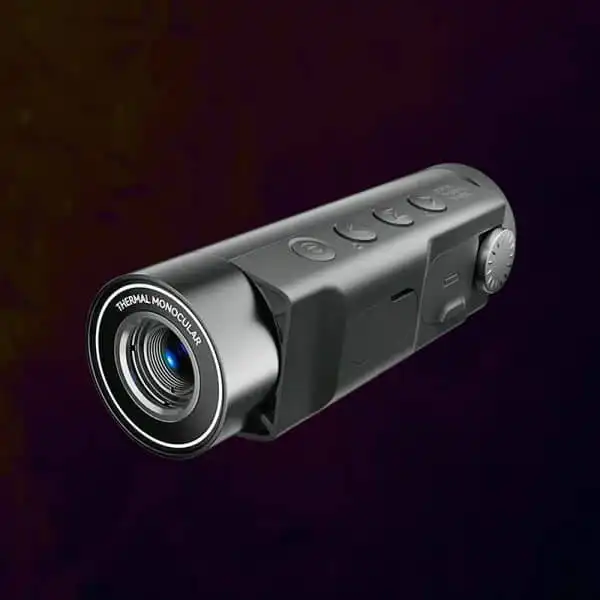
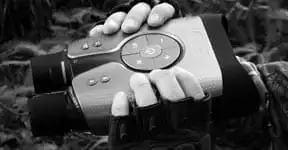
A binoculars thermal night vision search can produce image claims from several stages of the system. Compare the native thermal array, aspect ratio, displayed frame and saved-file dimensions independently. A wide video can contain a cropped or enlarged thermal image rather than a wider original detector view. This is an editorial specification review, not a claim of hands-on product testing.
Read Binoculars Thermal Night Vision Specifications as a Chain
The detector acquires a thermal image, processing may change its presentation, a display presents a frame and the recorder writes an output. A digital channel can have a different chain. Ask which width and height belong to each stage and whether the full thermal image is retained.
camera data and output concepts help organize the questions without revealing an undocumented codec. combined binocular recording modes should identify which output is selected. useful detail and image presentation is not established by a large pixel count in the final file. Keep enhancement and compression questions separate from the detector specification rather than allowing one attractive number to stand for the whole chain.
| Image stage |
Information to identify |
Meaning |
| Native array |
Detector width and height |
Original thermal samples |
| Displayed frame |
Aspect ratio, overlays and crop |
What the observer sees |
| Saved file |
Output dimensions and selected channel |
What the recorder writes |
| Edited copy |
Crop, padding, enlargement or compression |
What changed after capture |
Look for Cropping Before Comparing Subject Size
A cropped image makes an animal occupy more of the output frame while removing surrounding context. If the file is then enlarged, the apparent size can increase again without adding original subject samples. Compare the same scene reference points where possible.
field coverage and sensor geometry provides the relevant optical background. practical binocular output questions can ask whether a displayed or recorded mode crops the native field. Do not assume that a larger-looking animal proves a longer lens or better recognition. An unedited original sample with the native view identified is more useful than a screen capture whose history is unknown.
Inspect a Full Frame Alongside a Detail View
Keep an overview that shows the visible area and any genuine detail view used to inspect an exposed feature. Label a crop as a crop. If an aspect ratio changes, identify whether content was removed or borders were added. Avoid describing a presentation choice as an improvement in the sensor.
thermal discovery and confirmation and outdoor visibility limits remain important when a file is attractive. A tighter crop cannot reveal an animal hidden behind a wall or resolve a feature that was never captured. two-eye viewing also does not imply that a recording contains two independent thermal perspectives or stereoscopic depth.
Compare Live Display and Saved Output Without Substituting One for the Other
The wearer may see overlays, menus or a selected channel that differs from the saved output. A remote preview can add another presentation path. Ask for a demonstration of what each output contains and check whether an original can be opened on the intended review device.
recording expectations for observation equipment and moving-image behavior help frame the test. Do not infer the experienced viewing latency from a video file or assume a screen recording is the same as a local original. Check the actual mode instead of reconstructing its specifications from a social-media copy.
Keep the Review Based on Disclosed Fields
A useful buyer’s review can state which specifications and samples are available and which remain unverified. It should not invent an internal sensor, processor, recording format or performance result to fill a gap. Keep current-price and hands-on ranking claims outside the article unless separate evidence supports them.
Use pre-purchase evidence checks and reasons to wait for clarification before choosing a kit. Compare a usable full scene, the required subject detail and a supported output route. The best-looking file format is not automatically the most informative thermal observation.
Identify the stage behind every width, height and aspect ratio. Compare original full frames and labeled crops, and keep presentation choices separate from claims about sensor detail or useful field coverage.