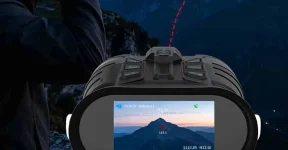
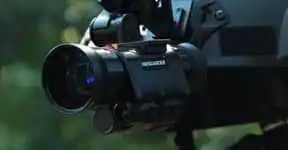
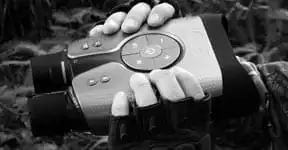
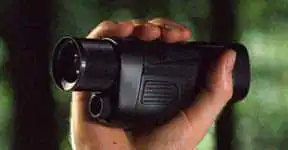
Thermal Monoculars selection notes for rural property patrols and outdoor guides.
Short answer for thermal monoculars in farm and ranch checks
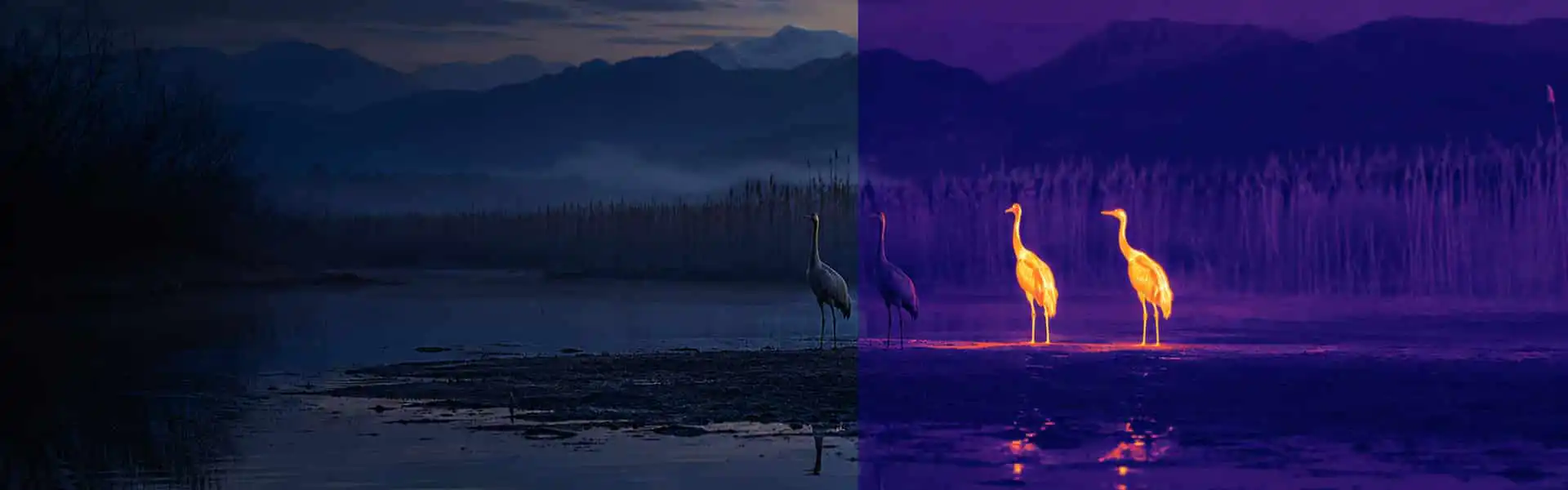
Thermal monoculars are useful for farm and ranch checks when the goal is to locate heat contrast across property edges, pasture openings, tree lines, outbuildings, or dark approach paths before visible details are clear. They are locating tools first, so the best choice depends on field of view, native thermal resolution, lens behavior, battery balance, and how the user confirms what the heat signature actually is.
For outdoor guides, this article focuses on lens field of view. A wider lens field of view can make nearby scanning feel faster, while a tighter lens can put more thermal detail on a distant heat source. The right balance depends on distance, terrain, target size, and how long the user needs to observe comfortably.
Buyer scenario: rural property patrols without overclaiming range
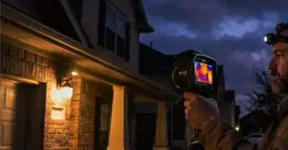
Rural property patrols often involve slow checks from a gate, vehicle stop, porch, fence line, or trail edge. A thermal monocular can help reveal heat contrast without relying on visible lighting, but it should not be treated as an identity-confirmation device by itself. Warm shapes can be blocked by brush, merged in tall grass, or weakened by rain, fog, hot ground, and similar background temperatures.
The practical workflow is simple: scan slowly, pause when a heat signature appears, adjust focus if the device allows it, and then confirm context with movement, distance, shape, visible observation, and local rules. That is why lens field of view matters as much as headline range claims.
Lens field of view explained for thermal monoculars
Field of view describes how much area the viewer shows at a given distance. A wider view is easier for sweeping a pasture or finding a warm subject near the edge of a route. A narrower view can help a distant subject appear larger, but it also makes scanning slower and hand movement more obvious.
Keep native thermal resolution separate from enhanced output, display pixels, and recorded photo or video size. A listing can advertise a large screen or a large saved file while the actual thermal detector has a smaller native grid. Temperature measurement range, measurement accuracy, NETD, calibration status, software support, and app compatibility should also be treated as separate fields unless the live product page verifies them.
Spec explanation table
Selection point
What to verify
Why it matters
Lens field of view
Wide scan view or tighter distant view
Controls how fast a user can cover a field or property edge.
Native thermal resolution
Detector grid, not screen pixels
Affects how much thermal detail remains after distance and zoom.
Enhanced output
Whether upscaling or processing is used
Enhanced output should not be described as native detector resolution.
Display pixels
Eyepiece or screen resolution
Display comfort is separate from thermal sampling detail.
Photo and video size
Recorded file dimensions and channel
Saved file size can differ from true thermal detail.
Battery balance
Runtime condition and weight placement
A larger battery can help runtime but change handheld stability.
Use case guidance for outdoor guides
Outdoor guides should prioritize repeatable scanning over dramatic claims. A practical kit includes a viewer that starts reliably, controls that can be used without losing the subject, a strap or grip that suits the dominant hand, and enough verified runtime for the planned route. If recording is needed, ask whether the saved footage is thermal, visible, enhanced, or a combined output.
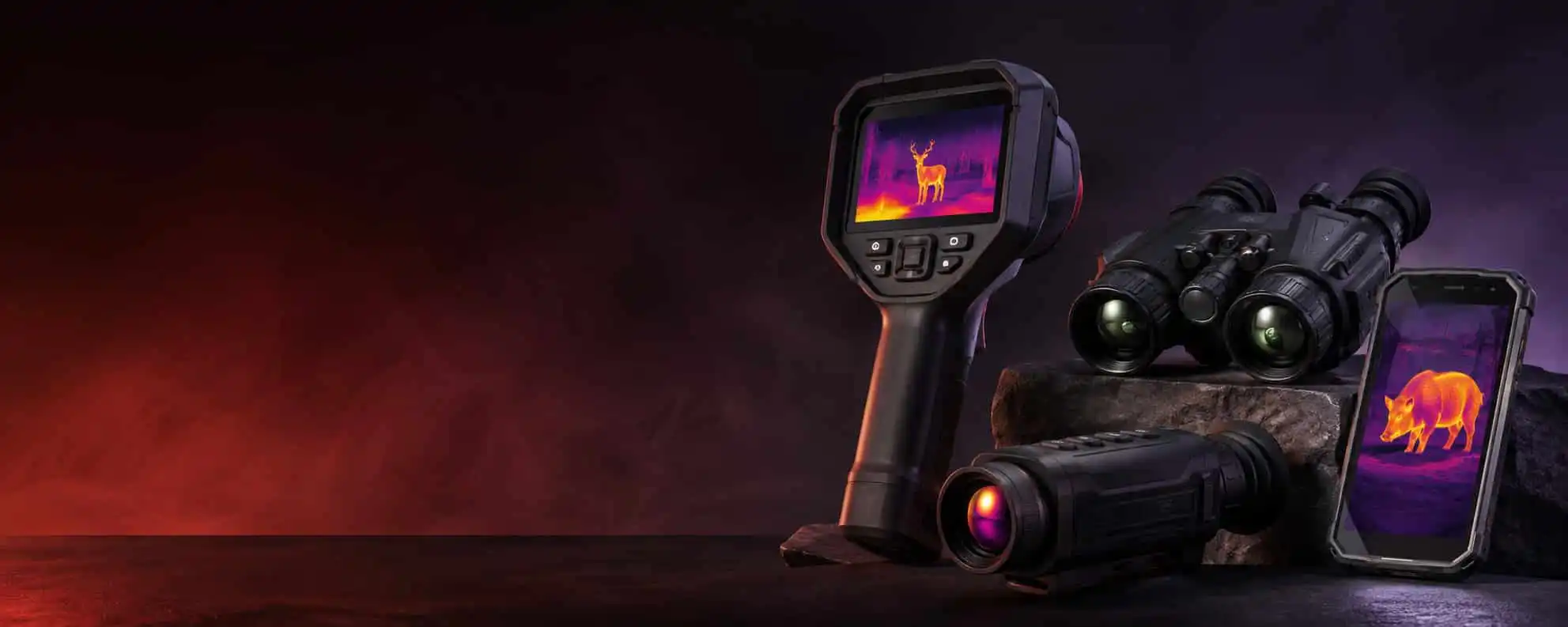
The long-tail comparison in this plan mentions thermal night vision binocular options, but this draft keeps the core article centered on handheld thermal monoculars. Binocular-style thermal devices can be more comfortable for longer stationary viewing, while monoculars are usually easier to carry and deploy quickly.
FAQ
Should I compare the price of the monocular alone or the price with batteries and carrying accessories?
Compare the full field kit, not only the monocular body. Batteries, charger type, carrying case, strap comfort, lens protection, warranty terms, and replacement accessories can change the real ownership cost. If a listing does not show these items clearly, keep the total kit price on the verification list.
Can I adjust focus and zoom without taking my eye away from the monocular?
This depends on the exact control layout. For field checks, focus, digital zoom, palette changes, and recording should be reachable without losing the subject. Ask for product photos or a short handling clip when button placement is not obvious.
Can the hand strap be moved for left-handed use?
Some handheld thermal monoculars support strap adjustment, while others are built around a fixed grip. Left-handed buyers should verify strap position, button reach, diopter access, and whether the viewer remains steady during slow scanning.
Can a larger battery change the balance of a handheld thermal monocular?
Yes. Extra battery capacity may extend runtime, but it can also shift weight and make one-handed scanning less stable. Runtime, charging method, and balance should be compared together rather than as separate claims.
Can I infer the number of animals in a dense group from one thermal image?
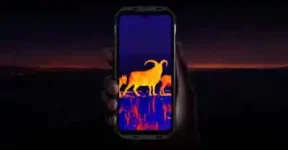
Use caution. Thermal imaging can show heat blobs in a group, but overlapping bodies, vegetation, distance, and similar temperatures can merge shapes. It is better to treat the image as a locating cue and confirm with movement, spacing, and visible observation when conditions allow.
Sourcing advice
Before choosing thermal monoculars, ask for native thermal resolution, lens focal length or field of view, real sample clips, battery runtime conditions, IP rating if claimed, warranty terms, and what support is available if accessories or batteries need replacement. Treat undisclosed detector, chip, firmware, app compatibility, certification, and calibration details as unknown rather than filling them with assumptions.